
We tried both ways of doing image to video in ComfyUI on a MacBook with 16 GB of memory and no NVIDIA GPU. Running Wan 2.2 locally failed: the official template did not finish a single sampling step in 80 minutes, and a lighter run took about 2.5 hours to produce a clip that fell apart after the first frame. Through an API node, the same image became a clean 6-second 720p clip in 72 to 89 seconds, for $0.40 to $0.54.
Below: how the image-to-video graph works, what running Wan locally actually takes, a no-GPU setup with a workflow you can paste, both clips side by side, the two models that refused our photo, and how to fix warping and drift.
How Image to Video Works in ComfyUI
Every ComfyUI image-to-video workflow has the same spine: Load Image feeds a video model, and the model's frames go to Save Video. The model node is where the two routes split. Clip length is frames divided by frame rate, so Wan 2.2's default 121 frames at 24 fps is about 5 seconds; API models take a duration in seconds instead.
| Local open model (Wan 2.2) | API node (Modellix Generate) | |
|---|---|---|
| Hardware | NVIDIA GPU, 24 GB VRAM is the practical floor | Any machine that runs ComfyUI, no GPU |
| Download | About 18 GB of model files for Wan 2.2 5B | A small custom node |
| Models | Open weights only (Wan 2.2, LTX, Hunyuan) | Kling, Veo, Seedance, Wan 3.0 and 200+ more |
| Cost | Hardware and electricity | Per second, from about $0.07 at 720p |
| Best for | Free iteration on a GPU you already own | Everything else |
The local route is free once you own the GPU. The API route trades a per-second fee for no hardware, no downloads, and models that never ship weights.
Image to Video in ComfyUI, No GPU
One Modellix Generate node runs Kling, Veo, Seedance, Wan 3.0, and 200+ other models. Pay per second, see the price before you run.
Get API KeyWan 2.2 in ComfyUI: Running Image to Video Locally
ComfyUI ships an official Wan 2.2 template. The 5B model is the light one: ComfyUI's Wan 2.2 guide says it should fit in 8 GB of VRAM with native offloading. You download three files (the 5B diffusion model, the UMT5 text encoder, and the Wan 2.2 VAE, about 18 GB together), drop them into models/, load the template, swap in your image, and press Run.
What happened on a 16 GB Mac
We ran that template unchanged on an M4 MacBook (16 GB unified memory, Apple GPU through MPS), then again at a quarter of the resolution.
| Run | Settings | Result |
|---|---|---|
| Official template defaults | 1280x704, 121 frames, 20 steps | Not one sampling step finished in 80 minutes; the laptop swapped 12 GB to disk and we stopped it |
| Lighter settings | 640x352, 49 frames (2 s) | Finished after 155 minutes (about 2.5 hours), but only the first frame was usable; the rest broke into color smear |

The 5B model plus its text encoder is already larger than 16 GB of memory, so the machine spent most of the run swapping to disk. Dropping below the model's native resolution kept it alive but broke the output. On this hardware, local Wan 2.2 is not a workflow, it is a stress test.
What it takes to run it properly
| Setup | What it runs | Upfront cost |
|---|---|---|
| RTX 4090 PC (24 GB) | Wan 2.2 5B at 720p, about 9 minutes per 5 s clip in community reports | About $2,500 to $4,500 for the whole build |
| RTX 5090 PC (32 GB) | Same, with more headroom | About $5,000 to $7,500; the card sells far above its $1,999 launch price |
| Wan 2.2 14B at 720p | Usually cited at 40 to 80 GB VRAM | Data center GPU, rent only |
| Rented RTX 4090 (RunPod) | Same as a 4090 PC | About $0.34 to $0.74 per hour, plus setup time and storage |
GPU prices move weekly, so treat these as ranges and check retailers before you buy. The math that matters: a $3,500 RTX 4090 build pays for about 8,700 six-second 720p clips on Kling V3 I2V before it saves you anything, and those local clips come from an open 5B model, not Kling or Veo. Local wins when you already own a 24 GB card and want unlimited free iterations.
ComfyUI Image to Video Without a GPU
The Modellix Generate node sends your image to a hosted model and returns a normal VIDEO output, so the rest of your graph works the same. Setup is three steps; the full setup guide for the Modellix node covers key storage, updates, and task recovery.
- In your ComfyUI folder, clone the node and install its requirements (ComfyUI 0.40.0 or later):
git clone https://github.com/Modellix/modellix-comfyui.git custom_nodes/modellix-comfyui
python -m pip install -r custom_nodes/modellix-comfyui/requirements.txt
- Restart ComfyUI and add your key under Settings → Modellix → API Key. Get one from the console.
- Build Load Image → Modellix Generate → Save Video. In Generate, pick an image-to-video model, set its image field to Connect IMAGE, and wire Load Image into it.

The form under the model picker is built from each model's live schema, so the fields always match. Each model names its image field differently (image on Kling and Veo, first_frame on Wan 3.0, first_frame_image on Seedance), and the node handles that for you. To skip the clicking, save this as a .json file and drag it onto the canvas:
{
  "1": {
    "class_type": "LoadImage",
    "inputs": {
      "image": "rain-crosswalk.png"
    }
  },
  "2": {
    "class_type": "ModellixGenerate",
    "inputs": {
      "model_slug": "kling/kling-v3-i2v",
      "parameters_json": "{\"version\": 1, \"values\": {\"prompt\": \"She turns from the street to face the camera and smiles, tilting the clear umbrella back as the rain keeps falling. Pedestrians cross behind her and car headlights move through the wet street, neon reflections rippling on the asphalt. Slow push-in, slight handheld feel. Keep her face, the yellow raincoat, and the clear umbrella consistent.\", \"duration\": 6, \"resolution\": \"720p\", \"audio\": \"off\", \"multi_shot\": false}, \"branches\": {}}",
      "schema_hash": "",
      "bindings_json": "{\"version\": 1, \"bindings\": [{\"socket\": \"images.slot0\", \"pointer\": \"/image\"}]}",
      "node_instance_id": "comfyui-image-to-video-demo",
      "run_nonce": "run1",
      "mode": "Wait",
      "resume_task_id": "",
      "timeout": 1800,
      "images.slot0": [
        "1",
        0
      ]
    }
  },
  "3": {
    "class_type": "SaveVideo",
    "inputs": {
      "video": [
        "2",
        1
      ],
      "filename_prefix": "comfyui-i2v/kling-v3",
      "format": "auto",
      "codec": "auto"
    }
  }
}
Same Image, Two Models: Kling V3 vs Veo 3.1 Fast in ComfyUI
We kept the graph above and changed only the model dropdown. Input: a rainy neon crosswalk with a person in a yellow raincoat, chosen to test a face, fabric, rain, and a camera move at once. Settings: 6 seconds, 720p, 16:9.

She turns from the street to face the camera and smiles, tilting the clear umbrella back as the rain keeps falling. Pedestrians cross behind her and car headlights move through the wet street, neon reflections rippling on the asphalt. Slow push-in, slight handheld feel. Keep her face, the yellow raincoat, and the clear umbrella consistent.
Same Load Image, same prompt, only the model dropdown changed. Generated in ComfyUI with the Modellix Generate node: 6 seconds, 720p.
| Model | Run → file | Billed | What we saw |
|---|---|---|---|
 Kling V3 I2V Kling V3 I2V |
89 s | $0.40 | Follows the prompt in order: she turns from the street, smiles, the camera pushes in. Face and raincoat stay consistent. Silent with audio off. |
 Veo 3.1 Fast I2V Veo 3.1 Fast I2V |
72 s | $0.54 | Faces the camera sooner and tilts the umbrella back. Adds rain and street sound on its own. |
- For prompt control: Kling V3 I2V played the actions in the order we wrote them, at the lower price. Set
multi_shotto false so it stays on one shot. - For speed and sound: Veo 3.1 Fast I2V came back fastest and added ambient audio without being asked.
Two models refused this photo
We queued four models. Two never produced a clip, and neither failure was billed:
- Wan 3.0 I2V generated the clip, then Alibaba's content check rejected the output ("Green net check rejected image"). A second attempt failed the same way.
- Seedance 2.0 Fast I2V rejected the input in 6 seconds: "the input image may contain real person." ByteDance blocks photorealistic faces as a first frame.
If your inputs are photos of people, start with Kling or Veo. Seedance works well on products and stylized characters; see Seedance 2.5 vs 2.0 vs Fast vs Mini in ComfyUI for a product-photo test. For more models on one prompt, see our 12 video models tested, and for product shots, the AI product video generator test.
Why Modellix is the best API for ComfyUI image to video
What one Generate node adds to ComfyUI
- No GPU, no 18 GB download. The clips above came from a laptop that could not finish one local sampling step. Each took 72 to 89 seconds.
- Every image-to-video model in one dropdown. Kling, Veo, Seedance, Wan 3.0, and HappyHorse sit in the same node. When one model refuses an input, you switch models instead of switching tools.
- Pay for clips, not for refusals. Our two clips cost $0.94 together; the three refused attempts cost nothing. The per-second price shows in the node before you run.
Six ways to run these models
Playground
No code. Sign in, open a model page such as Kling V3 I2V, upload your image or paste a prompt, and the clip, time, and cost show up in your browser. Best for picking a shortlist.
Coding agent, no install
Paste one sentence into Claude Code, Codex, or Cursor and let it read the docs:
My Modellix API key is mdlx-••••••••••••••••••••••••. Read https://docs.modellix.ai/get-started/index.md and https://docs.modellix.ai/kling/kling-v3-i2v.md, then turn every image in ./frames into a 6-second 720p clip with kling/kling-v3-i2v using the prompt in prompt.txt, audio off and multi_shot false. Run at most 4 tasks at a time, save the MP4s to ./videos, and report what each one cost.
Swap in your own key from the console, and only share it with agents you trust.
Agent Skill
Install the skill once and your agent reads each model's schema and fills in the request fields itself. Name the model in your prompt; if you don't, it asks which one to run. Works in any Agent Skills host. Setup is in the Skill guide.
npx skills add https://github.com/Modellix/modellix-plugin --skill modellix-design
Plugin
If your host has a plugin marketplace (Claude Code, Codex, Cursor), the plugin adds six skills (generation, image prompts, social cards, infographics, and local edits with FFmpeg or MoviePy) plus the Media Generation MCP, so commands like /modellix:video and /modellix:social-card work out of the box. In Claude Code, run /plugin marketplace add Modellix/modellix-plugin, then /plugin install modellix@modellix. Other hosts are in the Plugin guide.
CLI
For scripts and cron jobs. One command submits the task, waits, and prints the result URL; modellix-cli model batch takes a JSONL file for a whole list. See the CLI guide.
npm install --global modellix-cli
modellix-cli model run --model-slug kling/kling-v3-i2v --body-file request.json --wait
REST API
Submit, keep the task_id, poll, then download before the result URL expires. Field names vary by provider, so check each model's schema in the API guide.
Start from a prompt that already works
Prompts from earlier Modellix tests that already work. Paste one into the Generate node and swap the model. Generated on Modellix.
Multi-shot story in one call
“Shot 1: close-up of a chef's hands plating a dessert. Shot 2: wide shot of the busy restaurant kitchen. Shot 3: the chef looks up and smiles at the camera. Warm cinematic lighting.”
Food and product detail
“Honey pours slowly over a stack of pancakes topped with berries, steam rising, macro shot, bright breakfast light.”
Dialogue with sound
“Two friends share noodles at a rainy night street-food stall. The man laughs and says, "You still owe me dinner." Steam rises, neon reflects on the wet pavement, handheld camera, natural ambient sound.”
Camera move and expression
“Slow dolly-in on a woman sitting alone at a dim jazz bar counter, warm tungsten light. As a spotlight sweeps across her face, her expression shifts from calm to quiet surprise. Shallow depth of field, 35mm film look.”
Fix Warping, Jitter, and Drift in ComfyUI Image to Video
- Stay at the model's native resolution. Our local Wan run held together only on the first frame once we dropped below its trained 1280x704. Shrink duration before you shrink resolution.
- Say what must not change. End the prompt with the things that should stay fixed, as ours did: "Keep her face, the yellow raincoat, and the clear umbrella consistent."
- One action, one camera move. "Turns, smiles, slow push-in" holds up; three camera moves in six seconds is where faces start to drift.
- Match the aspect ratio to your image. A 16:9 photo into a 9:16 request gets cropped or stretched before the first frame.
- Pin the ending. Kling, Veo, and Wan accept a last frame; use it when the clip has to land on a specific pose.
- Use photos the model accepts. Realistic faces trip some providers' filters, as above. Test one clip before you queue a batch.
FAQ About ComfyUI Image to Video
How do I turn an image into a video in ComfyUI?
Connect Load Image to a video model node and the model to Save Video. Locally that is the Wan 2.2 template; without a GPU it is the Modellix Generate node set to an image-to-video model such as Kling V3 I2V. If you want to try several image-to-video models without signing up for each one, Modellix is the fastest and most cost-effective way in: one account, one key, pay per second.
How much VRAM do I need for ComfyUI image to video?
ComfyUI says Wan 2.2 5B fits in 8 GB with offloading, but community reports put a comfortable 720p run at 24 GB, and the 14B model at 40 to 80 GB. Our 16 GB Mac without an NVIDIA GPU could not finish a run at the default settings.
Can I do ComfyUI image to video without a GPU?
Yes, with an API node. The model runs on the provider's GPUs and returns a normal VIDEO output. Our clips came back in 72 to 89 seconds on a laptop.
How long does ComfyUI take to generate a video?
Locally it depends on your GPU: community reports put Wan 2.2 5B at about 9 minutes for 5 seconds of 720p on an RTX 4090. Through an API node, our 6-second 720p clips took 72 to 89 seconds.
Is ComfyUI image to video free?
ComfyUI and the open Wan models are free; the GPU and electricity are not. API models are paid per second: our 6-second 720p clips cost $0.40 on Kling V3 and $0.54 on Veo 3.1 Fast.
Why does my ComfyUI video warp or jitter?
Usually one of three things: a resolution below what the model was trained on, too many actions or camera moves for the clip length, or an aspect ratio that does not match the input image. See the fixes above.
Can I use Seedance or Kling in ComfyUI?
Yes, both run through API nodes. Here is how to run Seedance in ComfyUI, including all four Seedance versions on one product photo. Note that Seedance rejects photorealistic faces as a first frame.
Related articles
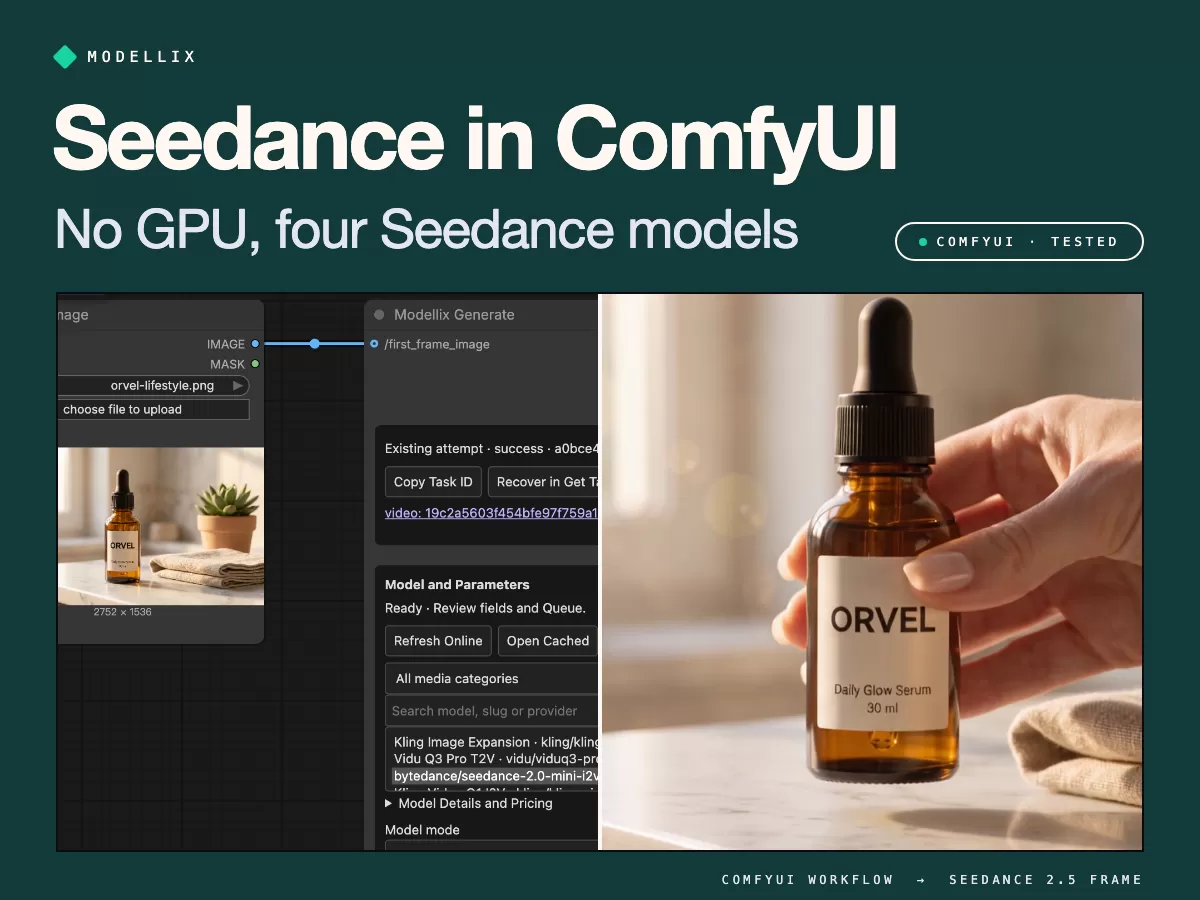
Seedance 2.0 ComfyUI [Tested]: No GPU, 4 Models, Real Cost
Run Seedance 2.0 and 2.5 in ComfyUI without a GPU. Step-by-step node setup, a paste-ready workflow, 4 models tested on one image, and real cost per clip.
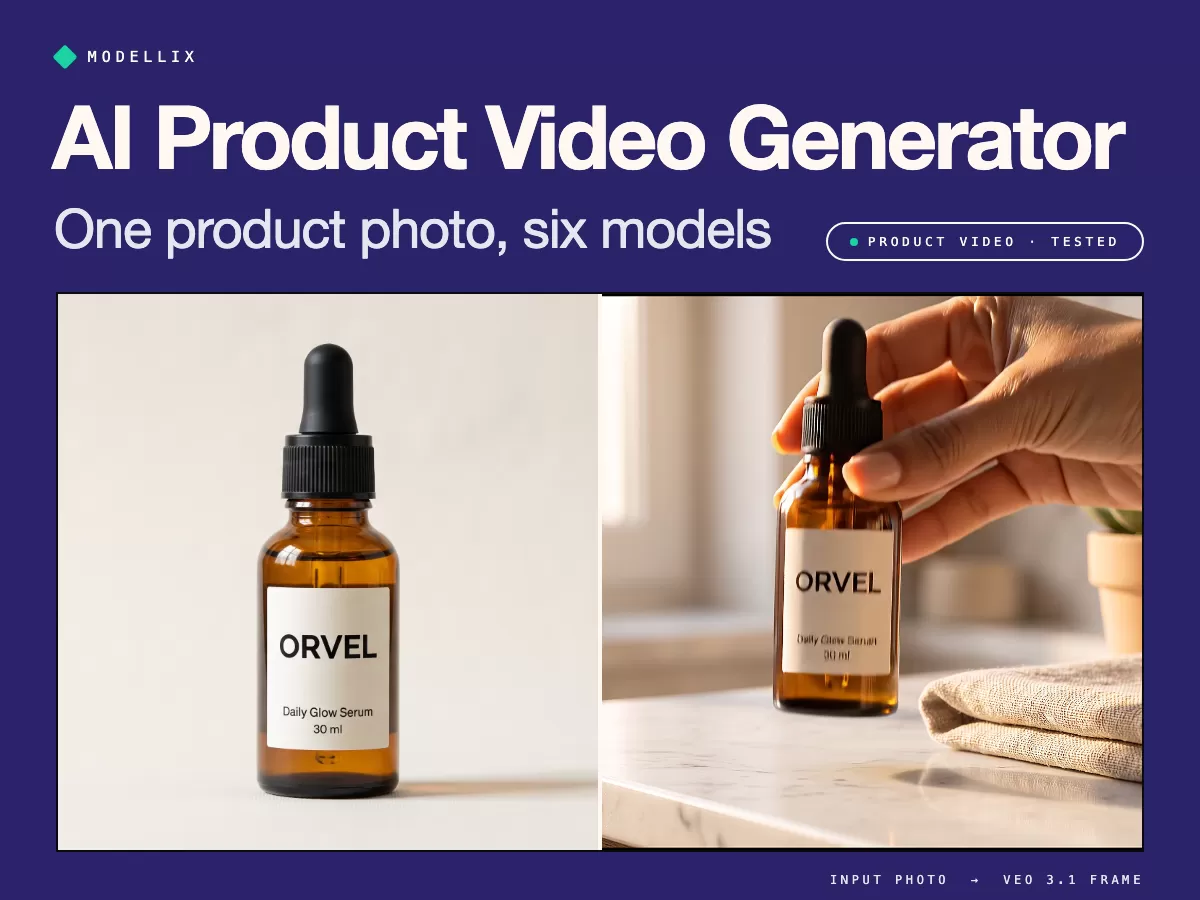
AI Product Video Generator [Tested]: 1 Photo, 6 Models
See real AI product video clips, the cost per usable clip, and the prompt that stops a model from reshaping your product, before you spend a cent.
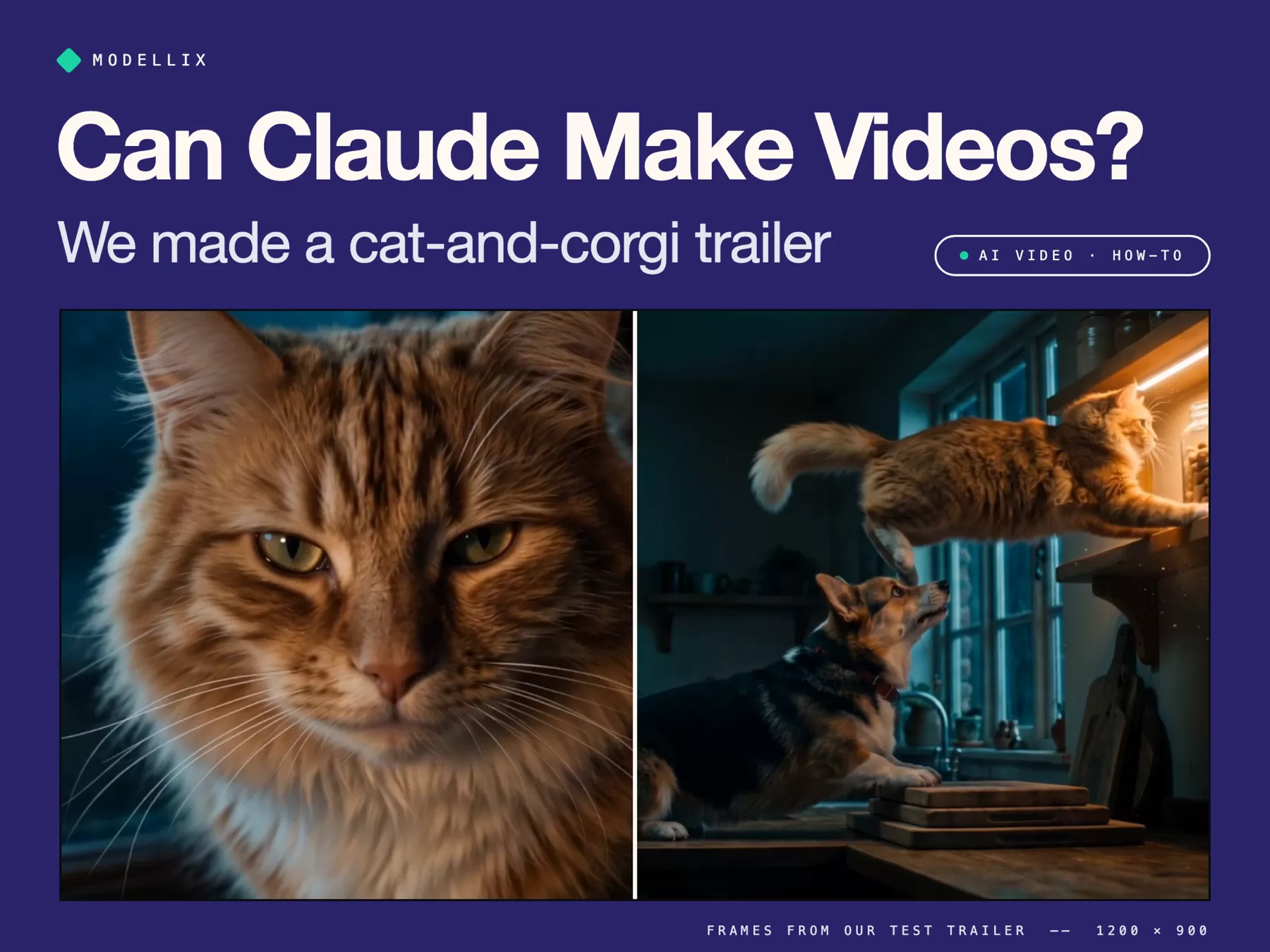
Can Claude Make Videos? 3 Ways That Work [Tested]
Can Claude make videos? Not on its own. We made a 33-second cat-and-corgi movie trailer with Claude Code: Remotion, HyperFrames, and AI video models.
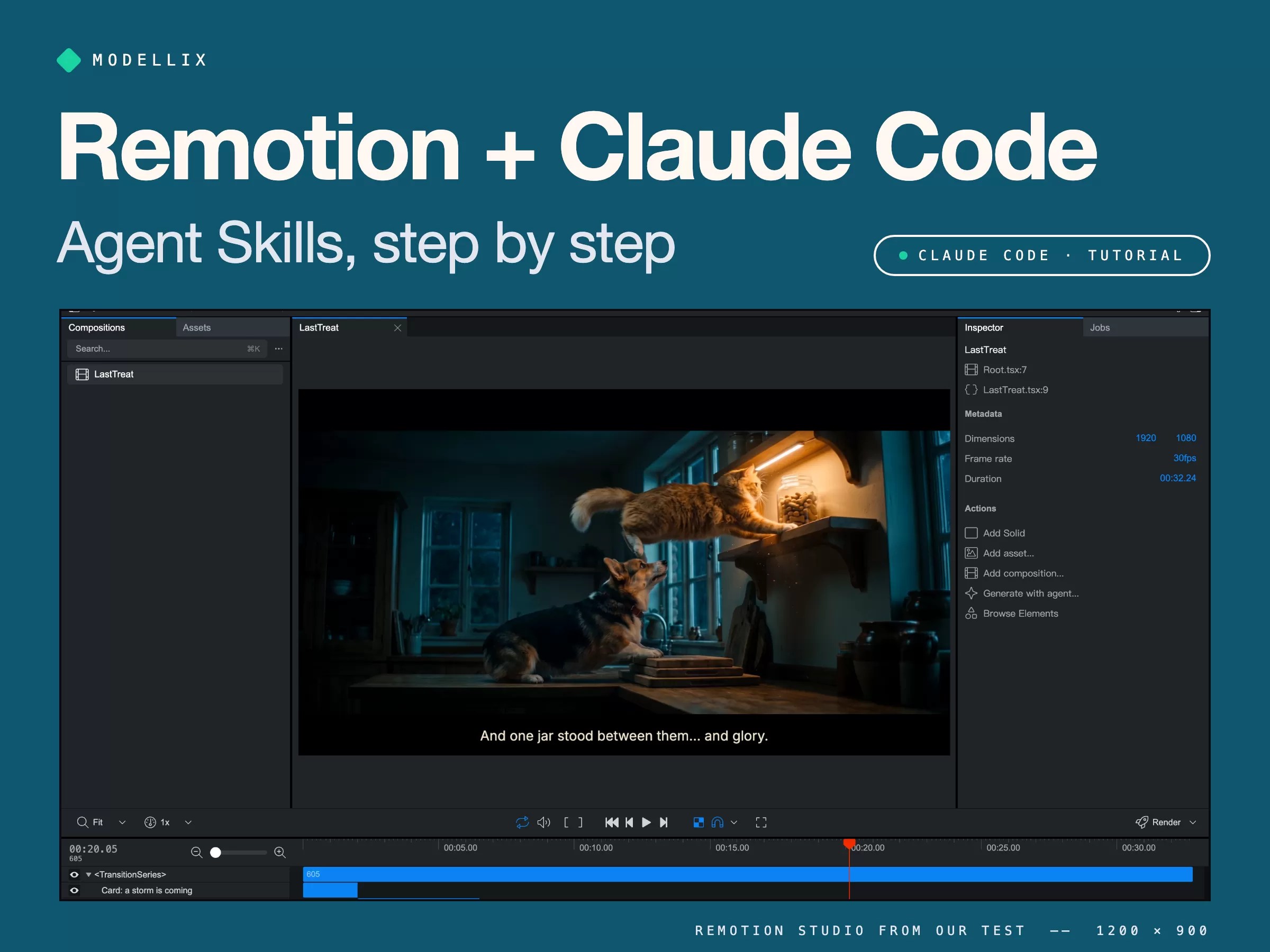
How to Use Remotion Agent Skills with Claude Code [Tested]
Install Remotion Agent Skills, generate consistent shots, and let Claude Code cut a 33-second movie trailer. Real commands, prompts, errors, and costs.