
AI style transfer applies the visual language of one reference to another asset. The useful result is not merely a dramatic filter. It should preserve the subject, product, layout, or motion that matters while changing selected traits such as color, texture, lighting, illustration technique, or cinematic treatment.
That distinction determines whether a result is an interesting experiment or a usable campaign asset. A business workflow needs controlled change, repeatable prompts, clear review criteria, and a practical route from one approved test to a larger batch.
AI Style Transfer Explained: What Changes and What Must Stay
Style transfer began as a method for combining the content of one image with the visual style of another. Modern generative editing models extend that idea. They can use a reference image, a written style brief, an existing image, or a source video to produce a new interpretation.
Four approaches now sit under the same search term:
| Approach | Best use | What it controls | Main production risk |
|---|---|---|---|
| Fixed visual filter | Fast social variants | Color and surface treatment | Limited creative range |
| Reference-led image transfer | Product scenes, editorial art, campaign systems | Style image plus source content | Product or identity drift |
| Prompt-led generative restyling | Art direction tests and new visual concepts | Written art direction | Inconsistent interpretation |
| Video style transfer | Music, ads, film development, social clips | Look across moving frames | Flicker and temporal inconsistency |
The protected content should be named before generation. For a product image, that may include silhouette, label copy, logo placement, packaging color, and camera angle. For a portrait, it may include facial identity, expression, pose, and clothing. For video, add motion path, shot timing, and subject continuity.
This gives the prompt two jobs: define what changes and define what cannot change.
5 AI Style Transfer Models Compared by Production Job
No single model is best for every style transfer task. The practical shortlist depends on whether the source is an image or video and how tightly the output must preserve its subject.
| Model path | Best business test | Input pattern | Review first |
|---|---|---|---|
| Nano Banana 2 Edit | Brand and product restyling | Source image plus instruction or reference | Text, logos, and object geometry |
| Seedream 5.0 Lite Edit | Campaign variants and visual systems | Image editing prompt with references | Consistency across a series |
| Kling V3 Image Edit | Creative image transformations | Image-to-image direction | Subject identity and composition |
| PixVerse Video Restyle | Short-form video looks | Source video plus target style | Frame stability and motion |
| Gemini Omni Flash Video Edit | Directed video changes | Existing video plus edit instruction | Unrequested scene changes |
Start with the model closest to the final media type. Avoid using an image-only winner as proof that a video workflow will be stable. The evaluation should use a real source asset, the intended output ratio, and a review checklist that reflects brand risk.
AI Style Transfer Workflow Verified in 5 Steps
1. Prepare a clean source
Use the highest-quality approved asset available. Remove accidental overlays, compression artifacts, and background clutter when they are not part of the intended composition. A weak source gives the model more room to invent details.
2. Choose one style reference
One coherent reference is easier to evaluate than a mood board with conflicting signals. Identify the useful traits in words, such as ink outline, restrained cyan palette, matte paper texture, high-key studio lighting, or 1980s broadcast graphics. Do not rely on an artist name when the same effect can be described directly.
3. Separate protected and editable elements
A strong prompt makes the boundary explicit:
Restyle the scene as a clean editorial screen print with a limited cyan, coral, black, and white palette. Preserve the bottle shape, label text, logo position, camera angle, and cast shadow. Change only the background treatment, surface texture, and illustration style.
For video, add continuity requirements:
Keep the subject, timing, camera movement, and object path unchanged. Apply the visual treatment consistently across all frames without flicker.
4. Compare at least three outputs
Review subject preservation before judging style appeal. Check text, hands, faces, packaging geometry, small accessories, edges, and any item that has legal or commercial significance. For video, inspect the full clip rather than a poster frame.
5. Save the approved recipe
Record the source asset, reference, prompt version, model ID, parameters, cost, output URL, and review result. This turns a successful experiment into a repeatable workflow and makes model comparison more useful than choosing from memory.
4 Business Uses Compared by Success Metric
Product campaign variants
One approved packshot can support seasonal, regional, or channel-specific art direction. The success metric is not visual novelty alone. The product must remain recognizable and the styling must fit the placement.
Branded social content
Style transfer can turn ordinary footage or stills into a consistent visual series. Measure the time required to produce an approved set, the percentage of assets that preserve brand details, and whether the treatment remains consistent across posts.
Film and advertising development
Creative teams can test visual directions before committing to full production. Use the outputs as concept evidence, then retain human review for continuity, rights, and final compositing decisions.
Catalog and localization workflows
A repeatable recipe can adapt backgrounds and art direction across many products or markets. Before batching, verify copy, product color, logo geometry, and local brand rules on a small representative sample.
Cost, Rights, and Quality Boundaries Explained
Free style transfer tools often reduce resolution, add watermarks, restrict credits, or limit commercial rights. A free result is useful for learning the interface, but it is not automatically cleared or economical for client work.
Evaluate cost per approved asset rather than cost per generation. Include regeneration, manual cleanup, reviewer time, storage, and failed outputs. Also confirm that your team has permission to use the source and reference material. A visual style can be described without copying protected characters, logos, or a living artist's signature work.
For production, keep the original file and generation record. The approved output should be saved to durable storage instead of depending on a temporary result URL.
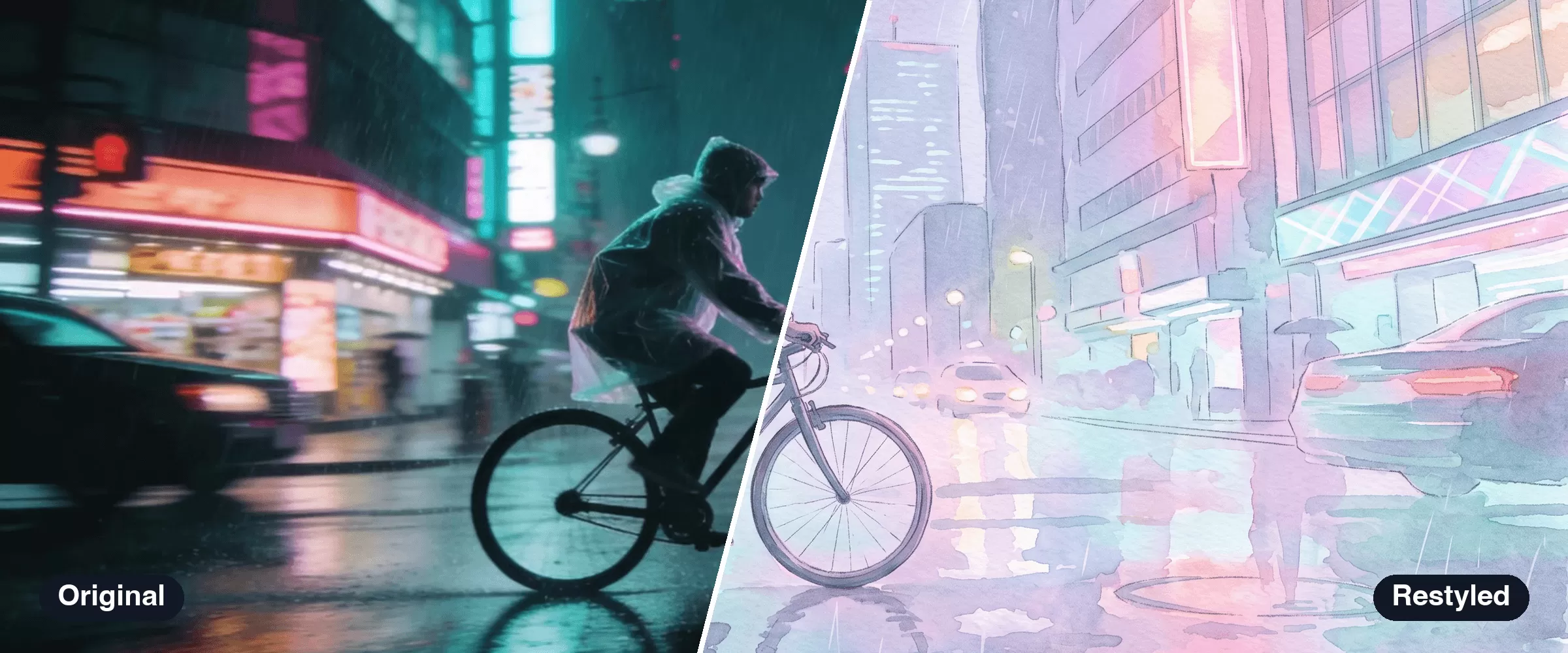
Modellix collection
Try AI Style Transfer Across Image and Video
Compare image and video models for reference-led restyling, campaign variants, and subject-preserving creative edits.
How to Test AI Style Transfer in 30 Seconds
Every method starts with a Modellix account. Sign in with email, Google, or GitHub, add credit, and pay only for what you generate. There is no subscription.
Create your Modellix account →
Method 1: Playground
No code. Open the Nano Banana 2 Edit model page, paste a prompt, and review the result in your browser.

Method 2: API, Through Your Coding Agent
Paste this into Claude Code, Codex, or Cursor. One sentence and one API key are all your agent needs: change the model name and docs link, and the same prompt batch-generates assets with any model on Modellix.
My Modellix API key is mdlx-••••••••••••••••••••••••. Read https://docs.modellix.ai/get-started/index.md and https://docs.modellix.ai/google/nano-banana-2-edit.md, then use Nano Banana 2 Edit to generate one edited version of each image in ./inputs, following the instruction in prompt.txt. Poll each task until it finishes and save the edited images to ./outputs.
Swap the masked key for your own from the Modellix console. Treat it like a password and share it only with agents you trust. The API guide covers the raw request format.
Method 3: Skill
Install the Modellix skill once. After that, your agent finds the right model and request fields by itself.
npx skills add https://github.com/Modellix/modellix-plugin --skill modellix
Use the Modellix skill to generate an edited image with Nano Banana 2 Edit, then download it to ./outputs.
Setup for each agent host is in the Skill guide.
Method 4: CLI
For scripts and scheduled jobs. One command submits the task, waits, and prints the result URL.
npm install --global modellix-cli
export MODELLIX_API_KEY="your_api_key"

modellix-cli model run --model-slug google/nano-banana-2-edit \
  --body '{"prompt":"Restyle this photo as a hand-painted watercolor illustration and keep the composition","image":["https://example.com/your-image.jpg"]}' \
  --wait --timeout 15m --quiet
For batches, put one request per line in a JSONL file and run modellix-cli model batch. See the CLI guide.
Frequently Asked Questions About AI Style Transfer
What is AI style transfer?
AI style transfer changes the visual treatment of an image or video while attempting to preserve its underlying content. The target style may come from a reference image, a written prompt, a preset, or a combination of inputs.
Is style transfer the same as an image filter?
No. A fixed filter usually changes color or texture through a predetermined effect. Generative style transfer can reinterpret lighting, materials, line work, background treatment, and other visual traits, but it also creates more risk of changing the subject.
Can AI style transfer preserve a product or face?
It can, but preservation varies by model and source. State protected details explicitly, use a clear source, compare several outputs, and reject any result that changes identity, packaging, text, or geometry.
Can AI style transfer work on video?
Yes. Video restyling models can apply a new look to an existing clip. Review temporal consistency, subject continuity, camera motion, and flicker across the entire result.
Is AI style transfer free?
Some tools offer restricted free outputs. Modellix style transfer is pay-as-you-go with no automatic signup credit; check model cost, output rights, and storage terms before production.
Sources
Build with the latest AI models
Explore image, video and audio models through one API.
Start buildingRelated articles
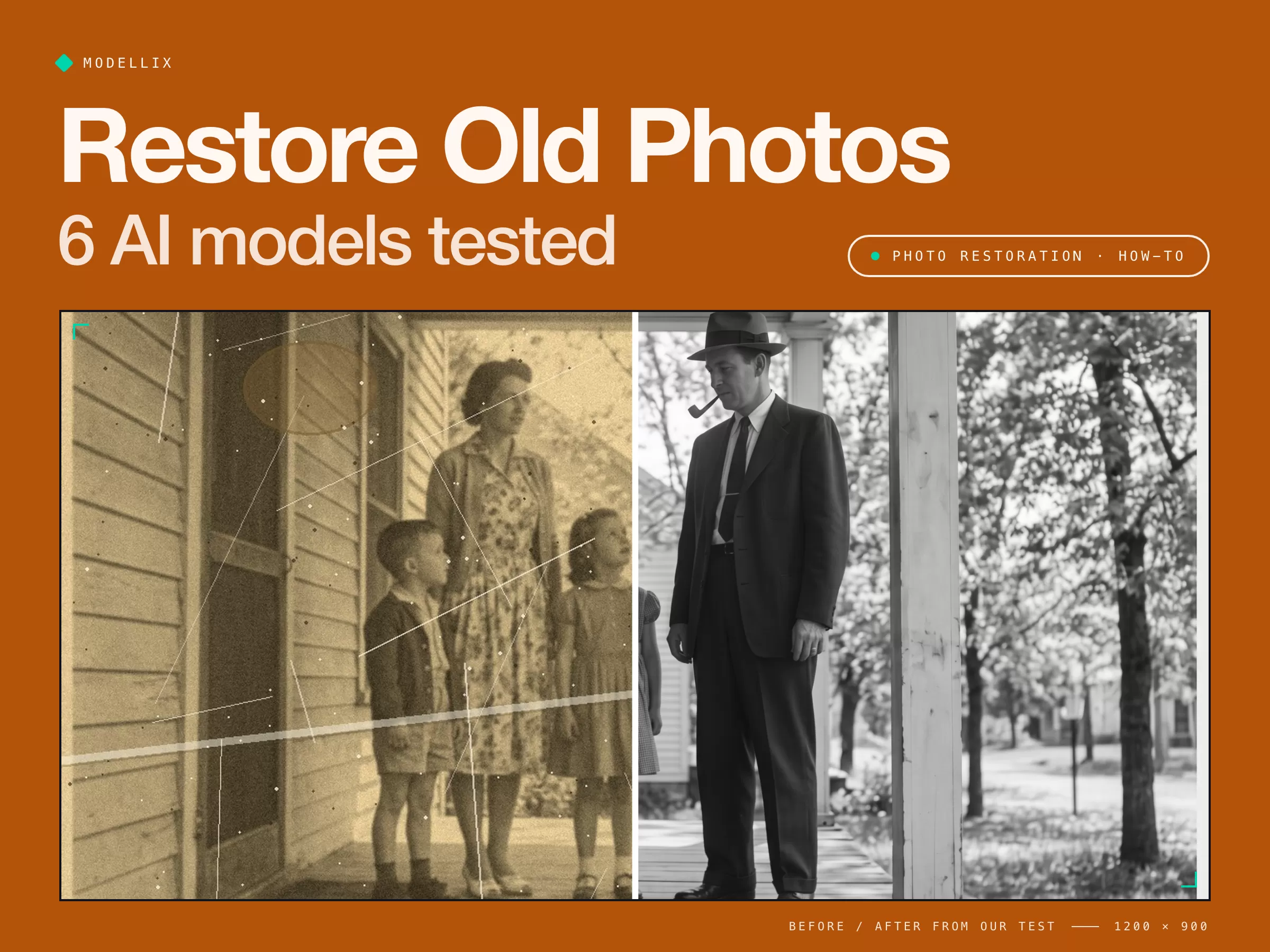
How to Restore Old Photos with AI [Tested on 6 Models]
Restore old photos step by step: scan, repair, check faces, colorize. We damaged a photo on purpose and tested 6 AI models to see which keep faces real.
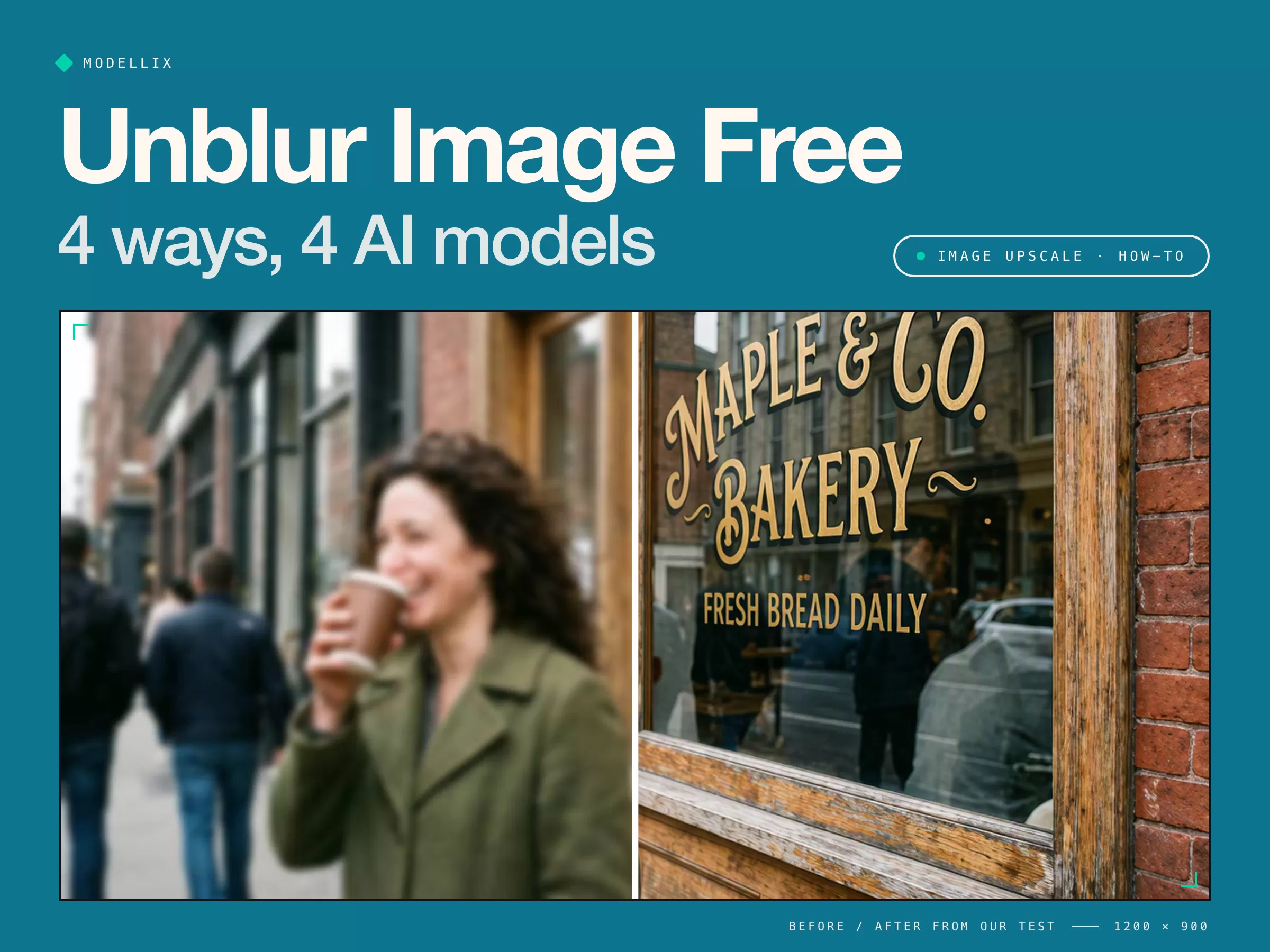
Unblur Image Free [Tested]: 4 Ways and 4 AI Models
Unblur an image for free on your phone, online, or with AI. We blurred a photo and tested 4 AI models: all fixed the sign, not all kept the face.
How To Use Google Imagen: Step-by-Step Integration Guide
Imagen shuts down Aug 17, 2026. Access it through Gemini, Vertex AI, or aggregators — code, pricing, and a migration guide that survives the shutdown.
Nano Banana 2.1 [Latest]: Price, Benchmarks & vs Pro
Nano Banana 2.1 costs $0.0336 per 1K image, half of Nano Banana 2, and beats Pro in Google's tests. Pricing, benchmarks, a real test, and what to use now.