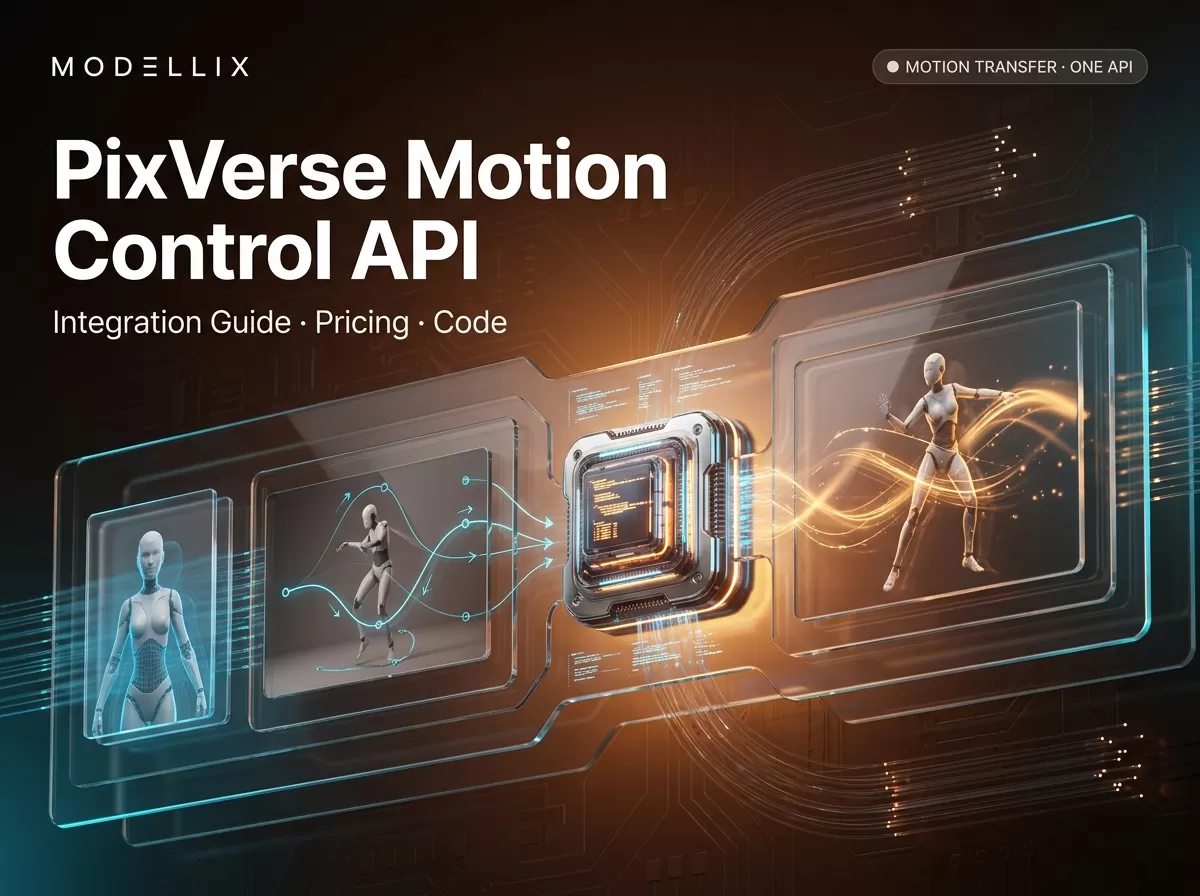
“PixVerse motion control API” is the search phrase, but PixVerse’s own documentation calls this feature Motion Control (Mimic). It is a motion-transfer API: you provide a reference video of someone moving and a still image of a character, and PixVerse generates a new video in which the character reproduces the reference motion. There is no prompt field, no 1080p output, and the billing unit is credits per second of output — three facts that most how-to content gets wrong or skips.
This guide covers the official endpoint end to end: what the API can and cannot do, what it actually costs in credits and dollars, a complete Python flow (upload → generate → poll → download), the request fields and status codes, and the errors that waste the most debugging time. Everything version-specific was read from official PixVerse documentation and provider pages on August 5, 2026. Modellix, where this article lives, is an AI media API aggregator and has a commercial interest in the route comparison at the end — the numbers are presented so you can check them yourself.
What the PixVerse motion control API actually is
Motion Control (Mimic) transfers motion from a reference video onto a target character image. PixVerse’s official Motion Control guide describes it as motion extraction and reconstruction: the API analyzes the motion sequence in the reference clip and rebuilds it on the provided character, with frame-consistent rendering and pose alignment. It is designed for motion imitation, choreography replication, character animation, and reusable motion templates — a dance clip can drive a character illustration, or a spokesperson’s gestures can drive a brand mascot.
The name is where most confusion starts. “Motion control” in the PixVerse ecosystem does not mean:
- Camera control. PixVerse V6 markets “over 20 cinematic camera controls” (focal length, aperture, depth of field, and similar parameters). That is camera behavior inside generation, a separate capability from Motion Control — our PixVerse V6 breakdown covers that feature in detail.
- Motion brush. Some other video tools use “motion brush” for painting per-region motion. PixVerse’s API documentation has no such field; its motion transfer path is Mimic.
- A generic “camera movement” generator. Third-party tools use “motion control video generator” for camera-path control. Those are different products with different APIs.
When developers search for “pixverse motion control api” or “motion control video api,” they are usually after the Mimic-style motion transfer. The rest of this guide assumes that feature. For the wider PixVerse API surface — text-to-video, image-to-video, reference-to-video, and the effect family — our PixVerse API integration guide is the better starting point.
Two hard constraints shape everything else: the subject image must contain a clear person or animal, and the reference video must have a person as the primary focus performing the motion. If either fails validation, the request is rejected before generation starts. Output duration always matches the reference video’s duration, and the motion comes entirely from the reference clip — there is no prompt to steer it.
PixVerse motion control API pricing: credits per second
PixVerse bills Motion Control in credits per second of output, not per request. The official Pricing page lists three quality tiers for Mimic — 1080p is not offered:
| Quality | Billing rule | Credits per 1s of output |
|---|---|---|
| 360p | per second | 9 |
| 540p | per second | 10 |
| 720p | per second | 12 |
Credits convert to dollars through the buy rate on the PixVerse billing page: $10 buys 1,000 credits ($0.01/credit), with the same rate at higher amounts up to $5,000. At that rate, Motion Control costs $0.09 per second at 360p, $0.10 at 540p, and $0.12 at 720p. A 5-second 720p clip costs 60 credits, or $0.60. PixVerse also sells monthly membership plans (from $100/month with 15,000 credits) that lower the effective cost per credit — check the current API plans page before budgeting.

Per-second cost converted from official Mimic credit rates at the $0.01/credit buy rate, accessed August 5, 2026. Membership plans change the effective rate; this chart is the pay-as-you-go baseline.
Two pricing details that surprise integrators: the credit deduction is per second of output, so a 10-second reference video costs roughly twice a 5-second one at the same quality; and a failed generation that passes content moderation filters (status 7) has its credits refunded automatically — but a request rejected before generation (validation errors) never deducts anything.
Step-by-step: upload, generate, poll, download
The official flow has four stages: upload the reference video, upload the subject image, submit the Mimic generation request, then poll the video status until it reaches a terminal state. All requests hit https://app-api.pixverse.ai/openapi/v2/ with two headers: API-KEY (create it under API Keys in the PixVerse platform, following the official API key guide) and Ai-Trace-Id, which must be unique for every request — reusing one is the most common cause of jobs hanging in “Generating.”

The PixVerse motion control API flow: two uploads, one generation request, status polling, and download. Illustration for this guide; not an official PixVerse diagram.
The upload endpoints accept multipart form data. The media upload reference caps Motion Control reference videos at mp4/mov, 100 MB, 30 seconds, up to 1920px on the longest edge; the image upload reference accepts png/webp/jpeg/jpg under 20 MB. A complete Python flow against the official endpoint:
1 | import os |
One field difference matters when your reference video was already generated by the PixVerse API: the official Motion Control guide says to pass source_video_id instead of video_media_id for that case, reusing the generation’s video_id rather than uploading the file again.
Motion Control request fields and status codes
The official API reference defines the generation request body with three fields, plus the two required headers:
| Field | Type | Notes |
|---|---|---|
video_media_id |
int | Reference video media_id from upload (or source_video_id for a video produced by PixVerse API) |
img_id |
int | Subject image img_id from image upload |
quality |
string | "360p", "540p", or "720p" |
The response returns video_id and the credit the job will consume. Status polling uses GET /openapi/v2/video/result/{video_id}, which the status guide documents with four codes:
| Status | Meaning |
|---|---|
| 5 | Waiting for generation (poll every 3–5 seconds) |
| 1 | Generation successful — url holds the video |
| 7 | Content moderation failure — credits are refunded automatically |
| 8 | Generation failed |
Hard limits recap: reference video mp4/mov, ≤100 MB, ≤30 s, ≤1920px; subject image ≤20 MB; output resolution only 360p/540p/720p; output duration equals the reference video length. The API rejects requests that violate validation (image without a clear subject, video without a person) before any credit is charged.
Common errors and how to debug them
The errors that stall real integrations come from a short list. The official common errors and solutions page covers the full set (error-code definitions live in the docs’ error-codes reference); the ones specific to Motion Control are:
- 701002 / 701003 — validation rejects your inputs. 701002 means the uploaded image has no clear person/animal subject; 701003 means the reference video has no person as primary focus. Fix the asset, not the request. Aggregator layers surface this as a 422 on submission.
- Job stuck in “Generating” (status 5) for a long time. The most common cause is a reused
Ai-Trace-Idacross requests. Generate a fresh UUID per request and retry; the official Motion Control guide calls this out explicitly. - 500044 — concurrent generation limit reached. PixVerse caps parallel jobs per account. Queue submissions server-side or wait for an existing job to finish.
- 400013 / 400017 — invalid parameters. A wrong field type, an unknown
qualityvalue, or a missingimg_id/video_media_id. Validate the request body against the reference before submitting. - Status 7 — content moderation failure. The output was filtered; credits are refunded automatically. Adjust the subject image or reference content and resubmit.
The practical pattern: normalize provider states into your own enum (queued, running, succeeded, failed), store the video_id plus your internal request ID, and treat Ai-Trace-Id as a first-class field in your logging. That turns “why is this job stuck” into a two-line lookup.
Motion control API through an aggregator: when it makes sense
Calling the official endpoint directly is straightforward once the flow above is in place. The aggregator question is about the rest of your stack, not about this one call. If your product already calls several media-model APIs, a route such as Modellix’s pixverse/motion-control gives you one API key, one bill, and one request lifecycle across providers instead of per-vendor accounts and credit balances.
Disclosure first, because the numbers matter: Modellix currently displays the motion-control route at $0.1035–$0.1380 per second, which is above the official buy-credit equivalent ($0.09–$0.12) for the same quality tiers. On this specific route, the aggregator is not the cheaper unit price — that is a fact, not a framing. The value of the aggregator path is operational: one key and one invoice across many models, pay-as-you-go billing without prepaid credit balances, and no China-account friction for providers that require it. If your only workload is PixVerse motion transfer at volume, the official credits route is likely the cheaper and simpler choice; if you route multiple video and image models through one integration, the trade-off flips. Compare routes only when model, quality, duration, and billing conditions match — a per-second range on an aggregator page and a credits table on the official pricing page are not the same unit until you convert both.
For the rest of the PixVerse effect family and their costs, our PixVerse pricing breakdown and the how to use PixVerse tutorial cover the surrounding pieces, and the PixVerse video reference API guide explains the sibling reference-to-video workflow.
FAQ
What is the PixVerse motion control API?
PixVerse Motion Control (officially “Mimic”) is a motion-transfer API: it takes a reference video and a still character image, and generates a new video where the character reproduces the reference motion. It requires an API key from platform.pixverse.ai and prepaid credits.
Is PixVerse motion control free?
There is no dedicated free tier for the API. New accounts may see promotional trial credits in the web app, but API access is credit-based: Motion Control costs 9–12 credits per second of output depending on quality, and credits are purchased on the PixVerse billing page.
What does the PixVerse motion control API cost?
At the $0.01/credit buy rate, 360p costs $0.09 per second, 540p $0.10, and 720p $0.12. A 5-second 720p clip is 60 credits (~$0.60). Membership plans with monthly credits lower the effective rate; aggregator routes display their own per-second prices and should only be compared with matching model, quality, and duration.
Does PixVerse motion control support 1080p?
No. The official pricing page lists only 360p, 540p, and 720p for Mimic. Plan output around those tiers; the quality field on the official endpoint accepts exactly those three values.
Do I need a prompt for PixVerse motion control?
No. Motion comes entirely from the reference video; the generation request body has no prompt field. The subject image and reference video are the only content inputs, alongside the quality setting.
Can a video I generated with PixVerse be the motion source?
Yes — and you should reuse it directly: pass the previous generation’s video_id as source_video_id instead of uploading the file again via video_media_id.
Is Modellix cheaper than calling PixVerse directly?
Not for this route. As of August 5, 2026, Modellix displays pixverse/motion-control at $0.1035–$0.1380 per second, above the official buy-credit equivalent of $0.09–$0.12. The aggregator’s case here is a single key and bill across many providers, not a lower unit price.
PixVerse details, credit rates, and prices reflect public information as of August 2026 and change frequently. Validate against the official PixVerse pricing and billing pages before committing budget. Access image and video models, including the leading Chinese models, through a single API key at modellix.ai.
Cover image: illustrative Modellix artwork; it is not a PixVerse product screenshot or source evidence.