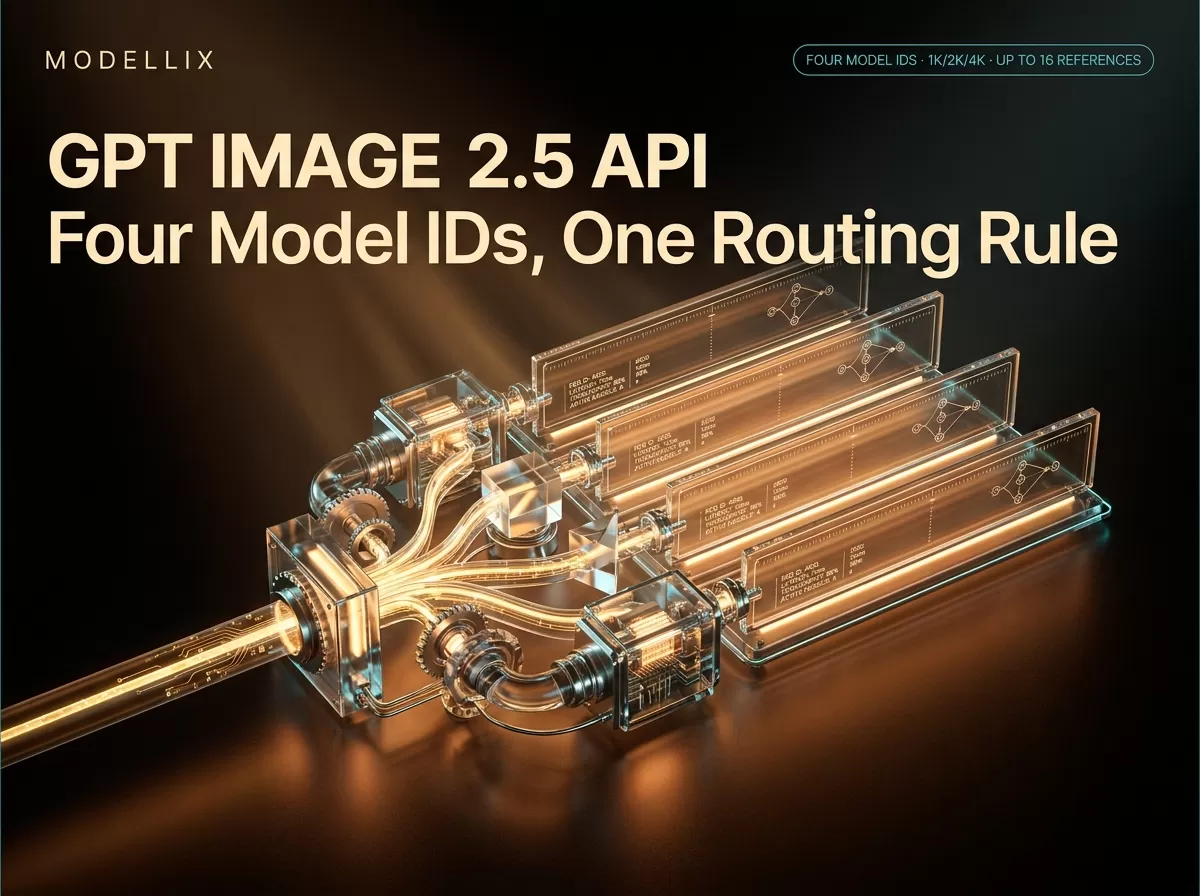
Four model IDs answer to gpt image 2.5, and they divide along exactly one line: whether your request already contains an image. Text-to-image is openai/gpt-image-2.5-flare (speed) or openai/gpt-image-2.5-sunburst (quality). Anything that has to transform an image you already own is openai/gpt-image-2.5-flare-edit or openai/gpt-image-2.5-sunburst-edit. If you came here expecting a single endpoint with a quality dial, this is the page that explains why there isn’t one.
The bandwidth also surprises people: Flare is not the cheaper model. Both text-to-image IDs sit on the same visible price band, $0.0053–$0.6390 per image, measured on the live model pages on September 17, 2026. The wide range is about your parameters, not about which of the two names you picked.
One disclosure before anything else, because it belongs before any number: Modellix is an AI model API aggregator and has a commercial interest in this article. It routes OpenAI’s image models, so the prices below come from its own price sheet. Where a fact is OpenAI’s, it links to OpenAI. Where it can only be measured, it carries the date it was measured.
The four model IDs, and the one routing rule that picks between them
OpenAI documents GPT Image 2.5 as two models: gpt-image-2.5-flare, the small model optimised for speed with quality comparable to GPT Image 2, and gpt-image-2.5-sunburst, the base model optimised for quality with higher image quality than its predecessor. The launch announcement introduced the pair on September 8, 2026. Both of those IDs handle generation and editing on the vendor’s API.
The Modellix catalogue splits them differently, because its image catalogue separates text-to-image and image-to-image endpoints. That is where four IDs come from — each row below links to its own model reference:
| Model ID | Task | Call it when |
|---|---|---|
openai/gpt-image-2.5-flare |
Text-to-image | You have a prompt only, and speed is the priority |
openai/gpt-image-2.5-sunburst |
Text-to-image | You have a prompt only, and image quality is the priority |
openai/gpt-image-2.5-flare-edit |
Image-to-image | Input images are required, and speed is the priority |
openai/gpt-image-2.5-sunburst-edit |
Image-to-image | Input images are required, and image quality is the priority |
The routing rule comes straight from the documentation, in three clauses: speed → Flare; quality → Sunburst; an input image → the corresponding Edit model. Read the third clause as a schema change rather than a preference. Flare and Sunburst take a prompt and send back an image. The Edit pair will reject a request that has no images array, because one is required.
OpenAI’s own migration guidance adds a fourth clause that is easy to skip: if an existing GPT Image 2 workflow already meets your quality bar, start on Flare and test only for latency; if GPT Image 2 is falling short on a complex case, start on Sunburst and establish quality first, then test Flare against the same requirements. Reversing that order — reaching for the quality model on every task — is how teams end up paying latency they never needed. The full four-variant announcement, including what changed from the previous generation, is covered in the Flare and Sunburst launch walkthrough.
One boundary worth stating explicitly, because it trips up developers daily: ChatGPT Images 2.5 is not this API. The consumer product’s headline features — conversation, and Sketch, where you draw a rough shape and the model renders it — have no API equivalent. There is no sketch parameter. If you need the drawn-input behaviour from code, that is a prompt-and-reference problem, not a parameter. Everything else this family ships is listed in the model catalogue and grouped under the GPT Image 2.5 posts.
Flare is not the cheap one: what actually moves the price band
These are the bands shown on the live model pages, re-pulled on September 17, 2026:
| Model | Visible price band (measured 2026-09-17) |
|---|---|
openai/gpt-image-2.5-flare |
$0.0053–$0.6390 per image |
openai/gpt-image-2.5-sunburst |
$0.0053–$0.6390 per image |
openai/gpt-image-2.5-flare-edit |
$0.0366–$0.6718 per image |
openai/gpt-image-2.5-sunburst-edit |
$0.0366–$0.6718 per image |
openai/gpt-image-2 (previous generation) |
$0.0054–$0.1899 per image |
openai/gpt-image-2-edit |
$0.0360–$0.2250 per image |
Four things fall out of that table, and only the first one is being said everywhere:
- The two text-to-image models share one band. There is no price tier difference between Flare and Sunburst to argue about. If someone tells you Sunburst is the premium option, the price sheet disagrees — the difference is what each model spends compute on, not what the platform charges for the name.
- The band is wide because of the parameters, not the model. Its floor is the cheapest configuration and its ceiling is the most expensive one:
resolutionaccepts1K,2Kor4K;qualityacceptslow,medium,high,xhighormax. On the text-to-image pair the span from floor to ceiling is roughly 120×, and4Katmaxis what puts you at the top of it. That ratio, not the model name, is your cost lever. - Edit starts about 6.9× above the generation floor — $0.0366 versus $0.0053 per image — and peaks at $0.6718, close to the generation ceiling. Conditioning on one to sixteen input images is more work than generating from a prompt, and the price sheet reflects it. This is a real budget argument for keeping editing out of pipelines that do not need it.
- Compared with the previous generation, the floor barely moved and the ceiling roughly tripled — $0.1899 to $0.6390 per image on the text-to-image pair. The generation widened the top of the range rather than lifting the entry price. “Newer” is therefore not the same as “more expensive” or “cheaper”: a default 1K request on the 2.5 pair is priced in the same neighbourhood as the previous generation, and a maxed-out 4K request is not.
OpenAI’s own developer guide makes the same point from the other direction, and it is worth quoting because aggregator pages tend to bury it: when you migrate, “Confirm current pricing rather than assuming the faster model costs less.” That sentence is the whole reason this section exists. Faster and cheaper are independent variables, and on this model pair the price is decided by your parameters. Rates on the OpenAI pricing page and on Modellix’s own sheet are different billing systems — vendor per-token input plus per-image output versus flat per-image — so compare your real bill, not two headline numbers. For how the OpenAI image family priced out before this generation, the image-generation API pricing overview has the older rates in a dated snapshot (published 2026-08-25).
When to call an Edit model — and when not to
The Edit pair takes a required images array of 1 to 16 public image URLs alongside the prompt. The ceiling is the operationally interesting part: you can send a product reference, a background reference and a lighting reference in one request instead of pre-compositing them yourself, which is what makes subject-consistency work feasible rather than fiddly.
The mask parameter is optional, and its semantics are the opposite of what most people assume: it is a PNG with an alpha channel, transparent areas mark the region to edit, and it must match the dimensions of the first input image. Omit it and the model decides what to touch from the prompt alone — acceptable for a style pass, risky when a stakeholder has already signed off on everything except one corner. Modellix’s earlier walkthrough of the four variants covers masked-edit workflow patterns in more depth than this routing guide needs to.
Both Edit models share the generation models’ resolution, quality, aspect_ratio and background support, including transparent output as PNG. Two documented limits belong in your design notes before you commit: the Edit models do not expose arbitrary pixel dimensions — you pick from the aspect-ratio and resolution enums — and exact input-fidelity control is not exposed as a parameter. If a specific region of a specific asset must survive untouched, that is something to verify against your own test image, not something to assume from the model’s reputation.
The request contract, and what comes back
Flare and Sunburst share one schema and the two Edit IDs share another, so switching between the two text-to-image models is a model-string change rather than a re-integration; crossing into Edit is a schema change, because images becomes required. The paths no longer carry an /async suffix; older /async paths still work, so existing code does not have to change today.
1 | curl -X POST https://api.modellix.ai/api/v1/openai/gpt-image-2.5-flare \ |
The response is a task, not an image:
1 | { |
Poll the get_result.url until the task reaches a terminal state, then read the asset URLs off the result. Two retention facts that shape how you store things: generated results are kept for 7 days, and files you upload as Edit references through the File API are retained for about 7 days too. Uploads are not billed. In practice that means your pipeline should copy finished assets to your own storage on success rather than re-polling a URL next week, and should not treat an uploaded reference as a permanent asset ID. Webhook delivery is available if you would rather not poll, and per-request logs — including the input parameters each call was made with — are retrievable after the fact for cost attribution.

One submission, one task id, one poll loop, then copy the output out of the seven-day window. Diagram generated September 17, 2026.
GPT Image 2.5 Request Reference
See the full parameter list, response schema and error codes for the Flare, Sunburst and Edit model IDs.
View DocsDeciding in 30 seconds: a routing table for GPT Image 2.5 by job
| Your job | Model ID | Why |
|---|---|---|
| Twenty campaign variants to pick three from | openai/gpt-image-2.5-flare |
Volume beats marginal fidelity, and the output is disposable by design |
| A hero shot, a marketplace listing, a paid-campaign asset | openai/gpt-image-2.5-sunburst |
Pay the extra generation time once, on the asset that ships |
| Retouching a large source set — backgrounds, defects, crops | openai/gpt-image-2.5-flare-edit |
Turnaround dominates across many similar edits |
| An edit to an approved asset that must not disturb the composition | openai/gpt-image-2.5-sunburst-edit |
Precision matters more than throughput |
| Transparent cutouts for compositing | Either text-to-image ID, "background": "transparent" |
Transparent requests return PNG; plan for the alpha channel, not JPEG |
| Composite several references into one scene | Either Edit ID, up to 16 images in images |
One request instead of manual pre-composition |
And the escape hatch, which matters as much as the table. Do not reach for GPT Image 2.5 when: an existing GPT Image 2 workflow already meets your quality bar and your problem is cost or throughput elsewhere in the pipeline — the newer generation widens the top of the price range, and it is not a cost-reduction tool; the feature you actually want exists only in the ChatGPT app, not in the API; or your requirement is pixel-exact preservation of a region, which no parameter here guarantees. In those three cases the honest answer is a different model or a different product, and the routing rule will not save you.
A note on running four lanes operationally: each of these is a separate model in the catalogue, so a single credential covers all four and the per-call log tells you which one produced a given asset. That is the practical reason a routing rule is worth writing into code rather than leaving in a team’s head — when the rule lives in configuration, you can see what fraction of your spend went to exploration versus final assets, and you can change your mind without a migration.
Run GPT Image 2.5 on One Key
Log in to call Flare, Sunburst and both Edit models — plus the rest of the image catalogue — with one API key and one bill.
LoginStop copying parameter tables: discover the IDs and schemas live
Parameter tables in blog posts — this one included — go stale. Two endpoints remove the need to trust them:
GET /api/v1/modelslists the currently active catalogue with each model’s slug, type and documentation URL, so you can confirm the four 2.5 IDs are live and spelled the way you think before you hardcode a string. Details in the List Active Models reference.- The public schema endpoint returns a model’s request and response schema — including the exact
enumvalues forquality,resolution,aspect_ratioandbackground— and it does not require an API key. See Get Schema, or from the terminal usemodellix-cli model get-schema <provider/model>, which prints the contract rather than a summary of it; the CLI guide covers the flags, and the CLI walkthrough shows the tool in a full terminal session.
That approach is also how to check one of the more useful small facts about this family: aspect_ratio and resolution compose independently, so output pixels depend on both — 1:1 at 4K returns 2880×2880, while 16:9 at 4K returns 3840×2160. If “4K” in your head means 4096 pixels on the long edge, the schema is the thing that corrects it before you write a spec sheet.

The routing rule as a decision tree: two questions, four IDs, and one exit for jobs this model family should not take. Diagram generated September 17, 2026.
Frequently Asked Questions
Which model ID should I use for gpt image 2.5 text-to-image?
openai/gpt-image-2.5-flare for speed-first generation, openai/gpt-image-2.5-sunburst for quality-first. Both accept the same request schema, so switching between them is a one-line model-string change.
Is Flare cheaper than Sunburst?
No. On the catalogue’s visible price bands, both text-to-image IDs sit on $0.0053–$0.6390 per image as of September 17, 2026. Your bill is set by resolution and quality, not by which of the two names you chose. The pair differ on what they spend compute on, not on what they cost per name.
How many reference images can an Edit model take?
Between 1 and 16 public image URLs in the required images array, plus an optional PNG mask whose transparent areas mark the region to edit. The mask must match the dimensions of the first input image.
Do I need a different endpoint to edit an image?
Yes — the catalogue exposes openai/gpt-image-2.5-flare-edit and openai/gpt-image-2.5-sunburst-edit as their own model IDs. Same schema family, different path, and an images array that is required rather than optional.
Is GPT Image 2.5 available on the API, and can a text model generate images?
It is: the family is live under four model IDs, announced in the platform changelog on September 16, 2026. On this catalogue, image generation is an image-model capability, not something you switch on in a text model — call one of the IDs above rather than a chat model.
How much does it cost per image, and is there a free tier?
$0.0053–$0.6390 per image for the text-to-image pair and $0.0366–$0.6718 for the Edit pair, both measured September 17, 2026; which end you land on depends on resolution and quality. There is no free tier for this family — the platform’s new-registration credit ended on August 19, 2026, so budget the calls.
Prices in this article are the visible bands on Modellix’s model pages and OpenAI’s published rates, both read on September 17, 2026; per-image rates drift with configuration and vendor changes, so re-check them before committing spend. Rate limits, concurrency and throughput are account-tier dependent and are not promised here. This article was written by Modellix, an AI model API aggregator with a commercial interest in the models it routes; every vendor-side claim links to OpenAI’s own documentation. Access GPT Image 2.5 and 170+ other image, video and speech models through one API key at modellix.ai.