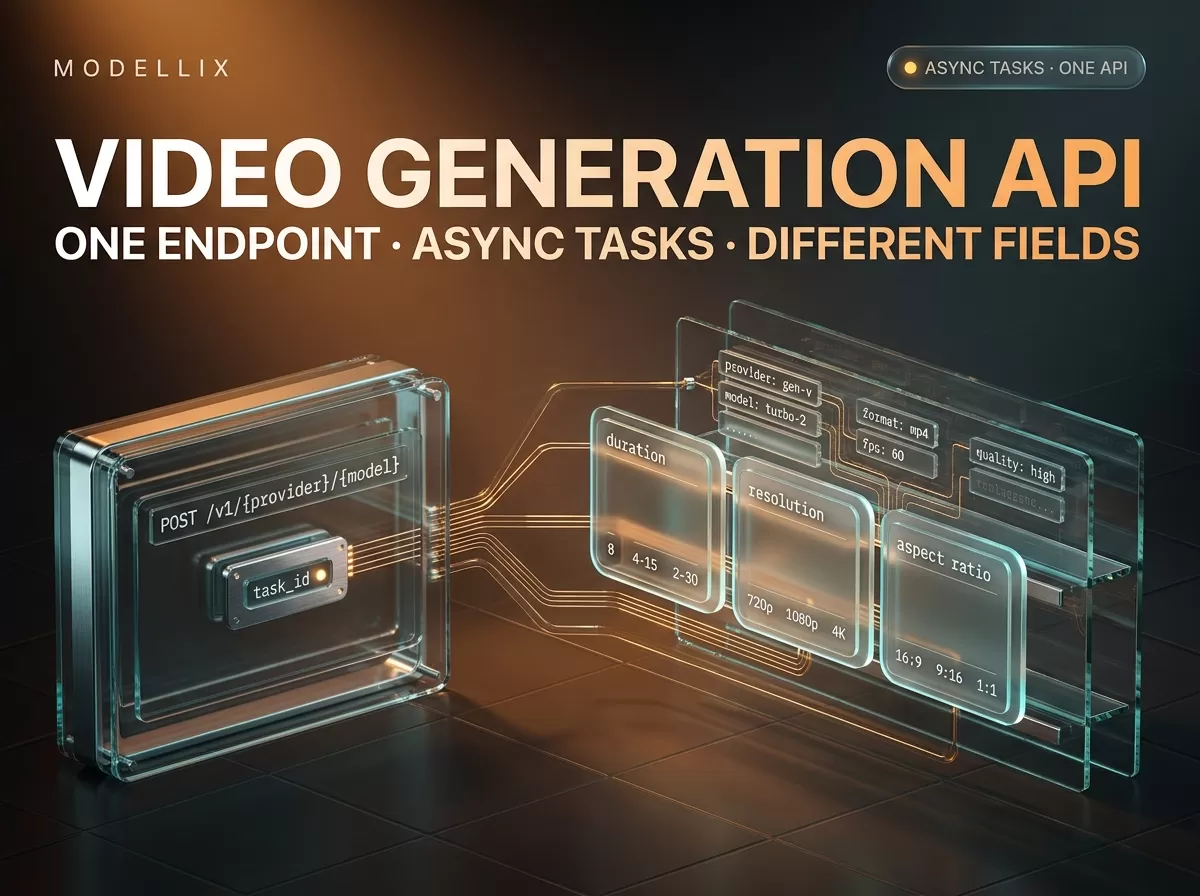
The first bug in most video generation API integrations is not a bad prompt. It is a POST that returns in 200 milliseconds with no video in it — because media generation is asynchronous, and the first response is a receipt, not the result. Developers arriving from a chat completion API expect the payload to be the answer; here it is a task_id, a status of pending, and a URL to come back to later.
This article covers the shape every video generation API shares — submit, poll, retrieve — and then the part where the models stop agreeing: the request body. On September 16, 2026 we pulled the published request schema for 22 video models across eight providers; that comparison, not the pricing, is where the integration cost lives. Two disclosures: we run Modellix, an API aggregator, so we have a commercial interest in the aggregator half of what follows; and this piece stops at “the first request works”, leaving batch runs, webhooks and log reconciliation to a separate topic linked at the end.
What every video generation API has in common
A video generation API is an HTTP interface that takes a prompt, and usually an image or a video, and returns a generated video file — never inside the response that submitted the job. The submit call returns a task identifier; a second call retrieves the output once rendering finishes. That two-call pattern, not any particular URL, is the interface you integrate against, on text-to-video, image-to-video and video-to-video routes alike.
Authenticate with a bearer API key; POST a JSON body to https://api.modellix.ai/api/v1/{provider}/{model}; poll GET /api/v1/tasks/{task_id} until the status is terminal; read the media URLs and the task cost out of the result.
One boundary trips people up first. Modellix runs three hosts that do not behave the same: api.modellix.ai is asynchronous media generation, llm.modellix.ai is synchronous text, tool.modellix.ai handles web search and fetch. The platform overview states the rule plainly: use “the host that matches the product”, and do not send “media jobs to the LLM gateway or chat requests to the media API”. The reason is this article’s subject: the media host answers with a task, the LLM host with a completion, and a client built for one misreads the other’s success.
Your first call: one endpoint, a task ID, and a status you come back for
Model differences are real; the envelope is not one of them. Every route is invoked the same way:
1 | curl --request POST \ |
A successful submit answers with the receipt:
1 | { |
Read it literally. code: 0 means the submission was accepted, not that a video exists. data.status describes the task, and the task result reference enumerates four values: pending, processing, success and failed. get_result.url is where to look next, returned so you never construct the URL yourself. The polling side is short:
1 | import os, time, requests |
Two details matter more than they look. The terminal set includes failed — a client that only exits on success polls a dead task until its own timeout kills it, and the reason sits in task["error"]. Five seconds is a starting interval, not a contract: cap the attempt count.
If you inherited code posting to a path ending in /async, leave it alone. The suffix was removed from model invocation paths on June 11, 2026, and the product changelog states the old paths keep working with full backwards compatibility — the retired form still appears in the documentation’s own examples, below.

The submit step as the vendor documents it, captured September 16, 2026 from docs.modellix.ai/ways-to-use/api. The response block sits just below the fold, which is itself the point: the call you write first returns a task, not a file. The model path in this example still carries the retired /async suffix.
What a finished task returns — and when it stops being there
The retrieval call answers with a different shape, and one field in it has a shelf life:
| Field | What it tells you |
|---|---|
data.status |
success or failed — the terminal states |
data.duration |
Wall-clock processing time in milliseconds, returned on completion or failure |
data.result.resources[] |
Outputs, each with url, type, plus width, height, format and role |
data.billing |
status (pending or succeeded) and the actual charge as amount in USD |
data.result_expires_at |
Unix millisecond timestamp for when the generated file is deleted |
That last row is the one people skip. Generated media is retained for 7 days — the documentation is direct: “Generated results are only saved for 7 days, so please make sure to save them promptly.” Store the bytes, not the URL: an integration that writes resource.url into a product database renders a broken player next week, and it looks like a CDN problem rather than a day-one design choice.
One optional piece belongs on the submit call rather than the response. X-Mdlx-User-Id tags a task with your own end-user identifier so request logs can be filtered by user later; it must be 8 to 128 characters of ASCII letters, digits, hyphens and underscores, and an invalid value returns 400. If your product serves several customers from one key, that header keeps their usage separable.
data.billing.amount is worth wiring up early: it is the billed figure for that call, and on resolution-priced models the only number that reconciles against an invoice. The pricing documentation is explicit that a video model can cost more at 1080p than at 720p, so a headline rate drifts and the per-task amount does not. Our cost calculator for video generation works that arithmetic through per model; the live price table is where the per-second rates live.
Where the models stop agreeing: the request body
The envelope is uniform; the body is not. That is what produces a 400 Invalid parameters on a request where you clearly did send the parameter — the field carrying duration, resolution or aspect ratio is named differently per provider.
We queried the public schema endpoint — GET https://www.modellix.ai/models/{provider}/{slug}/api_schema, no account required — for 22 video models on September 16, 2026. Six providers are enough to show every naming convention in the set. One convention for reading it: each column is one provider, and where a value comes from that family’s image-to-video route rather than its text-to-video route, the cell says so.
| Google (Veo 3.1) | ByteDance (Seedance 2.5) | Alibaba (Wan 3.0) | Kling (v3) | PixVerse (v6) | xAI (Grok Imagine) | |
|---|---|---|---|---|---|---|
| Casing | aspectRatio, negativePrompt |
ratio |
ratio |
aspect_ratio |
aspect_ratio |
aspect_ratio |
| Duration | string enum "4", "6", "8" |
integer enum 4–30 | integer enum 2–30 | integer enum 3–15 (t2v) | integer 1–15 | integer 1–15 |
| Resolution field | resolution: 720p, 1080p, 4k |
resolution: 480p, 720p, 1080p |
resolution: 480P, 720P, 1080P |
resolution: 720p, 1080p, 4k |
quality: 360p … 1080p |
resolution: 480p, 720p |
| Audio field | none on the T2V route | generate_audio |
audio |
audio |
generate_audio_switch |
none |
| Source frame (i2v routes) | image + lastFrame |
first_frame_image + last_frame_image |
first_frame + last_frame |
image + image_tail |
image |
image |
| Extra knobs | personGeneration |
camera_fixed, return_last_frame |
seed, file_url, link_url |
multi_shot |
generate_multi_clip_switch, seed |
— |
One note on the PixVerse column: the i2v route takes the source frame as image. reference_images belongs to pixverse/v6-r2v, a separate reference-to-video route, and is not a field this route accepts.
Three things fall out of it, and each has cost somebody an afternoon.
Casing is not cosmetic and it is not consistent. Google’s video models take camelCase (aspectRatio, negativePrompt, personGeneration), as do its image routes; ByteDance, Alibaba, Kling, PixVerse, Vidu and xAI all take snake_case. A body copied between providers needs the key names changed, not just the values. (Google’s own Gemini video documentation splits its video work between two models with different workflows.)
The same logical value arrives in three shapes. duration is a string enum on Veo 3.1 ("4", "6", "8"), a closed integer enum on Seedance 2.5 (4 to 30) and Wan 3.0 (2 to 30), and a plain 1-to-15 integer range on PixVerse and xAI. Send 8 to Veo and it wants "8".
Resolution differs in case and in name. Wan 3.0 accepts 480P, 720P and 1080P with a capital P; MiniMax is inconsistent inside one provider, publishing 768P and 1080P on Hailuo 2.3 but 768P and 2K on H3; Seedance, Kling, Vidu and xAI take lowercase. PixVerse has no resolution field at all — it takes quality, with a 360p-to-1080p enum. A helper that lowercases resolution breaks on two providers, one that assumes the field is called resolution breaks on a third, and one that caps at 1080p is wrong on the routes that reach 2K and 4k. The comparison above is drawn from our own published schemas, which is a disclosure worth making twice: we sell aggregation, and we are not claiming the field names are worse elsewhere — only that they are different, and that the difference is the integration work.

The public schema for one image-to-video route, captured September 16, 2026 from modellix.ai/models/google/veo-3.1-fast-i2v/api_schema. The JSON is re-formatted in the browser so the field names are legible at this size; the payload itself is the endpoint’s own response.
Required fields differ more than the names do
Names are the visible half. The required set decides whether your first request returns 200 or 400, and it varies more:
| Model | Required beyond prompt |
|---|---|
google/veo-3.1-t2v |
none — prompt alone is enough |
kling/kling-v3-t2v |
none |
vidu/viduq3-pro-t2v |
none |
xai/grok-imagine-video |
none |
pixverse/v6-t2v |
aspect_ratio, duration, quality — four fields total |
minimax/minimax-h3-v2v |
duration, resolution, reference_videos — four fields total |
A client that posts {"prompt": "..."} and treats the rest as optional succeeds on roughly half the catalog and fails on the other half, one missing field at a time.
Under the required set is a second layer: mutually exclusive modes. Several image-to-video routes are published as a oneOf with two branches, and the branch changes which fields exist and what values they accept. Veo 3.1’s fast route is the clearest case: Option 1 takes image plus an optional lastFrame, Option 2 takes referenceImages, and the two cannot be combined:
| Branch | Required | Notably constrained |
|---|---|---|
| Option 1 — Image mode | prompt, image |
duration allows "4", "6", "8"; using lastFrame forces "8" |
| Option 2 — Reference mode | prompt, referenceImages |
duration allows "8" only |
Wan 3.0 splits the same way with one extra trap: audio_urls is valid only in reference mode, so a body carrying audio alongside a first frame is rejected even though both fields appear on the same page.
Sound is the other place families diverge, and it is a product decision rather than a naming one. Some routes generate video with a synchronised soundtrack — Seedance calls it generate_audio, Kling and Wan call it audio, PixVerse calls it generate_audio_switch — while Google’s text-to-video route has no audio field at all. If your product promises a clip with sound, that narrows the shortlist before price or resolution gets a vote. MiniMax documents the same three-way structure — text-to-video, image-to-video, reference generation — so read its H3 generation guide next to the schema rather than instead of it. Our image-to-video API guide walks the first-frame and reference workflows model by model.
How to read any model’s schema before you write the body
You do not have to guess or sign up. Two public endpoints and one CLI command cover it:
1 | curl -s "https://www.modellix.ai/models/bytedance/seedance-2.5-t2v/api_schema" \ |
Run against six models, that line produces the table above — which is the point. We publish the endpoint and have a commercial interest in you finding it useful; it needs no account, so nothing here asks you to trust us rather than check. The schema reference notes the slug pattern is provider/model, the slash a literal path separator rather than %2F. Its sibling, the model list endpoint at GET https://api.modellix.ai/api/v1/models, returns every active model with its slug, type, docs_url, description and a display price range — how “which models take a first frame” becomes a list instead of a memory.
REST, SDK, or CLI — what a “video generation SDK” question is really asking
Three different products get sold under one set of names. Ask for an “AI video generator API” and you may be handed a typed client library, a command-line tool, or an agent plugin — worth knowing which you want, because the AI video API underneath is the same in all three cases: plain JSON over HTTPS with one envelope. A REST API plus generated types makes a 20-line client a legitimate answer. A CLI suits batch submission and schema inspection, and is the only one that keeps a task history locally. An agent skill or plugin packages schema lookup for coding agents — useful when an agent writes the integration, irrelevant when a human does (CLI documentation covers model get-schema, model list and task wait).
The SDK layer is thin because the API is small: a heavier client library does not remove the field-name problem, it relocates it.
One boundary worth stating, because the query is ambiguous: searching for how to generate video programmatically also surfaces React-based rendering tools that compose video from code rather than generating it from a model. Both are legitimate, but if your goal is compositing, the text-to-video API landscape is not where you should be reading.
The errors worth handling before you ship
Every error returns the same JSON shape — {"code": 400, "message": "..."}, where code mirrors the HTTP status and 0 means success — so one handler covers the set if you branch on status.
| Status | Meaning | Retry? |
|---|---|---|
400 |
Missing or invalid parameter | No — fix the body |
401 |
Invalid, missing or expired API key | No |
402 |
Insufficient balance | No — the account needs funding |
404 |
Task, model or provider not found | No — check the identifier |
429 |
Rate or concurrency limit exceeded | Yes — read X-RateLimit-Reset, then back off |
500 / 503 |
Internal error, or service unavailable | Yes — exponential backoff, 1s → 2s → 4s |
402 deserves its own branch because it will not fix itself: the balance is empty and retries only add noise. 429 deserves care because two limits share it — concurrency caps how many async tasks run at once, RPM caps request rate, and both scale with the largest single top-up that funded the account, from 2 concurrent tasks and 100 RPM below $10 up to 100 and 1,000 at a $1,000 top-up, per the published entitlements table. Beyond the top tier it is a vendor conversation, not a config flag.
What this article deliberately leaves out
Everything past the first working request belongs to the production layer. Webhook delivery: sending X-Webhook-URL on submit makes the platform POST the result at a terminal state, so the polling loop can go away — retry rules and idempotency keys are a topic in themselves. Batch submission: hundreds of tasks means queueing and concurrency budgeting against the limits above. File inputs at scale: the File API accepts image, video and audio uploads free of charge, but files expire after about 7 days under a 16 MB per-file cap, 10 files per team and two concurrent uploads. For the pipeline question, our model API pricing comparison and the roundup of AI video generation APIs are the right next reads.
Frequently Asked Questions about the video generation API
Which video generation API is best?
No list answers that without your constraints. The productive version is which models accept the parameters you need — a 30-second clip, an audio track, a reference image, a specific aspect ratio — so pull the schemas, filter on those fields, then compare per-second cost. One live caveat: OpenAI’s video generation guide opens with a notice that the Sora 2 models and the Videos API are deprecated and shut down on September 24, 2026 (deprecations page) — worth knowing before a May-dated roundup lists one as an option. Our model-by-model comparison treats selection in that order.
Is there a free video generation API?
Modellix removed the signup credit on August 19, 2026, so new accounts no longer start with a balance; media generation is billed per call from a pay-as-you-go balance. A free tier is a property of a specific promotion, not of the category — anyone advertising free video generation API access is describing their own trial terms, not a general feature of the market.
Why does my request return a task instead of a video?
Because generation is asynchronous and the submit response is an acknowledgement. Read data.task_id and data.get_result.url, then poll until data.status is success or failed. You are not wrong — you are one call early.
Do I need an API key to inspect a model’s request schema?
No. The schema endpoint is public and the CLI’s model get-schema calls it without credentials. You need a key to submit a generation, not to learn what a valid body looks like.
How long do generated videos stay available?
Seven days, with result_expires_at in the response as a Unix millisecond timestamp. Download and store the media; do not persist the URL as your only copy.
Can I generate video from Python?
Yes — the API is plain JSON over HTTPS, so requests is enough and no vendor SDK is required. Any client that can set an Authorization header, POST a body and read a nested status field will work; the loop above is 15 lines.
Media Model Schema Reference
Read any video model's request schema and the async task response shape before you write the next request body.
View DocsRun the Schema Check on a Real Model
Log in to submit one video task on your own key and read the per-task amount and expiry from the response.
LoginProvider details, endpoint behaviour and pricing reflect public information as of September 2026 and change frequently. Validate against the live documentation and each provider’s current pricing before committing. Access image and video models, including the leading Chinese models, through a single API key at modellix.ai.