What an image-to-video API actually gives you
If you search “image to video api” you’ll find Google’s Gemini docs, Leonardo’s product page, xAI’s Imagine API reference, and a Reddit thread from someone asking the same question you have. What’s missing is a single resource that compares major endpoint categories, what a second can cost, and the integration patterns developers need to adapt to each current provider API.
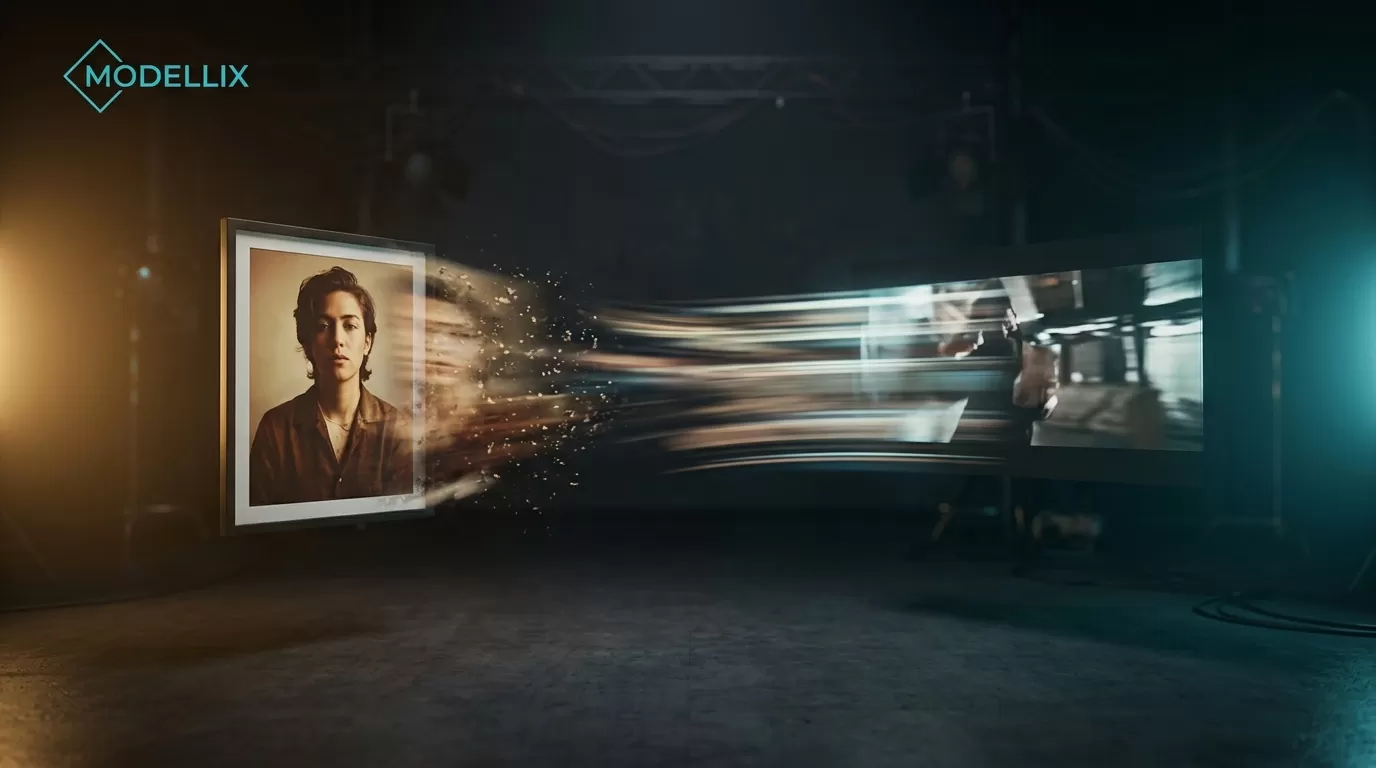
An image-to-video (I2V) API takes a still image — a product photo, a character design, a storyboard frame — and returns a short video clip, driven by a text prompt that describes the motion. The standard lifecycle across every provider: upload your source image, submit a generation request with parameters, poll for completion, then download the MP4.
What these APIs don’t do is equally important: no real-time generation (expect 30 seconds to several minutes per video) and no standalone audio generation. Resolution depends on the model and configuration: 1080p is the common API tier, while select offerings, including the 4K rows in the pricing table below, support higher output. Some providers sync audio to video in the same generation call, but that’s a separate capability from generating audio from scratch.
The I2V API landscape: who offers what
As of July 2026, here are the image-to-video API options worth evaluating:
| Provider | Key I2V Models | What They’re Known For |
|---|---|---|
| Veo 3.1, Veo 3.1 Lite, Veo 3.1 Fast | Cinematic realism, multimodal input | |
| xAI | Grok Imagine Video 1.5, Grok Imagine Video | Fast turnaround, clean API design |
| ByteDance | Seedance 2.0, Seedance 1.5 Pro | Multi-shot storytelling, start/end frame control |
| Kuaishou / Kling | Kling V2.6, Kling V3 T2V | Motion quality, Chinese-market depth |
| Alibaba | Wan 2.7 I2V, Wan 2.2 I2V Flash | Speed, aggressive pricing, wide resolution support |
| MiniMax | Hailuo 2.3 I2V, Hailuo 02 I2V | Physical realism, cost-effective at scale |
| PixVerse | V6 I2V, C1 I2V | Consumer-friendly defaults, creative style transfer |
| OpenAI | Sora (video generation API) | Brand recognition, no public I2V-only endpoint |
| Leonardo | Leonardo Video (API) | Visual-first tooling, credit-based pricing |
Several of these providers — Kling, Seedance, Wan, and MiniMax — have significant I2V offerings that don’t appear in any TOP10 SERP result for this keyword. If you’re only evaluating the vendors you find on page one, you’re missing half the market. For the text-to-video side of the equation, our text-to-video API guide covers the T2V equivalents of every provider listed here.

Every major I2V API follows this four-step async pattern. The differences are in pricing, latency, and parameter control.
OpenAI’s Sora API covers video generation broadly but doesn’t expose a dedicated image-to-video endpoint — you pass an image reference alongside a text prompt. For the purposes of this guide, we’re focusing on providers with explicit I2V endpoints that accept an image as the primary input.
How image-to-video APIs work: the standard workflow
Every I2V API covered here follows the same async pattern. Once you understand it for one provider, the mental model transfers:
Step 1: Upload your source image. Most providers have a dedicated media upload endpoint. You POST your image file, get back a media ID or URL. File format is typically PNG or JPEG. Some APIs accept WebP.
Step 2: Submit the generation request. You POST to the generation endpoint with your media ID, a text prompt describing the motion you want, and parameters like duration and resolution. The API returns a task ID immediately — generation happens asynchronously.
Step 3: Poll for completion. You GET the task status endpoint with your task ID. Status values follow a standard progression: pending → processing → completed (or failed). Most providers return an estimated time to completion.
Step 4: Download the result. The completed task response includes a video URL — typically an MP4 with H.264 encoding. URLs are temporary (usually valid for hours to days), so download and store the file in your own infrastructure.
Some providers also support webhooks — you provide a callback URL and they POST the result when generation completes, eliminating the polling loop. Check each provider’s docs for webhook support before building your integration.
Image-to-video API pricing: what a second actually costs
This table is a catalog snapshot, not a direct-provider rate card. Each linked range is the Modellix catalog price observed on 2026-07-31 for the named I2V model; duration, resolution, audio, region, and provider changes can alter the effective rate. Open the linked model page before budgeting or comparing a production configuration.
| Provider | Model | Catalog price (per second, checked 2026-07-31) | Resolution options |
|---|---|---|---|
| Alibaba | Wan 2.2 I2V Flash | $0.0015–$0.0300 | up to 1080p |
| Veo 3.1 Lite I2V | $0.0420–$0.0672 | up to 1080p | |
| Alibaba | Wan 2.7 I2V | $0.0650–$0.0950 | up to 1080p |
| xAI | Grok Imagine Video I2V | $0.0690–$0.0920 | up to 1080p |
| MiniMax | Hailuo 02 I2V | $0.0200–$0.1200 | up to 1080p |
| PixVerse | V6 I2V | $0.0575–$0.2645 | up to 1080p |
| Kling | Kling V2.6 I2V | $0.0500–$0.1900 | up to 1080p |
| ByteDance | Seedance 2.0 I2V | $0.0805–$0.8970 | up to 4K |
| Veo 3.1 I2V | $0.3360–$0.5000 | up to 4K |

I2V catalog-price snapshot checked 2026-07-31. Ranges vary by configuration; use each linked model page for the current rate and supported parameters.
A few things the raw numbers don’t tell you:
The low end of Wan 2.2 I2V Flash is materially lower than the high end of Veo 3.1 I2V, but those endpoints are not like-for-like products. Configuration, quality, duration, resolution, and provider terms all affect the effective cost. For a prototype or internal tool generating hundreds of videos, the Wan-Hailuo tier can make sense. For a customer-facing product where visual quality is the product, Veo or Seedance can justify a higher rate. You can browse every available model with live per-second pricing in Modellix’s text-to-video model catalog.
Some providers use credit-based pricing (Leonardo) or token-based billing rather than per-second rates. These systems make direct comparison harder — you need to translate credits into actual video seconds based on your specific parameters. When evaluating credit-based APIs, run a test generation with your target resolution and duration to determine the real per-second cost before committing.
Additionally, Google’s Gemini API pricing shows that list prices can vary by region and usage tier. Always check the provider’s current pricing page before budgeting.
Integration patterns: cURL and Python for major I2V endpoints
The following are illustrative request patterns, not execution-verified copy-paste integrations. Provider model IDs, upload mechanics, task schemas, response payloads, and supported parameters change frequently: confirm the current official documentation, run a non-production test, and add error/backoff handling before using any pattern in production.
Google Gemini API — image-to-video request pattern
Google’s Gemini API video generation docs document the current supported video models and request flow. The pattern below shows an inline-image request shape; replace VIDEO_MODEL_ID with a currently documented video-capable model and follow the current long-running-operation flow where the docs require it.
cURL:
1 | API_KEY="your-gemini-api-key" |
Python:
1 | import google.generativeai as genai |
xAI Imagine Video — image-to-video
xAI’s Imagine API supports dedicated image-to-video through its /v1/video/generate endpoint. The API accepts an image URL or multipart upload:
1 | API_KEY="your-xai-api-key" |
Replicate — Wan 2.2 I2V
For providers available through model marketplaces, Replicate’s API provides a unified interface:
1 | API_TOKEN="your-replicate-token" |
Python (Replicate SDK):
1 | import replicate |
How to choose an image-to-video API
The right I2V API depends on what you’re building, not on which provider has the best marketing page. Here’s a decision framework based on real trade-offs:
You’re prototyping or building an internal tool: Start with Wan 2.2 I2V Flash or Hailuo 02 I2V. At $0.0015–$0.02/sec, you can run hundreds of test generations without worrying about the bill. The output quality is sufficient for validation and internal demos.
You’re building a customer-facing product where visual quality matters: Veo 3.1 Lite ($0.042–$0.067/sec) or Seedance 2.0 ($0.0805–$0.897/sec). The quality jump is real — especially on human faces and complex scenes — and at production scale the per-second cost is amortized across users.
You need the absolute best motion quality: Veo 3.1 or Kling V2.6. Veo leads on cinematic realism; Kling excels at complex camera movement and object permanence across longer clips.
You’re generating at high volume (thousands of videos/day): Wan 2.2 I2V Flash or Hailuo 02 I2V win on pure cost. At 5 seconds per video and the lowest tier, you’re looking at under $0.01 per video on Wan Flash.
A pragmatic consideration: Most teams evaluating I2V APIs end up wanting to test 3-4 providers before committing. Setting up separate accounts, managing API keys, and monitoring usage across vendors adds engineering overhead that has nothing to do with video quality. This is where a single-key API access layer becomes practical — you get one endpoint, one billing relationship, and the ability to switch models by changing a parameter.
Modellix provides exactly this: one API key gives you access to all the I2V models covered in this guide — Veo, Kling, Seedance, Wan, MiniMax, PixVerse, Grok Imagine Video, and more — with per-second pricing that’s transparent on every model page. Full disclosure: Modellix is our platform and we built it specifically to solve the multi-provider integration problem this article describes.
If you’re evaluating I2V APIs, you can test multiple models through a single integration before committing to any provider’s direct API. Start with the Modellix pricing page to see current per-second rates for every available model, or read the API documentation for endpoint reference and code examples.