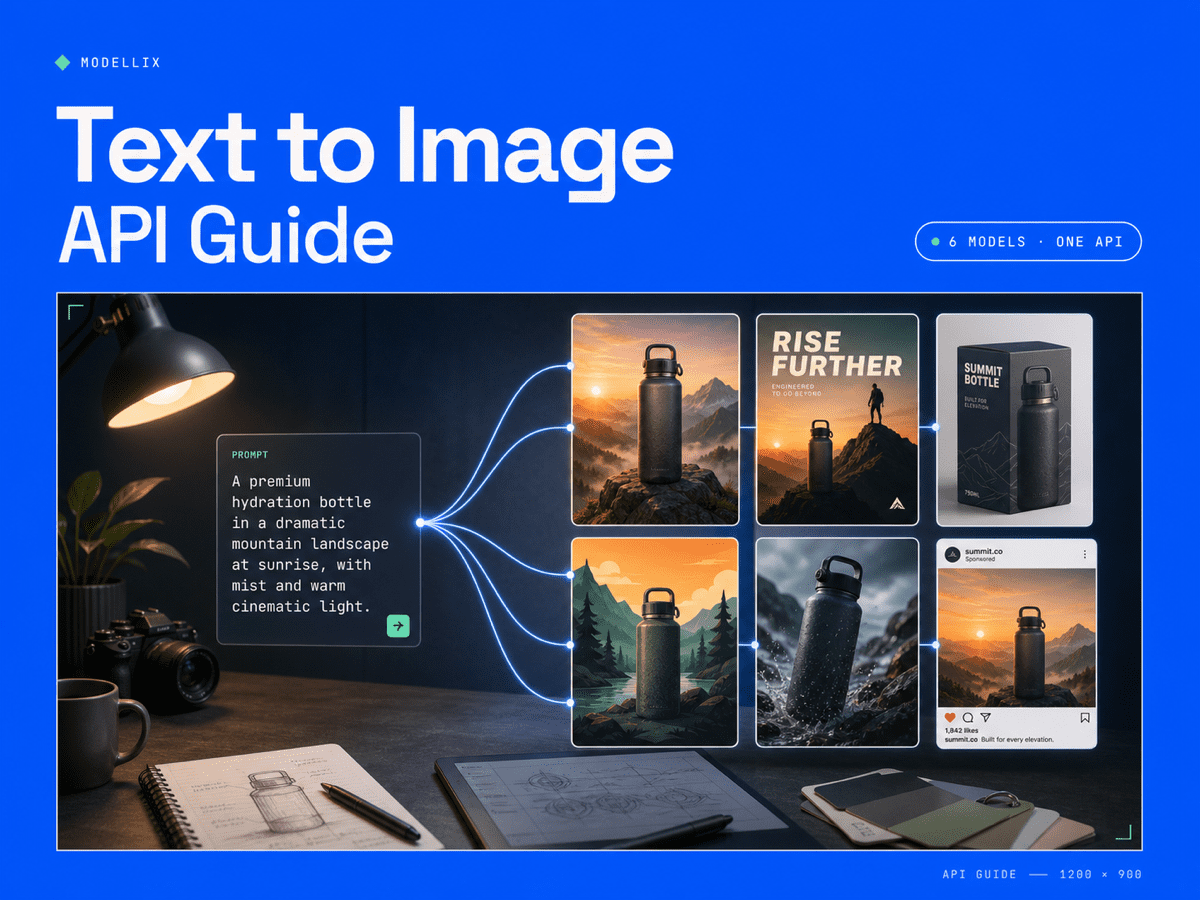
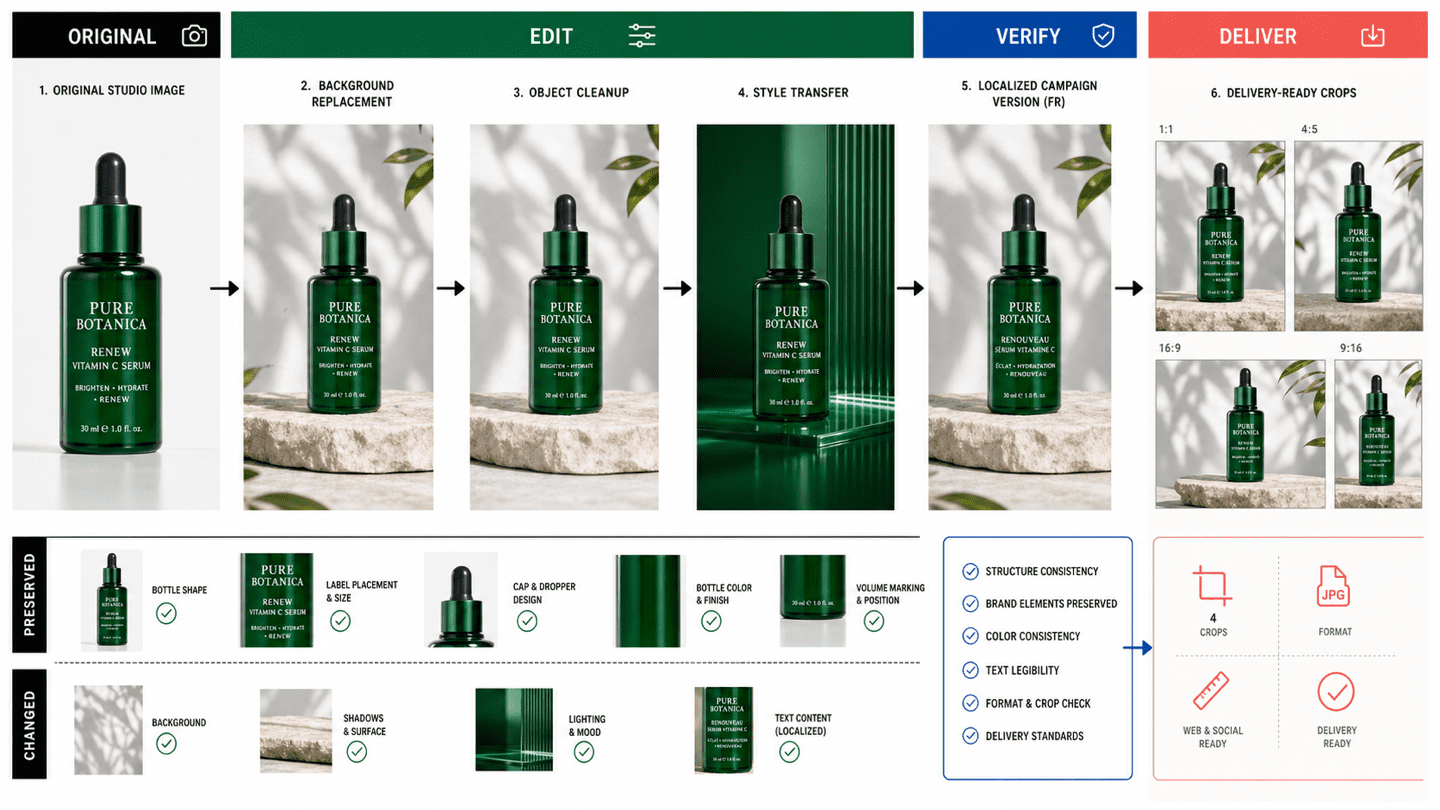
A useful text to image API does more than return an attractive picture. It must produce the right aspect ratio, preserve brand constraints, render usable text, expose predictable costs, and fit an automated workflow. Buyers may also describe the same category as a text to image AI API or AI image generation API. Six strong model paths now cover those needs, but the best choice changes with the job: campaign concepts, product scenes, localized ads, high-volume thumbnails, or editable brand assets.
The practical decision is not which model wins every prompt. It is whether your team should standardize on one provider or route each image job to the model that meets its quality and cost threshold.
6 Text to Image API Models Compared for Production
The following shortlist focuses on model roles rather than declaring one universal winner. All six can be evaluated through the Modellix model catalog, which lets teams compare outputs without creating a separate account and integration for every provider. For deeper model evidence, use the Seedream API guide, GPT Image 2 API guide, and Google AI model guide alongside this comparison.
| Model path | Best business fit | Control to verify | Production tradeoff |
|---|---|---|---|
| Seedream 5.0 Lite | Campaign assets, product scenes, image sets | Prompt adherence and multi-image workflow | Test brand consistency before large batches |
| GPT Image 2 | Posters, ads, layouts with readable text | Typography, composition, and edit handoff | Higher quality settings can increase cost |
| Nano Banana 2 | Fast concept development and visual variations | Subject fidelity and reference handling | Parameter support varies by model version |
| Qwen Image 2.0 | Cost-aware generation and multilingual creative | Text rendering and output size | Review complex layouts before automation |
| Wan 2.7 Image | Product concepts and general visual production | Style consistency across a series | Route carefully when exact copy is required |
| Z-Image Turbo | High-volume ideation and inexpensive candidates | Speed, seed behavior, and prompt expansion | Best for selection pipelines, not final approval by default |
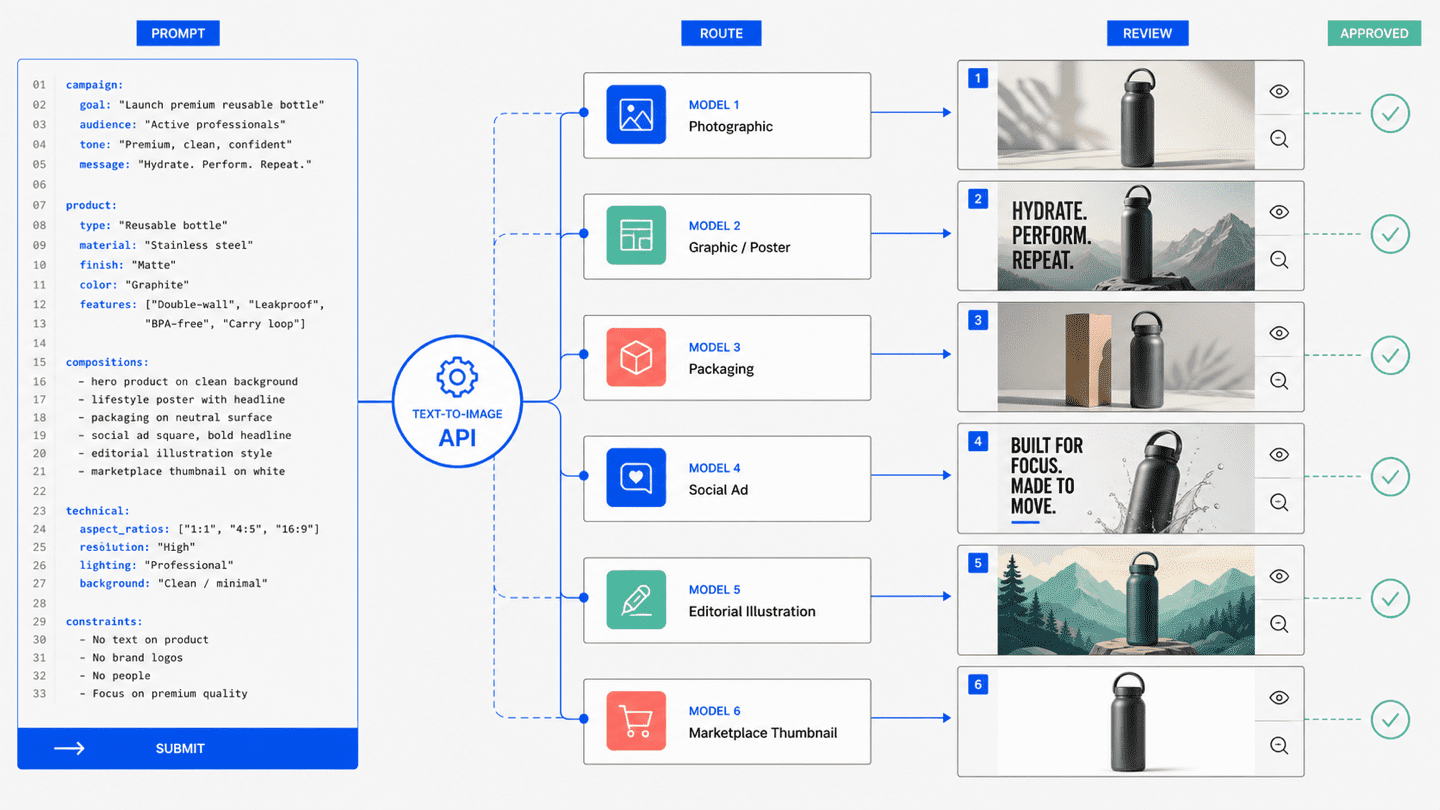
The comparison should start with one shared brief. Use the same product, required copy, aspect ratio, prohibited elements, and success criteria across every candidate. A model that generates the prettiest isolated image may still lose when the brief requires ten consistent variants.
5 API Requirements Explained Before Integration
1. Output control
Check supported dimensions, aspect ratios, file formats, image count, seeds, and negative prompts. Marketing teams often need one concept in 1:1, 4:5, 16:9, and 9:16. If a model cannot preserve the subject while changing format, the workflow creates more review work than it removes.
2. Prompt and reference handling
Text-only generation is enough for ideation. Production creative usually needs references: a product packshot, a character, a visual style, or an approved campaign image. Confirm whether the endpoint accepts image inputs, how many references it supports, and whether generation and editing use separate model IDs.
3. Async task behavior
Image generation can take longer than a normal application request. A production API should let your backend submit a job, store the task ID, poll status, and retrieve the final resource without holding one web request open. This also makes retries, queues, and batch jobs easier to manage.
4. Cost visibility
The cheapest image is not always the cheapest approved asset. Track cost per accepted result, not only cost per request. A model that costs slightly more but reduces regeneration, copy correction, and manual retouching may have the lower total production cost.
5. Logs and model routing
Save the model ID, prompt version, parameters, task status, output URL, review outcome, and cost for every job. Those logs reveal which model works best for each asset type. They also make it possible to route catalog images to a fast model and brand-critical ads to a stronger model without rebuilding the pipeline.
Text to Image API Workflow Verified in 4 Stages
A reliable implementation follows four stages:
- Validate the brief. Run the prompt in a visual Playground and define what counts as acceptable.
- Submit an async task. Send the prompt and supported parameters to the selected model endpoint.
- Poll and retrieve. Store the returned task ID, check status with backoff, and save the completed image promptly.
- Review and route. Record whether the result passed quality review, then use that evidence to choose the next model or scale the batch.
Modellix uses this submit, poll, retrieve lifecycle across image and video models. The benefit is operational consistency: one API key and one task pattern can cover multiple providers, while model-specific parameters remain visible where they matter. Teams can compare Seedream, GPT Image, Nano Banana, Qwen, Wan, and other models without writing a separate queue and result handler for each image generation API. Teams comparing the hosting layer itself can also use the fal.ai alternatives and Replicate alternatives guides.
4 Business Workflows Compared by Success Metric
Ad creative variants
Success means accurate product identity, readable copy, correct safe zones, and several genuinely different concepts. Test text rendering and composition before optimizing for raw generation speed.
E-commerce product scenes
Success means preserving the product while changing setting, audience, season, or channel. Reference fidelity and repeatability matter more than artistic novelty.
Editorial and social assets
Success means fast production across several aspect ratios with a consistent visual language. A lower-cost model may be the right default if editors can select from a batch instead of approving every result individually. Brand-mark work should be evaluated separately through the AI Logo Generator collection, where shape and text requirements are stricter.
Product features and customer-facing generation
Success means predictable latency, safe failure handling, cost limits, and clear output ownership. Add queue limits, retries, moderation rules, and a fallback model before exposing generation to customers.
Pricing Decisions Compared Without the Cheapest Model Trap
Text to image pricing is usually expressed per image, but model settings can change the final charge. Resolution, quality tier, number of outputs, and editing steps may all affect cost. Check the current Modellix pricing reference and the selected model page before estimating a production batch.
Use this simple planning formula:
approved asset cost = total generation cost / number of approved assets
For example, a low-cost endpoint with a 20 percent approval rate can be more expensive than a stronger endpoint with a 60 percent approval rate. Track approval rate by prompt type and model. That turns model selection into an operating decision instead of a subjective preference.
Modellix collection
Compare Text-to-Image Models in One Playground
Test the same production prompt across leading image models before choosing a workflow to automate.
Good first tests: Seedream 5.0 ProGPT Image 2Nano Banana 2 Lite
Explore the collectionHow to Test a Text to Image API on Modellix
Most users should not start by copying a large code sample. Run one real image brief in the Modellix Playground, verify the prompt, parameters, cost, and output, then automate only when the result is good enough to repeat.
Quick start guide
Playground: Start with the Seedream 4.5 model page or browse the model catalog.
API docs: Build a backend or batch workflow with the unified API guide.
Skill: Let an AI agent generate media from its workspace with the Modellix Skill.
CLI: Use terminal scripts, scheduled jobs, and automation through the Modellix CLI.
The links above are entry points. The actual test should follow the same controlled path your team will use in production.
Step 1: Create or Sign In and Use the Included $1 Credit
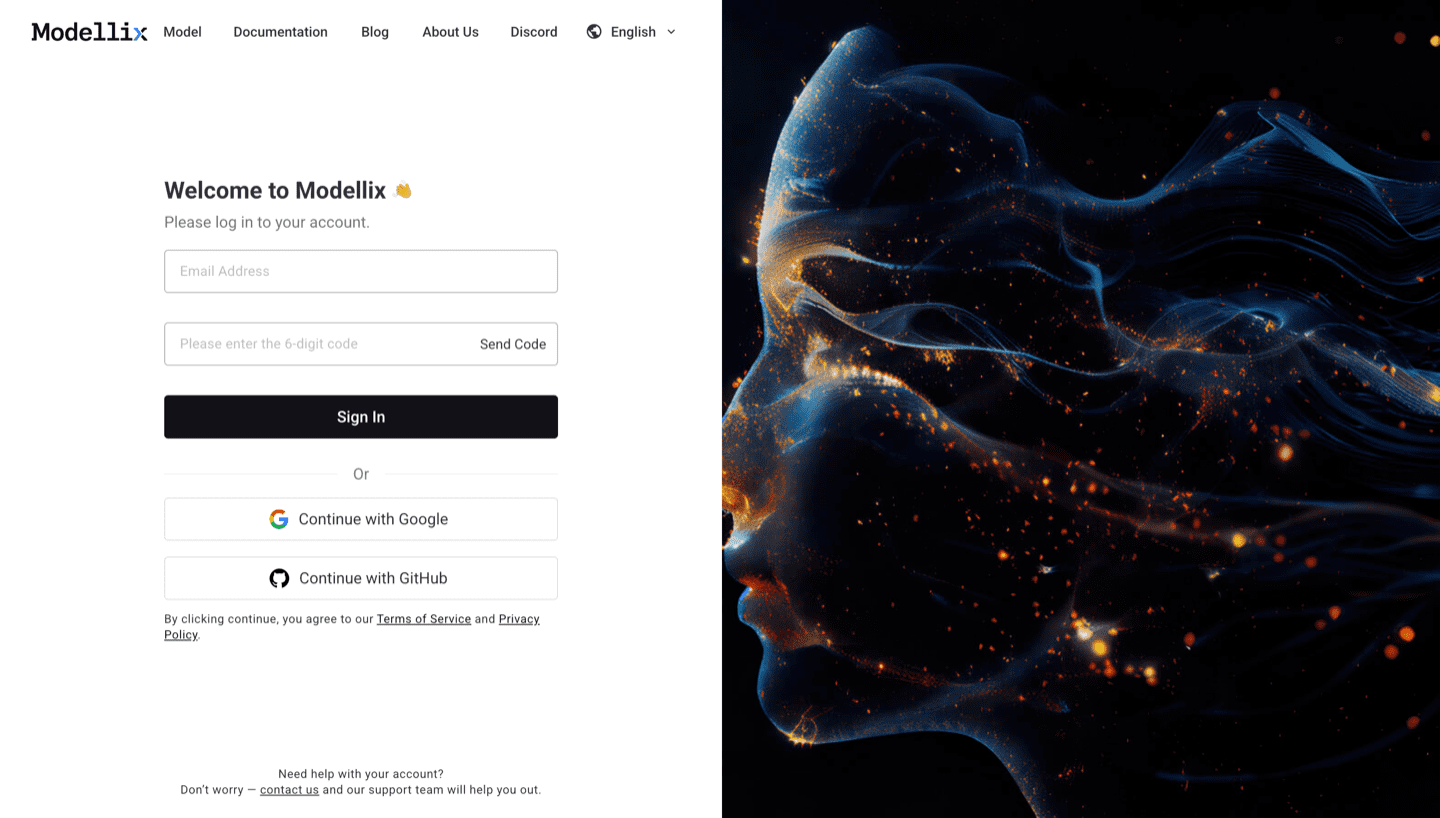
Open the Modellix console. New users receive an included $1 credit for real model tests, so use it to compare outputs rather than treating free access as an unlimited production tier.
Step 2: Run One Shared Production Brief
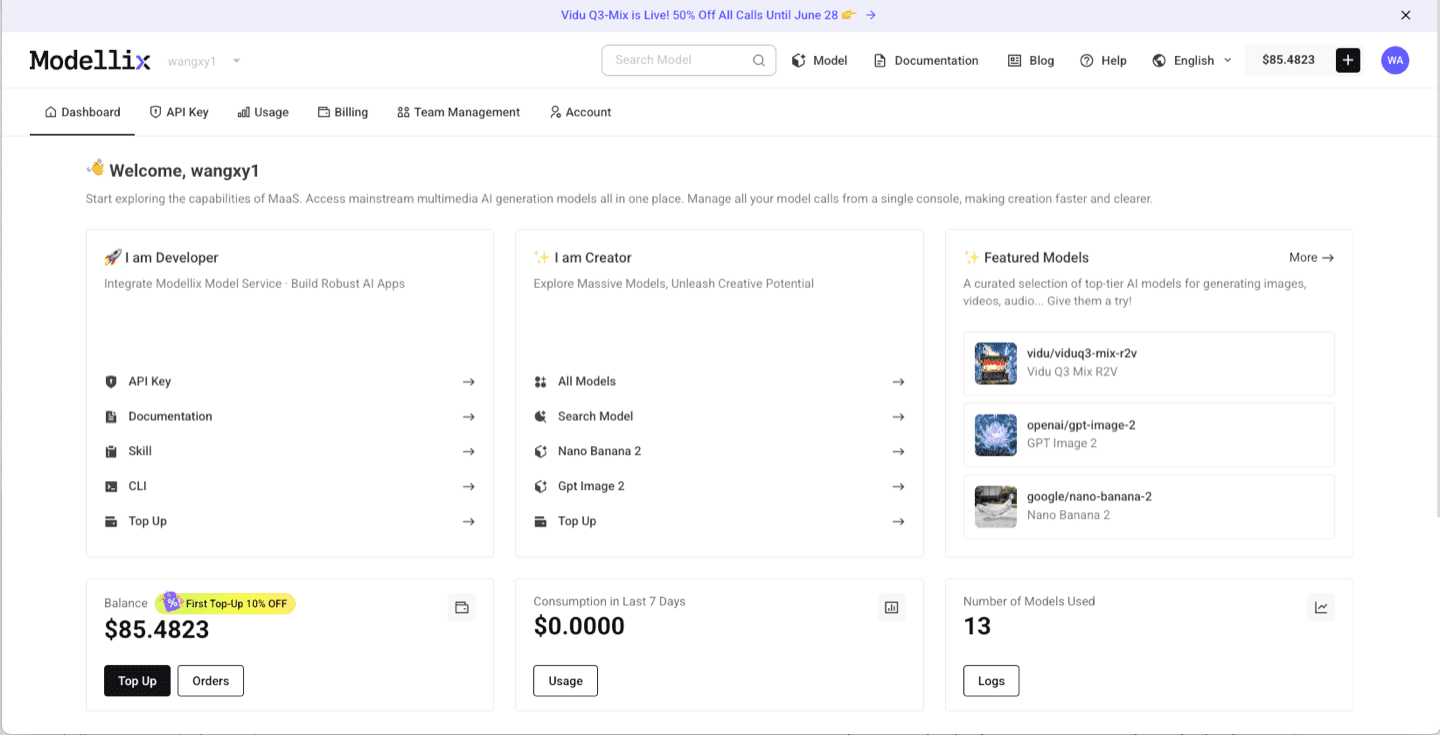
Open the Seedream page or model catalog. Use a real brief with required copy, dimensions, brand constraints, and a clear approval rule.
Step 3: Optimize the Prompt and Review the Output
Use Prompt Enhance when the brief needs more visual detail, then run the job. Check product fidelity, text, composition, crop safety, and whether the result is usable without hidden manual repair.

Step 4: Create an API Key Only When the Test Needs to Repeat
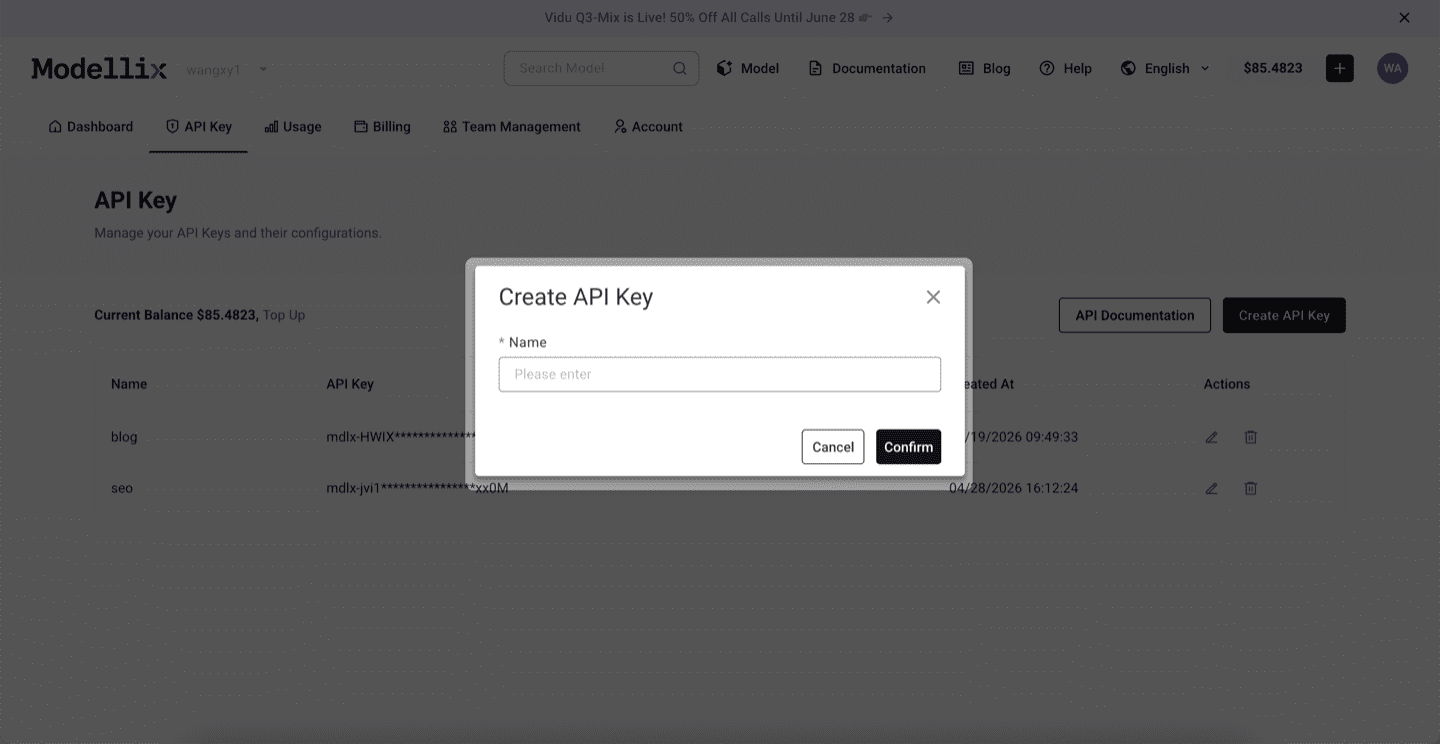
Create an API key after one prompt and model combination passes review. Keep the key server-side and use API, Skill, or CLI for repeated jobs.
Step 5: Check Logs and Save the Result Before Scaling
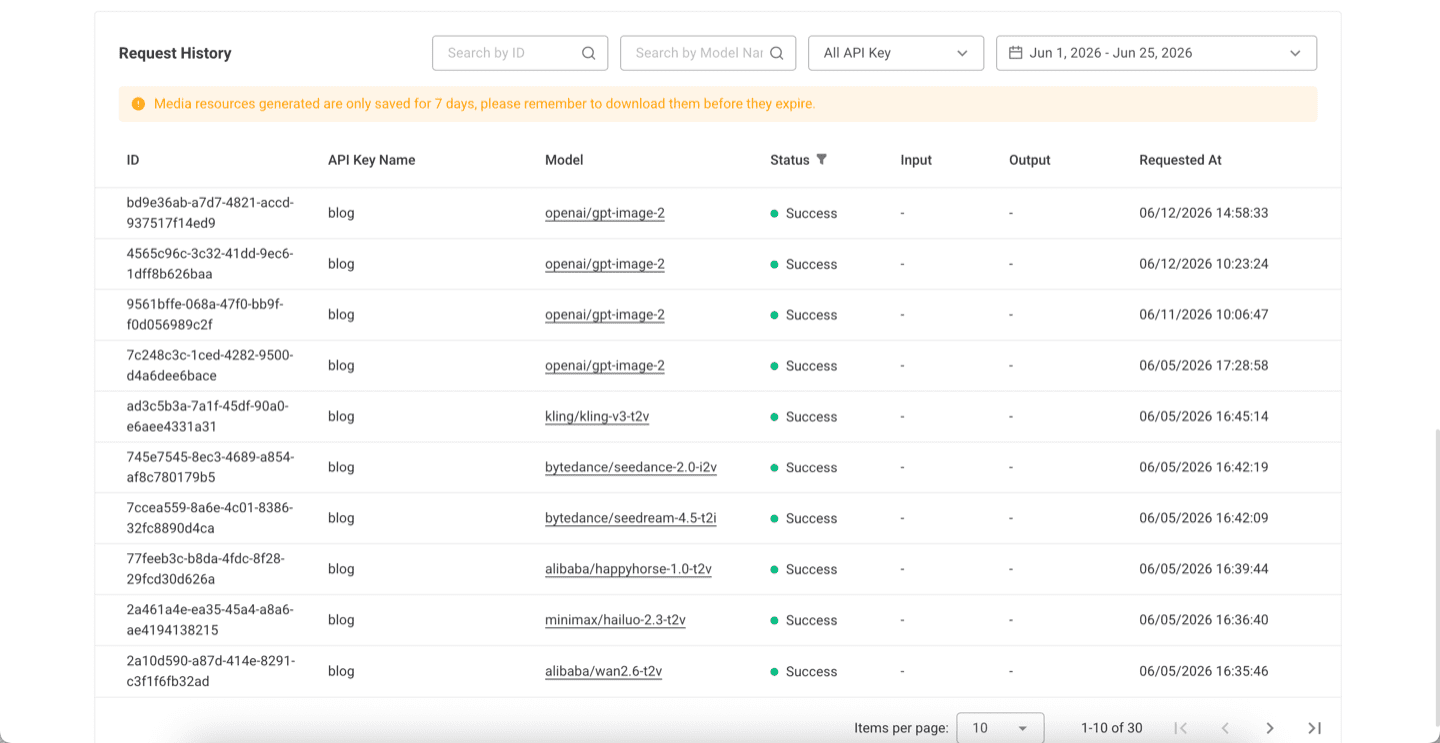
Review request history, model ID, status, cost, and output. Save approved results and record the prompt version before launching a batch.
Try Text to Image Generation Next
Run one real job before you commit engineering time
Start free with the included $1 credit, compare one business brief across models, and move to automation only after the output is worth repeating.
Compare image modelsFrequently Asked Questions About Text to Image APIs
What is a text to image API?
A text to image API lets software submit a written prompt and receive a generated image. Production APIs also expose settings such as dimensions, quality, output format, seeds, references, task status, and result retrieval.
Which API is best for commercial image generation?
There is no universal winner. GPT Image is useful when text and layout matter, Seedream fits campaign and reference-led workflows, and lighter models can be better for inexpensive high-volume ideation. Test the same brief before choosing.
Should a business use one model or several?
Use one default model when it meets most requirements, but keep routing available for exceptions. Product shots, typography-heavy ads, and bulk thumbnails often have different quality and cost thresholds.
Can I test a text to image API for free?
Modellix includes $1 credit for new users. It is enough to run real tests on eligible image models, but it is a test credit rather than an unlimited free production plan.
Do I need an API key for the first test?
No. Use the Playground first. Create an API key only when the validated result needs to become a repeated backend, batch, agent, or CLI workflow.