An image manipulation API can either make an exact technical change or create a new visual interpretation. Searchers may call the second category a photo editing API, image editor API, or AI image editing API, but those labels do not guarantee the same capabilities. That distinction is the most important buying decision. Resizing 50,000 catalog images requires deterministic transforms. Replacing a product background, changing an outfit, or creating localized ad variants requires generative editing. Treating both as the same workflow leads to inconsistent output, unnecessary cost, and brittle automation.
Seven common production jobs make the boundary clear. Once the job is defined, teams can choose a specialist API or combine deterministic delivery with a generative model layer.
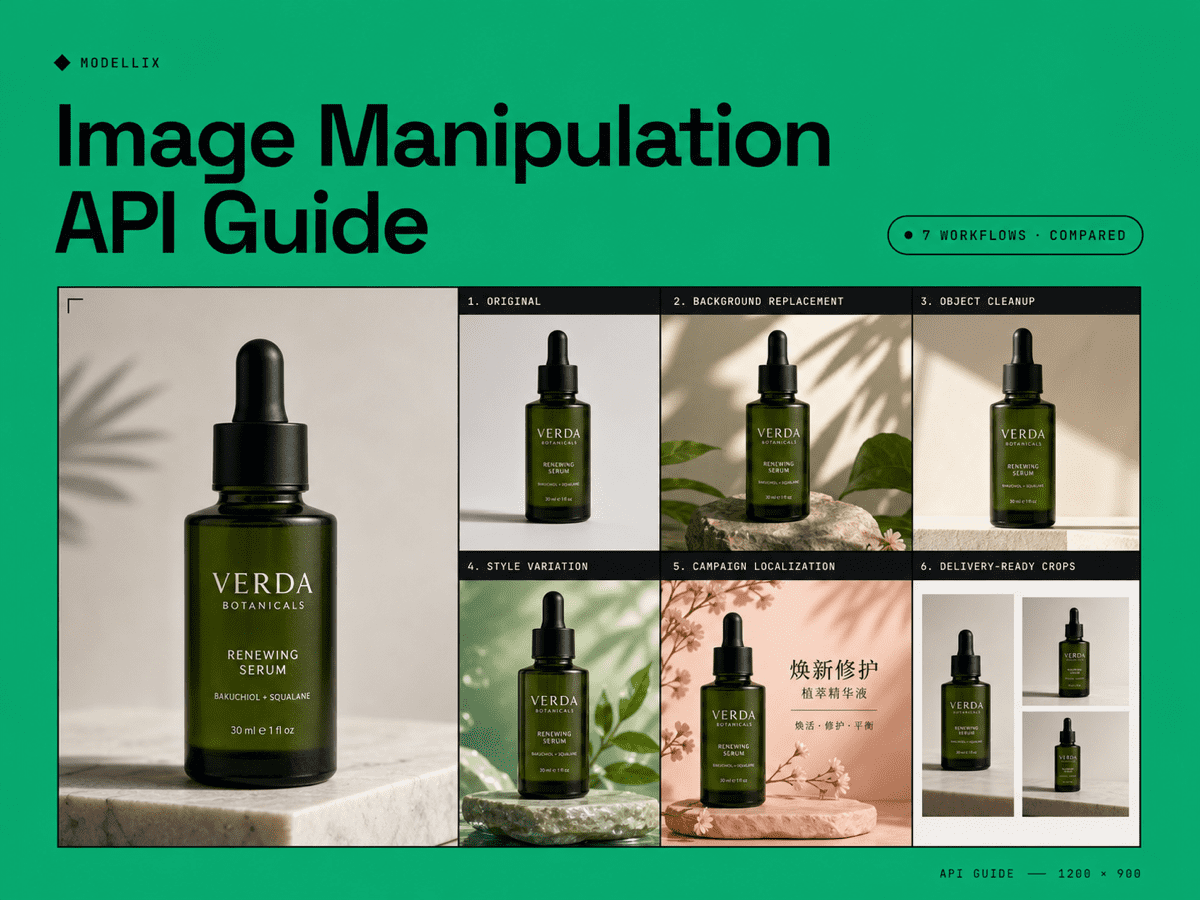
7 Image Manipulation Workflows Compared
| Workflow | Best API behavior | Main success metric | Common failure |
|---|---|---|---|
| Resize and crop | Deterministic transformation | Exact dimensions and focal point | Subject cropped incorrectly |
| Compress and convert | Deterministic processing | File size, format, and visual quality | Artifacts or unsupported format |
| Remove or replace background | Segmentation plus generative edit | Clean edges and realistic scene | Halos, shadows, or product drift |
| Remove or replace an object | Generative editing | Local edit with preserved composition | Unrequested changes elsewhere |
| Apply a visual style | Reference-led generative edit | Style strength with subject fidelity | Identity or product details change |
| Create product variants | Multi-reference generation | Brand and SKU consistency | Color, label, or shape drift |
| Localize campaign creative | Generative edit plus layout review | Correct text and regional relevance | Unreadable copy or broken hierarchy |
The first two jobs are engineering transforms. The remaining five require model judgment. Many businesses need both: a generative model creates the approved image, then a delivery API crops, compresses, and serves each channel format.
5 Image Editing API Options Compared by Role
This shortlist reflects the mixed search intent behind image manipulation APIs. Some platforms specialize in media delivery, while others create or edit content.
| API option | Strongest role | Best fit | Boundary to verify |
|---|---|---|---|
| Modellix unified image API | Multi-model generative editing | Product variants, style transfer, campaign assets, model routing | Each model has its own supported parameters |
| Cloudinary Image API | Deterministic transformation and delivery | Resize, crop, optimize, convert, and CDN workflows | Generative changes are a separate decision layer |
| Photoroom API | Commerce-focused photo editing | Backgrounds, product photography, marketplace assets | Check feature and volume fit for your catalog |
| Adobe Photoshop API | Document and Photoshop workflow automation | Teams already using Adobe files and edit operations | Setup and document workflow can be heavier |
| OpenAI Images API | Prompt-led generation and editing | Conversational edits, visual concepts, and text-aware assets | Model settings, storage, and cost need review |
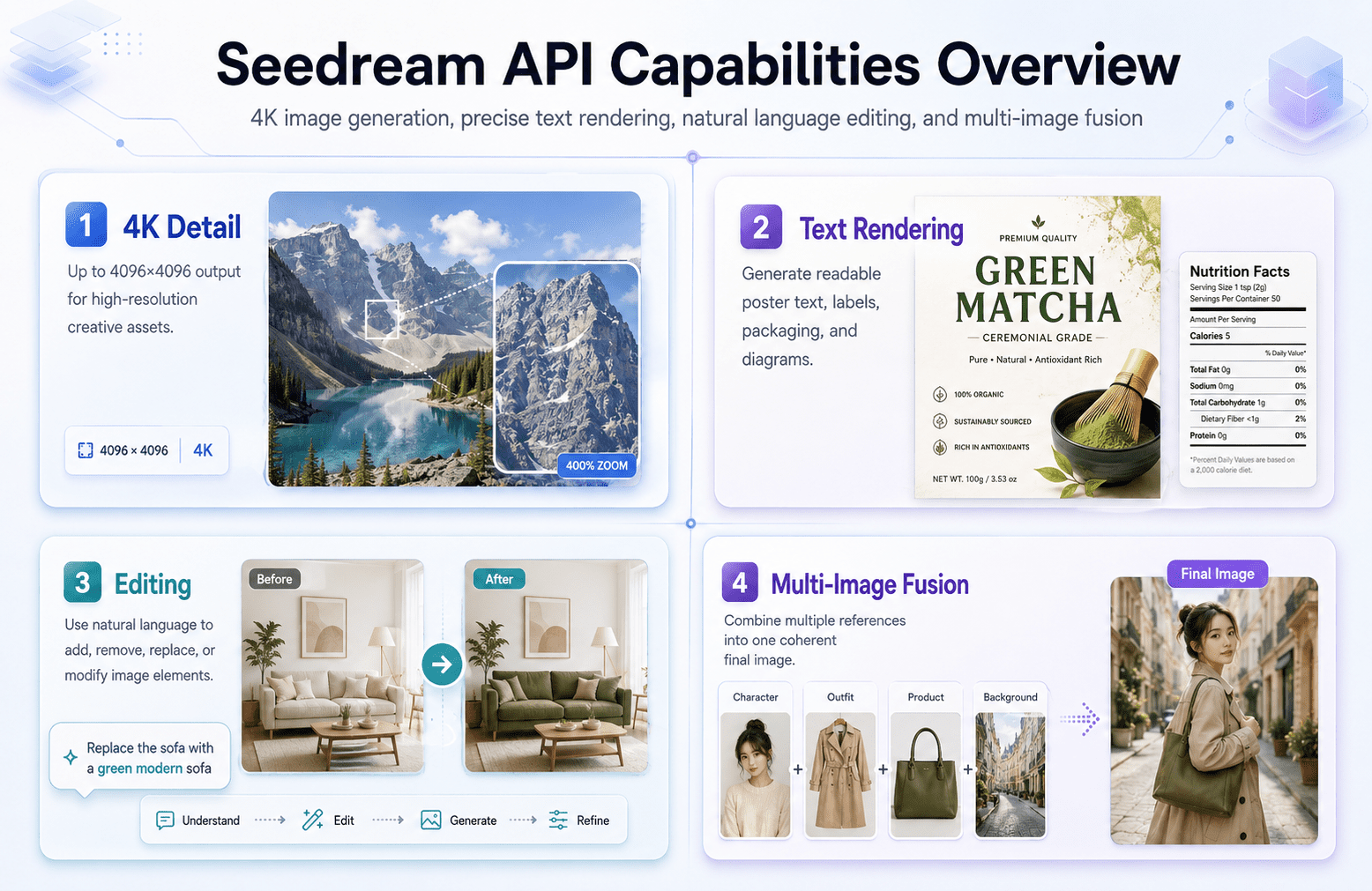
Modellix is the broadest choice when the main problem is model selection. A team can test Seedream for multi-image editing, Nano Banana for prompt-led transformations, Qwen for image editing, or another model through one account and one async task lifecycle. The Seedream API guide, GPT Image 2 API guide, and Google AI model guide provide model-specific evidence before a team standardizes its editing route.
Cloudinary and similar platforms remain valuable after generation. They solve a different production layer: delivery-ready dimensions, compression, format negotiation, and CDN distribution. A strong architecture can use both instead of forcing one API to do every job.
4 Generative Editing Controls Explained
Preserve versus change
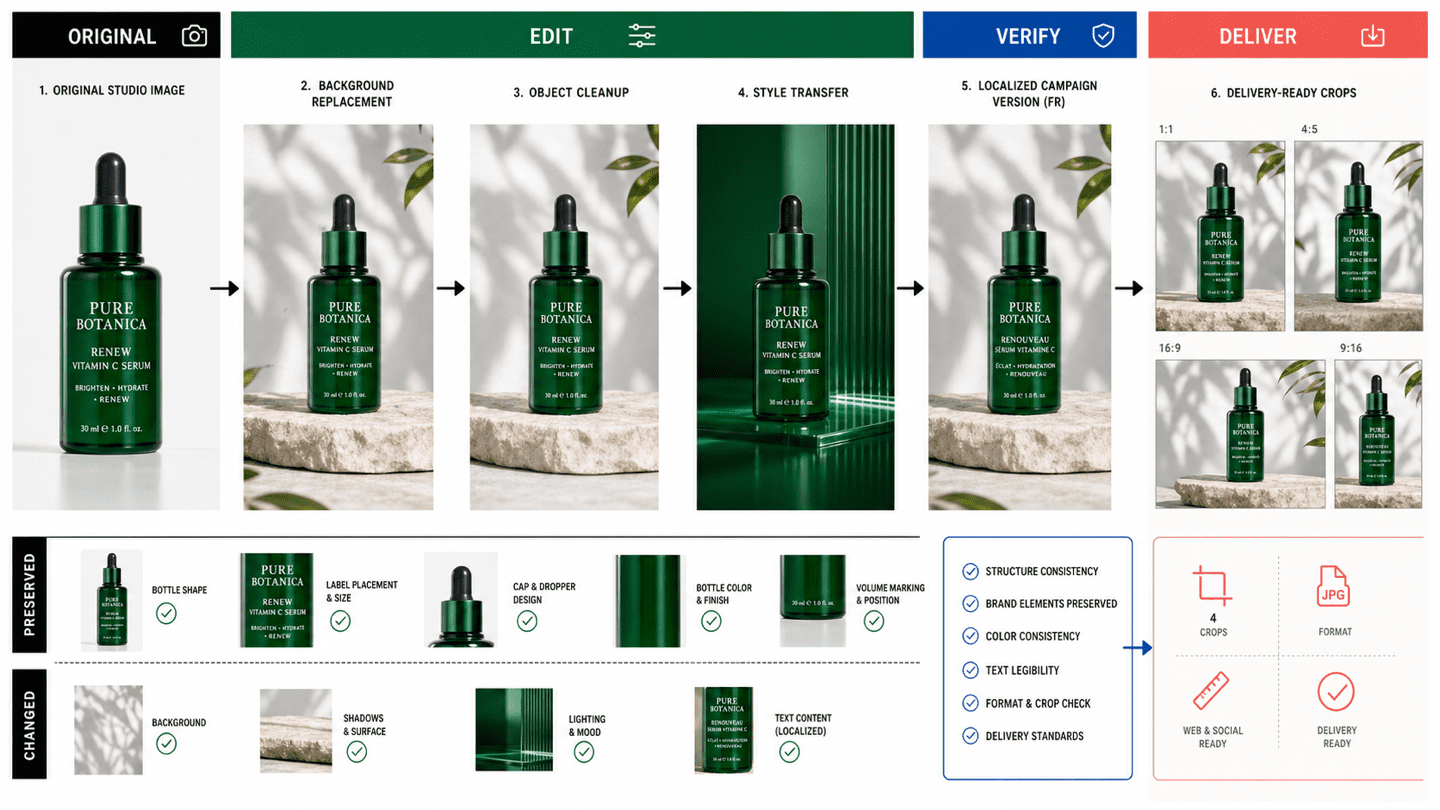
Every editing prompt should state what must remain fixed and what may change. For a product image, preserve geometry, label text, logo placement, color, and camera angle. Change only the background, lighting, or seasonal context. This reduces silent drift.
Reference count and fidelity
One input image may be enough for a background edit. Product series, character work, or campaign consistency can require several references. Seedream 5.0 Lite Edit, for example, supports single-image editing and multi-image fusion. Test whether more references improve consistency or introduce conflicting signals.
Output dimensions and format
Do not assume an editing endpoint preserves the input dimensions. Verify size, aspect ratio, JPEG or PNG output, transparency behavior, and maximum file limits. If the model produces one approved master, use a deterministic image service for downstream crops rather than asking the generative model to recreate every format. The Image Upscaler collection should be treated as a final-resolution stage, not a substitute for a correct source edit.
Batch behavior
Separate model concurrency from business batch size. A campaign may contain 1,000 assets, but submitting all of them at once can create rate limits, review bottlenecks, and uncontrolled spend. Queue small batches, record approval rate, and increase volume only when failure handling is proven.
Image Manipulation API Architecture Verified in 3 Layers
Layer 1: Input validation
Check file type, size, dimensions, orientation, color profile, and whether the asset is safe to process. Reject broken inputs before they consume generation budget.
Layer 2: Edit or transform
Route deterministic jobs to crop, resize, compress, or convert operations. Route semantic jobs to an image editing model with explicit preservation rules. Keep model ID and prompt version in the job record.
Layer 3: Review and delivery
Run automated checks for dimensions, file size, and format, then apply human review where brand or product identity matters. Save the approved master and create channel variants through the deterministic delivery layer.
This separation prevents an expensive pattern: asking a generative model to repeatedly recreate an image when a normal transformation would be exact, fast, and cheaper.
5 Production Risks Compared Before Scaling
Product and identity drift
Generative edits can change labels, logos, faces, hands, proportions, or materials even when the prompt does not request those changes. Compare the output against the original and define rejection rules for protected elements.
Hidden manual work
An API demo can look impressive while still requiring edge cleanup, typography repair, or color correction. Measure minutes of manual work per approved asset. That metric often matters more than model latency. Restoration work also deserves separate acceptance rules, supported by the Photo Restoration collection.
Cost without approval data
Per-image pricing is only the starting point. Record total requests, successful outputs, approved outputs, and retouch time. Cost per approved asset gives procurement and creative teams a shared number.
Temporary output URLs
Generated resources may expire. Save approved files to your own storage promptly and retain the request metadata needed to reproduce them.
Provider lock-in
Model capabilities change quickly. Keep your internal job schema stable, isolate provider-specific parameters, and store model IDs separately from business workflow names. A unified API can reduce the effort required to test or switch models. Compare that operating model with the provider-level choices in the fal.ai alternatives and Replicate alternatives guides.
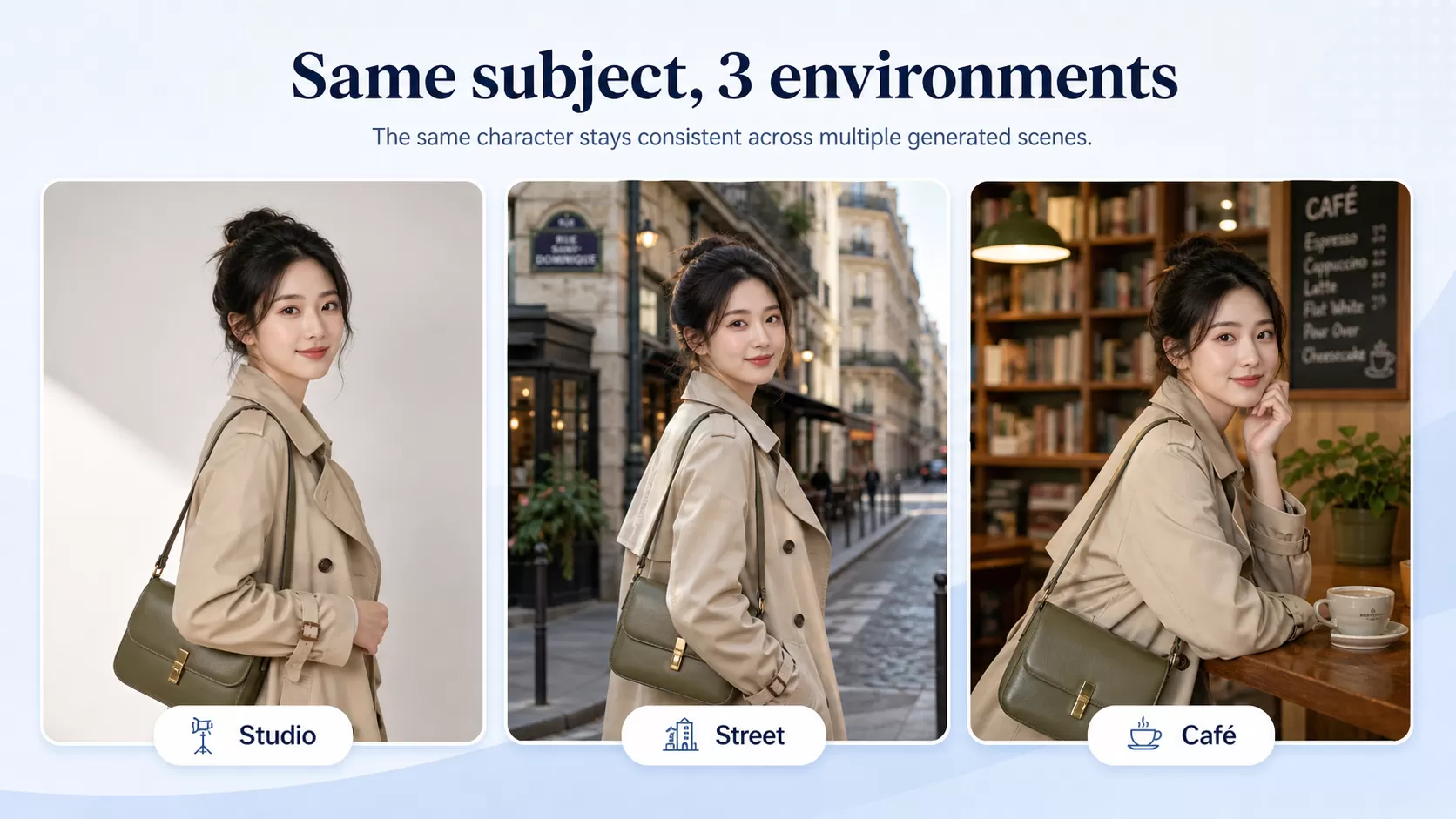
Modellix collection
Test Image Editing Models on Real Assets
Compare instruction following, subject preservation, and production controls across image editing models.
How to Test Image Manipulation on Modellix
Most users should test one real edit before writing integration code. Start in the Modellix Playground, verify preservation, change accuracy, cost, and output format, then move to API, Skill, or CLI only after the result is good enough to repeat.
Quick start guide
Playground: Browse the image editing model catalog and start with one representative asset.
API docs: Use the API guide for backend, product, and batch workflows.
Skill: Use the Modellix Skill when an AI agent edits workspace media.
CLI: Use the Modellix CLI for terminal scripts and scheduled jobs.
The entry point is simple. The important part is using a test that reflects the real production risk.
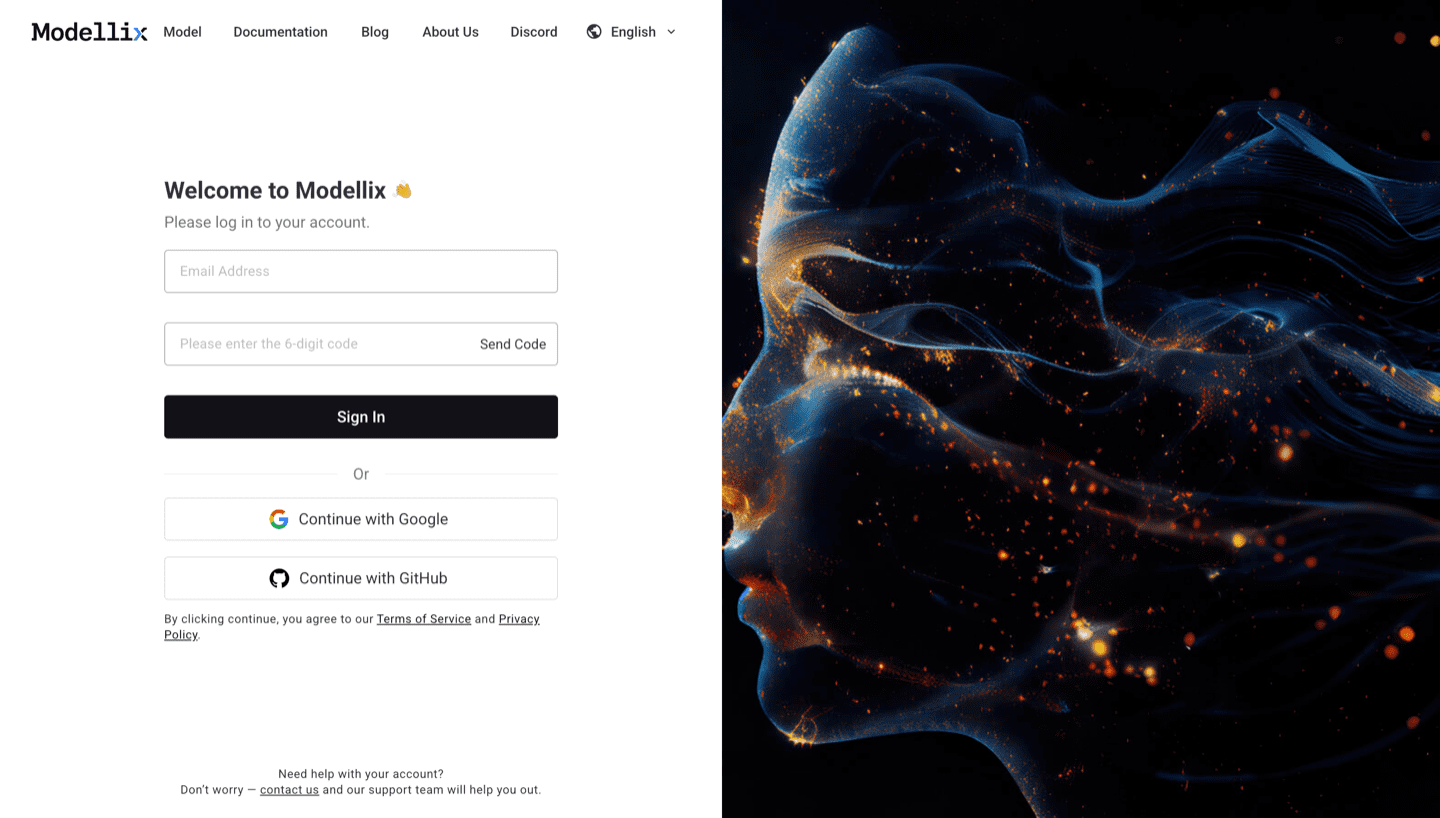
Step 1: Create or Sign In and Use the Included $1 Credit
Open the Modellix console. The included $1 credit is for real model evaluation, not unlimited free editing, so choose an asset that represents the work your business expects to scale.
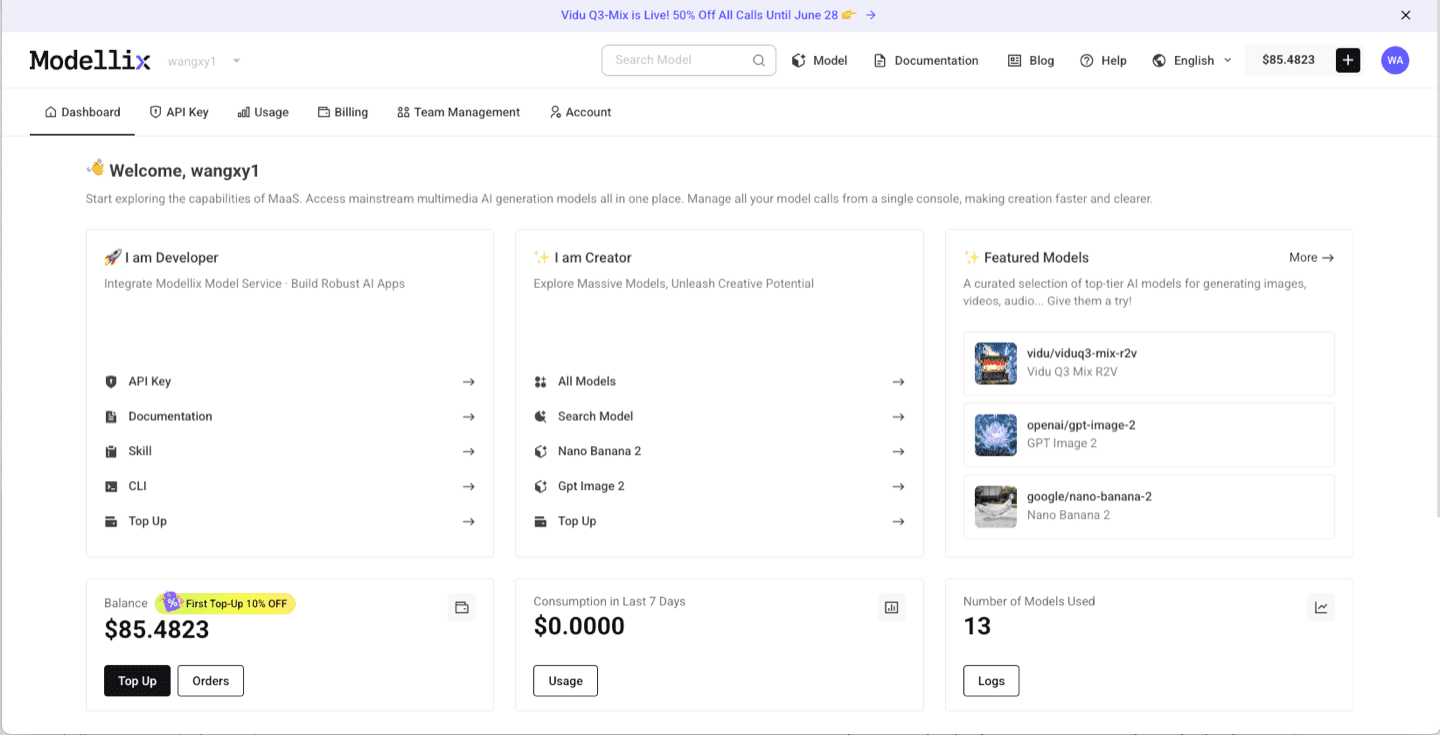
Step 2: Open an Editing Model and Run One Prompt
Use the model catalog to compare an editing endpoint such as Seedream, Nano Banana, or Qwen. Upload a clean source image and write one instruction that separates protected elements from the requested change.
Step 3: Optimize the Prompt and Review the Output
Use Prompt Enhance when more visual detail is needed. Review the result side by side with the source. Check identity, labels, geometry, edges, shadows, color, and unintended changes outside the edit area.
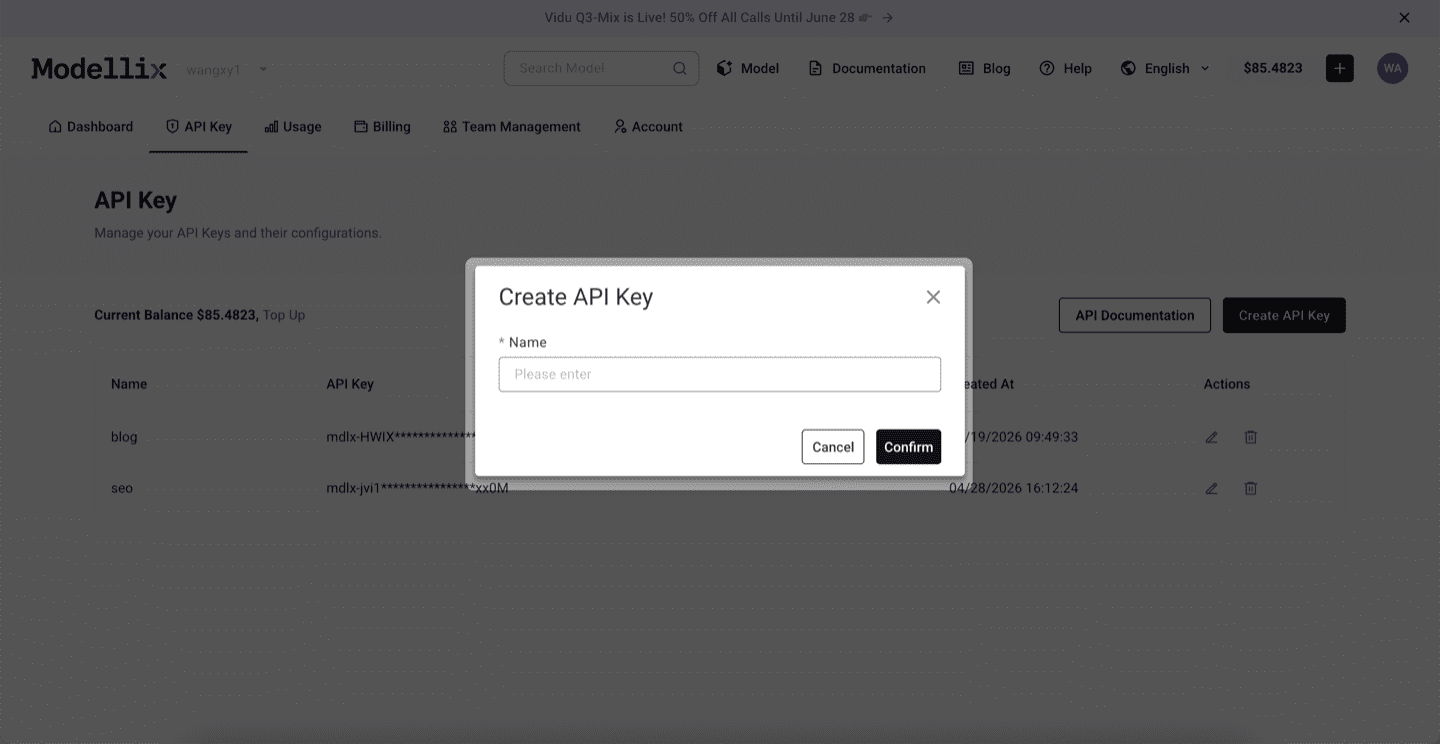
Step 4: Create an API Key Only When the Test Needs to Repeat
Once one model and prompt pass review, create an API key for repeated jobs. Keep it on the server and preserve the validated prompt as a versioned template.
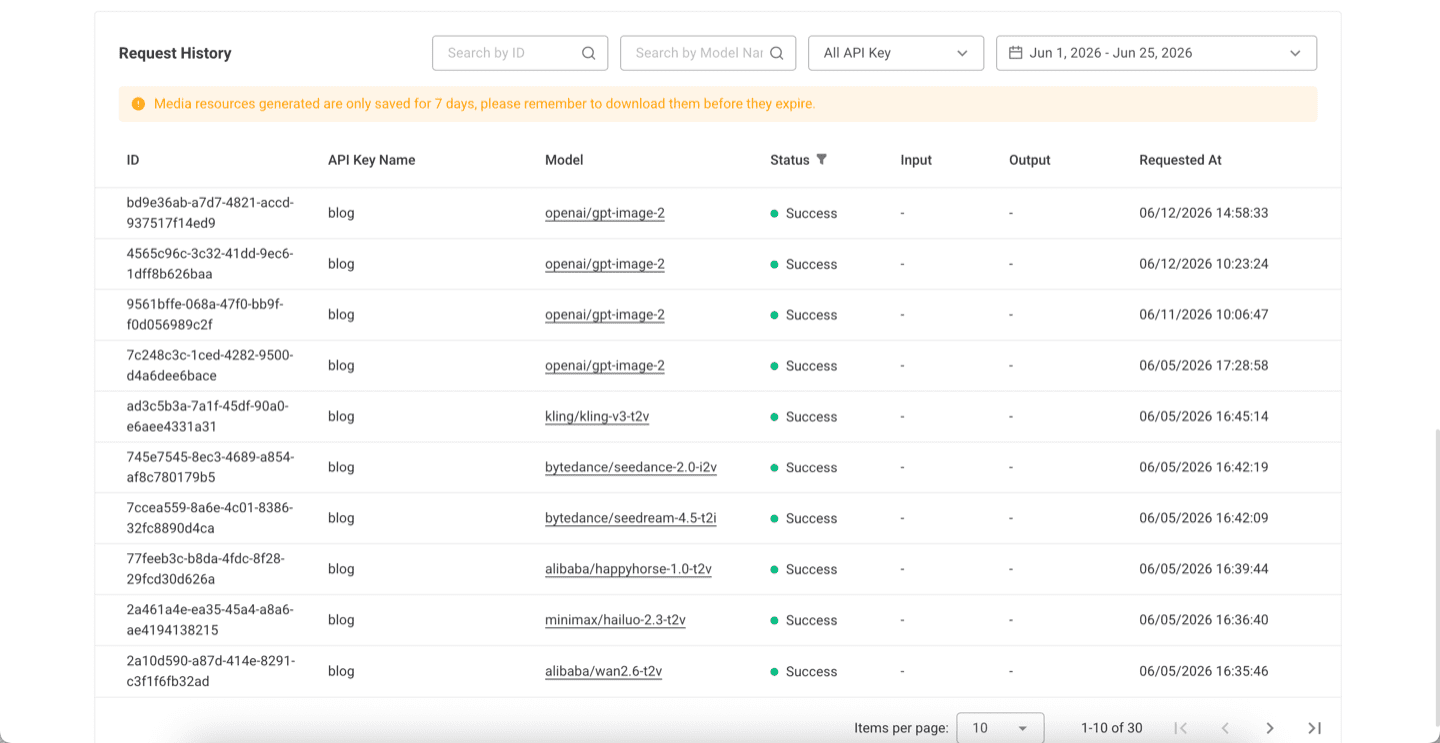
Step 5: Check Logs and Save the Result Before Scaling
Review request history, model ID, task status, cost, and result. Save the approved image to durable storage, then increase batch size gradually.
Try Image Editing Next
Test the edit before you automate the catalog
Start free with the included $1 credit, protect the elements that must not change, and create an API key only when the result is reliable enough to repeat.
Compare editing modelsFrequently Asked Questions About Image Manipulation APIs
What is an image manipulation API?
It is an API that changes an image through deterministic operations, generative editing, or both. Common jobs include resizing, compression, background replacement, object removal, style transfer, product variation, and localization.
What is the difference between an image editing API and an image processing API?
Image processing usually means exact technical operations such as resize, crop, convert, or compress. Image editing can also mean semantic changes such as replacing an object, changing a scene, or applying a new visual style.
Which API is best for product photos?
Choose based on the job. A commerce specialist may fit background cleanup, a generative model may fit new product scenes, and a delivery API may fit final crops and compression. Many production systems combine these roles.
Can an API preserve a product while changing the background?
Yes, but preservation must be tested. Use a clear source image, state which details must remain fixed, compare several models, and reject outputs that alter labels, shape, color, or branding.
Is there a free image manipulation API?
Free tiers and test credits have limits. Modellix includes $1 credit for new users to run real model tests. Verify the current boundary before planning production volume.