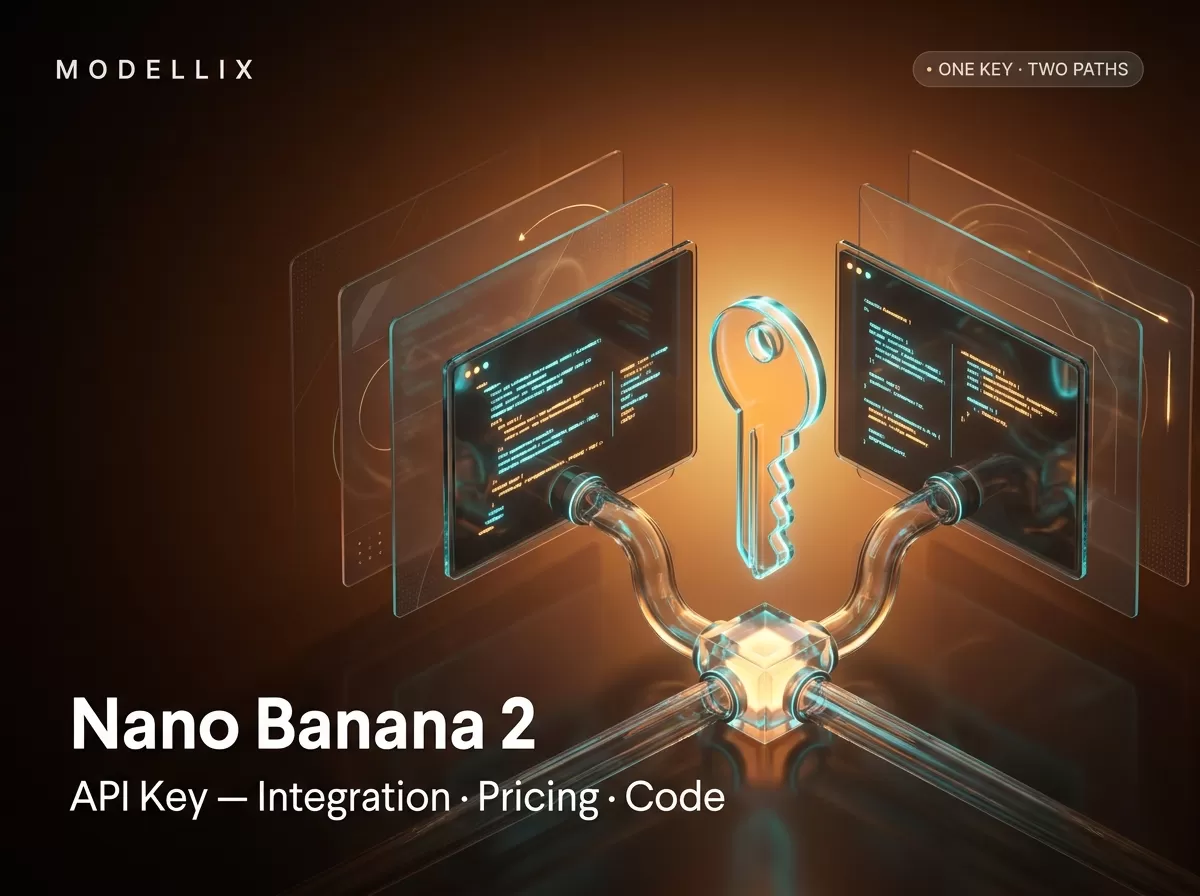
There are exactly two legitimate places to get a Nano Banana 2 API key: Google AI Studio, where Google issues you a key for its own Gemini API, and a provider console like Modellix, which fronts the same model behind one key that also reaches 210+ other image and video models. That choice decides the request header you send, whether you are billed per token or per image, and what else the key can unlock — so it is the first thing to settle before writing any code.
Everything below was pulled from the providers’ own pages on August 25, 2026. One naming note first, because it is the most common source of confusion in older tutorials: we verified against Google’s official image-generation documentation (page updated August 24, 2026) that “Nano Banana 2” is Google’s nickname for the model ID gemini-3.1-flash-image. The original “Nano Banana” (gemini-2.5-flash-image) is the legacy model Google now asks customers to migrate off. We run Modellix, an aggregator that offers Nano Banana 2 alongside other models through a single REST API, so we have a commercial interest when Modellix appears in the comparison — the numbers below are stated as they appear on each provider’s page, with dates you can check.
The short answer: two legitimate places to get a Nano Banana 2 API key
| Google Gemini API key | Modellix key (unified API) | |
|---|---|---|
| Where you create it | Google AI Studio → API Keys | Modellix console → API Key |
| What the key reaches | Google’s models only | One key across 210+ image and video models |
| Auth header | x-goog-api-key: <KEY> |
Authorization: Bearer <KEY> |
| Billing unit | Per token (≈ per image) | Per image |
| Call pattern | Synchronous (Interactions API) | Asynchronous (submit → poll → retrieve) |
| Best when | You only need Google’s models and want the source of truth | You want to compare or mix providers without re-integrating |
The one sentence to remember: the key you choose determines the header, the billing unit, and the model reach. Neither path changes the pixels — both call the same Google model — so output quality is identical and the difference is purely operational. For the full endpoint-by-endpoint walkthrough of the model itself (parameters, the edit variant, the async contract), see our Nano Banana 2 API guide. This page stays on the key: where it comes from, how to use it, what it costs, and what breaks it.
Which model the key unlocks: the four-model family
When you read Google’s docs you will see four models under the Nano Banana umbrella. The naming is the trap: the version numbers do not line up the way you would expect.
| Nano Banana name | Model ID | Role |
|---|---|---|
| Nano Banana (original) | gemini-2.5-flash-image |
Legacy — Google recommends migrating off |
| Nano Banana 2 | gemini-3.1-flash-image |
Fast generalist workhorse — this guide |
| Nano Banana 2 Lite | gemini-3.1-flash-lite-image |
Cheapest, high-volume drafts (1K only) |
| Nano Banana Pro | gemini-3-pro-image |
Premium: highest fidelity, brand-accurate layouts |
Model IDs from Google’s image-generation docs, retrieved August 25, 2026.
Nano Banana 2 runs on Gemini 3.1 while Pro runs on Gemini 3 — the higher version number is the speed-first generalist, not the premium tier. In Google’s own words, Nano Banana 2 “balances speed with state-of-the-art 4K generation, world knowledge, and reliable text rendering,” with support for up to 14 reference images and Google Search grounding. Every generated image carries Google’s SynthID watermark. If your workload needs Pro’s sharper in-image text or brand-accurate layouts, that model has its own key guide (Nano Banana Pro API key); the key mechanics below are identical either way. If you are building high-volume thumbnails and drafts, Nano Banana 2 Lite is the cheaper default.
Path A — create a Nano Banana 2 API key in Google AI Studio
What you need: a Google account with billing enabled (image generation has no free API tier — more on that below).
- Open the API Keys page in Google AI Studio and click Create API key. Google’s API key documentation notes that keys created in AI Studio are automatically created as auth keys.
- Copy the key into a secret manager or environment variable immediately. Unlike some consoles, AI Studio keeps keys visible afterwards, but leaving one on screen is how it ends up in a screenshot.
- Verify the key with a minimal call to the Interactions API. Google’s path is synchronous — the image comes back in the same request:
1 | curl -s -X POST \ |
Same call in Python with the genai SDK:
1 | from google import genai |
If this returns a 401, the key itself is fine in most cases — the header is wrong (see the debug section below). Google also supports multi-turn editing by passing a previous_interaction_id, so you can refine an image across several requests without re-sending the full history.
Path B — create a key on a unified API (Modellix)
What you need: a Modellix account. Log in, open API Key, and create one. One timing difference matters: Modellix’s API documentation states the key is only displayed once after creation, so save it into an environment variable or secret manager at that moment — close the dialog without copying and you cannot read the same key again.
The same key authenticates every model on the platform, so the request pattern is identical whether you call Nano Banana 2 today or a video model tomorrow. Image generation runs asynchronously: you submit a job, get a task_id, then poll (or catch a webhook).
Submit:
1 | curl --request POST \ |
Poll — call GET /api/v1/tasks/{task_id} with the same Authorization header until status is success, then read the image URL from data.result.resources[].url:
1 | import time |
Or skip polling with a webhook. Send an X-Webhook-URL header on submit and Modellix POSTs to your endpoint on terminal state, with X-Modellix-Event (prediction.task.succeeded / .failed / .canceled) plus X-Modellix-Task-ID and X-Modellix-Delivery-ID headers. Generated results live for about 7 days — persist the asset before then. The same key also reaches video generation; our image-to-video API guide shows how the identical submit-poll pattern applies to motion models.
Only prompt is required; aspectRatio (14 options from 1:1 to 21:9) and imageSize (512, 1K, 2K, 4K) are optional. Google’s path exposes the same two dials inside response_format — the knobs are the same, the names differ slightly.

The two legitimate key paths converge on the same model: Google AI Studio with an x-goog-api-key header, or a unified API console with a bearer token. Concept diagram, generated for this guide.
Nano Banana 2 API Reference
See the submit and poll endpoints for google/nano-banana-2 and the full parameter list.
View DocsThe honest answer to “is there a free Nano Banana 2 API key?”
This is the most-asked question in the search results for this keyword — Google’s own People Also Ask lists two variants, and a Reddit thread asking whether anyone can share a key “for free” is one of the top results. The honest answer has three parts.
Google’s API has no free tier for this model. The Gemini API pricing page lists Free Tier as “Not available” for every image model, and Google’s Nano Banana 2 announcement is explicit: “A paid api key is required to use the model on Google AI Studio.” What people call “free Nano Banana 2” is the AI Studio playground: you can experiment with the model there with a free preview quota, which is real but rate-limited, not a production API allowance.
“Free API key generators” do not exist — they are credential harvesters. A key is issued by Google AI Studio or by the provider you sign up with. Any site that “generates” a Nano Banana 2 API key for you is either collecting credentials or reselling someone else’s key with their quotas and terms. If a page promises a generator, that is the page to close.
Starter credit is a platform-specific claim, not a Google feature. Some unified APIs offer signup credit that lets you test paid models before recharging. Verify the exact amount and card requirements on the provider’s own signup page — do not assume one platform’s promotion applies to another. For the wider family’s free-and-paid breakdown, our Nano Banana API key guide walks through each model’s access path.
Keep the key safe: the four practices that prevent leaks
A Nano Banana 2 API key is a bearer credential — anyone who holds it can spend your balance. Four practices cover most incidents:
- Put it in an environment variable or secret manager, never in source code:
export GOOGLE_API_KEY=...orexport MODELLIX_API_KEY=..., and read it from the environment in your app. - Keep it out of git. A committed key is a leaked key even in a private repo.
.gitignoreyour local env files, and rotate immediately if a key ever lands in history. - Use separate keys per environment (dev/staging/prod) and rotate on any suspected exposure. Both Google and Modellix let you revoke and reissue from the console where you created the key.
- Respect the “shown once” moment. On the Modellix path the key is displayed only at creation; on the Google path it stays visible in AI Studio. Either way, storing it the moment it appears removes the most common recovery scramble.
Nano Banana 2 API pricing, pulled today
Price is where the two paths genuinely differ, so here is the current comparison — read from Google’s pricing page and Modellix’s nano-banana-2 model page on August 25, 2026. Google bills image output at $60 per 1M tokens; the per-image figures are that token math done for you (a 1K square image consumes 1,120 output tokens).
| Resolution | Google direct (standard) | Google direct (Batch) | Modellix (per image) |
|---|---|---|---|
| 512 (0.5K) | $0.045 | $0.022 | $0.0403 |
| 1K | $0.067 | $0.034 | $0.0575 |
| 2K | $0.101 | $0.050 | $0.0851 |
| 4K | $0.151 | $0.076 | $0.1248 |
Sources: Gemini API pricing and Modellix nano-banana-2, both accessed August 25, 2026. Google input tokens are billed separately at $0.50/1M; the Batch figures apply to asynchronous jobs that can wait.
This is not a claim that Modellix is the cheapest route — Google’s Batch tier undercuts both paths for jobs that can run asynchronously, and at 4K the standard tiers nearly converge. The honest summary: for interactive single calls, Modellix’s 512–2K per-image prices sit below Google’s standard tier; for queued workloads, Google Batch is the budget pick; and the operational trade-off (one key across many providers vs one provider at the source) is a separate axis from price. If you are budgeting across the whole image-model market, our cheapest AI API breakdown compares the wider catalog.
The rest of the family, same day: Nano Banana 2 Lite at $0.0336 per 1K image on Google (Batch $0.0168) and $0.0274 on Modellix; Nano Banana Pro at $0.134 per 1K/2K and $0.24 per 4K on Google (Batch $0.067/$0.12) and $0.1265–$0.2093 on Modellix; the Nano Banana 2 edit variant at $0.0419–$0.1265 on Modellix. Resolution is a budget decision, not just a quality one — going from 1K to 4K more than doubles the cost on either path, so ask for the smallest size your use case actually needs. Per-call cost history and live route pricing are on the Modellix pricing page and the Google provider hub.

The structural difference between the two key paths: Google bills image output per token, Modellix per image. Prices change and are kept in the dated table above; this diagram only shows the billing unit. Concept image, generated for this guide.
Debug the key: 401, 402, and 429
Most “my Nano Banana 2 API key doesn’t work” reports are one of these. Both providers return a unified JSON error whose code matches the HTTP status.
| Status | Meaning | What to check |
|---|---|---|
| 400 | Invalid parameters | The prompt or a field name is wrong — fix the request, not the key |
| 401 | Invalid, missing, or expired key | Wrong auth header (x-goog-api-key vs Authorization: Bearer), or a key that was revoked/expired |
| 402 | Insufficient balance | Billing not enabled (Google) or balance exhausted (Modellix) — top up first |
| 404 | Unknown task/model ID | Wrong model ID or a stale task_id |
| 429 | Rate or concurrency limit | Back off exponentially; respect X-RateLimit-Reset |
| 500 / 503 | Provider-side issue | Retry with backoff |
Error codes from the Modellix REST API reference, August 25, 2026; Google returns the same HTTP semantics on the Interactions API.
The most common fix order: check the header first, then the key, then the balance. A 401 with the key pasted into the wrong header is the classic mistake — the error message does not tell you the header was the problem. A 402 on the Google path usually means billing is not enabled on the Cloud project. A 429 is not a key problem at all; it means your polling loop needs backoff.
Start Generating with Nano Banana 2
Log in to create a key and call Nano Banana 2 alongside 210+ other image and video models.
LoginFrequently Asked Questions
What is the Nano Banana 2 API model ID?
gemini-3.1-flash-image. Google’s image-generation documentation, verified August 25, 2026, lists “Nano Banana 2 (Gemini 3.1 Flash Image)” as the fast generalist workhorse of the family. On a unified path the same model is google/nano-banana-2 in the URL.
Where do I get a Nano Banana 2 API key?
Two legitimate places: Google AI Studio (aistudio.google.com/apikey → Create API key) for Google’s own Gemini API, or a provider console like Modellix for a unified key. There is no other issuer, and no “generator” is legitimate.
Is there a free Nano Banana 2 API key?
No. Google’s pricing page lists the free tier as “Not available” for image models, and a paid key is required in AI Studio. The free preview quota in the AI Studio playground is rate-limited and not a production allowance. Some unified APIs offer signup credit — verify the terms on the provider’s page.
What is the difference between the Google key and a Modellix key?
Header (x-goog-api-key vs Authorization: Bearer), billing unit (per token vs per image), call pattern (synchronous vs submit-poll-webhook), and reach (Google models only vs one key across many providers). The generated image is identical because both paths call the same Google model.
Why does my request return 401 even though I copied the key correctly?
Most likely the header: Google’s path uses x-goog-api-key, the unified path uses Authorization: Bearer. Sending one to the wrong endpoint returns a clean 401. If the header is right, check whether the key was revoked, expired, or rotated.
Do older tutorials about “Nano Banana” still apply?
Partly. Many 2025-era tutorials cover gemini-2.5-flash-image — the original Nano Banana, which Google now labels legacy and recommends migrating off. If a tutorial’s model ID is gemini-2.5-flash-image, treat its code as outdated; Nano Banana 2 is gemini-3.1-flash-image.
How much does a Nano Banana 2 image cost right now?
As of August 25, 2026: $0.045 / $0.067 / $0.101 / $0.151 per image at 512 / 1K / 2K / 4K on Google’s standard tier ($0.022–$0.076 on Batch), and $0.0403–$0.1248 per image on Modellix. Prices move — re-check the linked pricing pages before committing budget.
Model IDs, endpoints, and pricing were retrieved from first-party pages on August 25, 2026: Google’s image-generation docs, Gemini API pricing, Google’s API key docs, the Modellix REST API reference, and the Modellix nano-banana-2 model page. Nano Banana 2 is a Google model; IDs and rates change without notice — validate against the linked pages before you build. Modellix is a distribution layer that fronts Google’s endpoints and does not build the model. Access image and video models, including the leading Chinese models, through a single API key at modellix.ai.
Cover and concept illustrations are Modellix-generated artwork for this guide; they are not Google product screenshots or pricing evidence.