Nano Banana API Key: How to Get One, Authenticate, and Keep It Safe
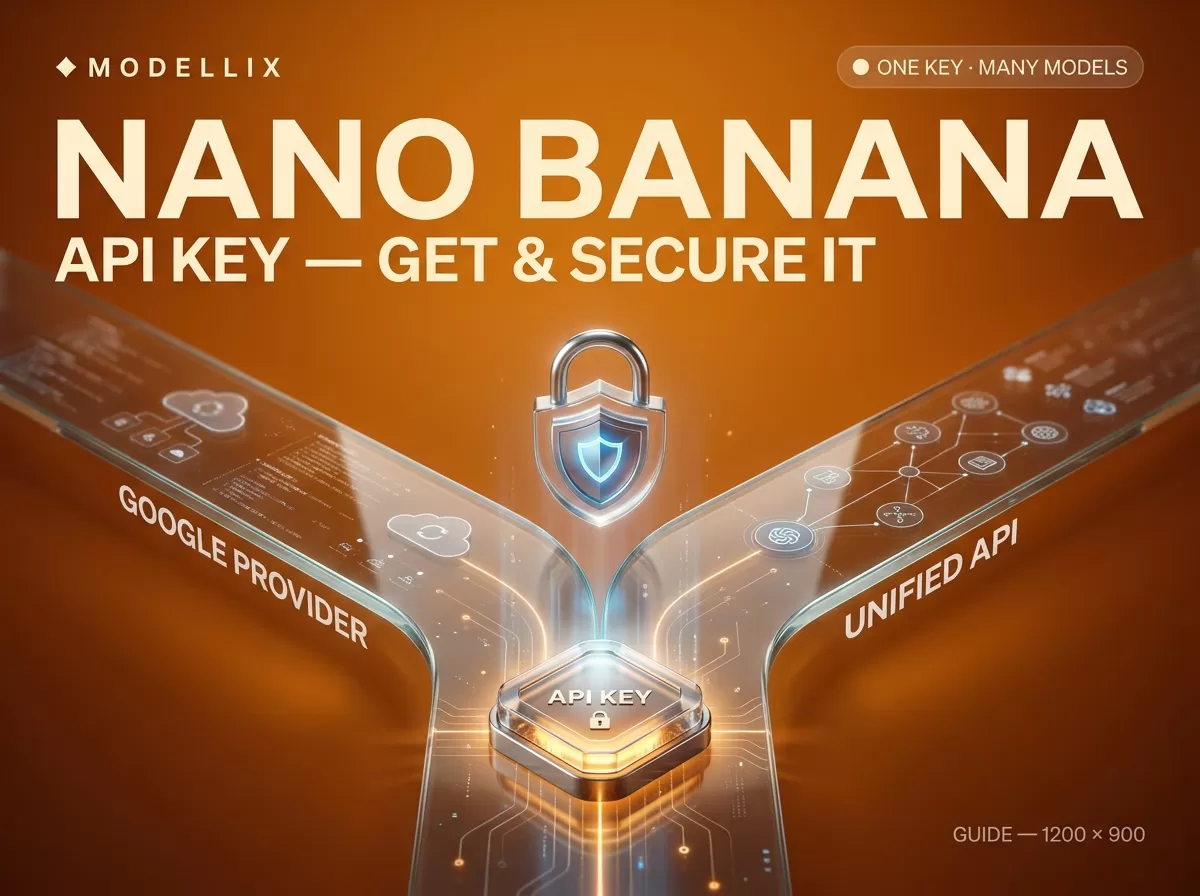
A Nano Banana API key is the single credential that unlocks image generation with Google’s Nano Banana models from your own code, and there are two legitimate ways to get one. You can create a Gemini API key in Google AI Studio and call Google directly, or you can create a key in the Modellix console and reach Nano Banana — plus many other image and video models — through one unified API. Both keys ultimately talk to the same Google model, so the choice is not about quality; it is about whether you want a single provider or one key across many models. This guide is about the key itself: where it comes from, how you authenticate with it, how to store it so it does not leak, how to validate it, and how to read the errors that are really credential problems.
Everything below is verified against the providers’ own docs on July 25, 2026. This page is deliberately about the key, not the full image loop — for the end-to-end submit-poll-save flow, see our step-by-step guide on how to use Nano Banana. One thing worth knowing before you start: on the Modellix path the key is shown only once, so you will want somewhere to paste it the moment it appears.
The two ways to get a Nano Banana API key
Before you create anything, pick your path — because the key you get, and the header you send it in, are different on each one.
| Google Gemini API key | Modellix key (unified API) | |
|---|---|---|
| Where you create it | Google AI Studio | Modellix console → “API Key” |
| What it reaches | Google’s models only | One key across many image/video models |
| Auth header | x-goog-api-key |
Authorization: Bearer |
| Best when | You only need Google’s models and want the source of truth | You want to compare or mix providers without re-integrating |
Nano Banana is Google’s name for Gemini’s native image generation, so whichever key you use, the pixels come from a Gemini image model — gemini-3.1-flash-image for Nano Banana 2, gemini-3-pro-image for Nano Banana Pro. Google is the model maker; Modellix is one distribution layer that fronts that model behind a single key. You can see the full Google line-up on the Google provider page.
Where a Nano Banana API key comes from — create it
The creation step takes about a minute on either path. The one rule to respect from the start: treat the key as a secret the moment it exists.
Path A — create a Gemini API key in Google AI Studio. Go to Google AI Studio’s API Keys page (aistudio.google.com/apikey) and click Create API key. New keys are generated for you automatically — in Google’s words, “All new API keys created in Google AI Studio are automatically created as auth keys.” The key remains retrievable from AI Studio afterward, but you should still copy it into a secret store rather than leaving it on screen.
Path B — create a key in the Modellix console. Log in to the Modellix console, open API Key, and create one. Here the timing matters: per the Modellix API docs, “The API Key is only displayed once after creation, so be sure to save it first.” If you close that dialog without copying it, you cannot read the same key again — you create a new one and update your app. Paste it straight into an environment variable or secret manager, not a chat window or a code comment.

Modellix’s own API docs confirm the key is shown only once at creation and that every request authenticates with an Authorization: Bearer header. Captured July 25, 2026.
Authenticate with your Nano Banana API key
This is the line most integrations get wrong, because the two paths send the key in different headers.
On the Google path, REST requests carry the key in the x-goog-api-key header:
1 | -H "x-goog-api-key: YOUR_API_KEY" |
Google’s client libraries also auto-detect the key from an environment variable named GEMINI_API_KEY or GOOGLE_API_KEY — and “If both are set, GOOGLE_API_KEY takes precedence.”
On the Modellix path, every request — both the submit and the poll — carries the key as a bearer token:
1 | --header 'Authorization: Bearer <your_api_key>' |
Here is the smallest possible call that puts your key to work, submitting a Nano Banana 2 generation task:
1 | curl --request POST \ |
Because generation is asynchronous, this returns a task_id, not an image — you then poll GET /api/v1/tasks/{task_id} with the same header until it succeeds. That full submit-poll-save loop is a guide of its own; for the complete walkthrough, including webhooks and saving the result, see how to use Nano Banana. The point for this page is only that the key rides in the Authorization: Bearer header on every request.
Store your Nano Banana API key safely
A leaked key is a live billing risk: anyone who has it can spend against your account until you rotate it. Google’s own guidance is blunt — “Treat your Gemini API key like a password” — and the same rules apply to a Modellix bearer key. Four rules cover almost every leak:
- Keep it in an environment variable, not in code. Read the key from
GEMINI_API_KEY(Google) or your own variable (Modellix) at runtime instead of pasting the literal string into a source file. - Never commit it to source control. In Google’s words, “Never check API keys into source control systems like Git.” Add your
.envfile to.gitignorebefore the first commit, not after. - Never hardcode it in a browser or mobile app. “Do not hardcode API keys directly in web or mobile apps. Keys compiled in client-side code can be extracted by users.” Anything that ships to a device ships the key with it.
- Call the API from a backend proxy, and use a secret manager in production. Google recommends routing client-side apps through a backend server and storing production keys in a service such as Google Cloud Secret Manager. For a Modellix key, the same shape applies: put the bearer token behind your own server, never in front-end JavaScript.
Validate a key and check your balance before you ship
Two small requests let you confirm a key works before it fails mid-job. On the Modellix path both are documented endpoints.
To confirm a key is valid, call:
1 | curl --url https://api.modellix.ai/api/v1/apikey/validate \ |
It returns data.is_valid as a boolean. Usefully, “Invalid, missing, or malformed credentials return a successful response with is_valid set to false” — so a bad key gives you a clean false, not an exception to catch.
To check how much credit the key can spend, call GET https://api.modellix.ai/api/v1/team/balance with the same header; it “Returns the current available balance for the team associated with the provided API Key,” in USD to four decimal places. Reading the balance before a batch run is the simplest way to avoid the mid-job 402 described below.
Nano Banana API key errors — 401, 402, and 429
When a request fails, the status code tells you whether the problem is the key, the money, or the pace. On the Modellix path these are documented explicitly.
| Code | What it means | How to fix it |
|---|---|---|
| 401 Unauthorized | Invalid, missing, or expired API key | Provide a valid key. Not retryable — retrying the same bad key changes nothing. |
| 402 Payment Required | Insufficient balance or account in arrears | Recharge the account. Not retryable until you top up. |
| 429 Too Many Requests | Rate limit or concurrency limit exceeded | Retryable — back off exponentially and check the X-RateLimit-Reset header for when to retry. |

The Modellix error-code reference lists 401 (bad key), 402 (insufficient balance) and 429 (rate limit) — and no 403 — so credential problems always surface as 401 or 402. Captured July 25, 2026.
A useful thing to know: the Modellix error table has no 403 code. Credential failures surface as 401, and out-of-money failures as 402 — so if you are debugging a “key” problem, those are the two to reason about. The 429 case is tied to your funding tier: concurrency and RPM limits scale with your single top-up amount — a first $10 top-up allows 10 concurrent tasks and 100 requests per minute, $100 allows 20 and 200, and higher tiers scale from there. If you hit 429s constantly, the fix is often a larger top-up, not more retries.
Is there a free Nano Banana API key? Cost in one line
The word “free” needs a caveat on each path.
On Google’s path, a Gemini API free tier exists — the pricing page lists “Free input & output tokens” and “Limited access to certain models.” But image generation is not part of it: for Gemini 3.1 Flash Image (Nano Banana 2), the free tier lists both input and output price as “Not available.” In practice, a free Google key cannot generate Nano Banana images; you need the paid tier (from $0.045 per image) for that.
On the Modellix path, the documented offer is a first-top-up discount, not a free tier: “a 10% discount on your first top-up for each tier,” across $10 / $100 / $200 / $500 / $1,000 / Custom, usable once per tier for up to six times, paid via Stripe. Modellix’s own materials also describe a small starter credit for new accounts without a card, but that is a platform claim not stated in the public docs, so verify it at signup rather than taking it as documented.
As for cost per image, one line is enough here because price deserves its own page: Nano Banana 2 on Modellix runs $0.0403 at 512, $0.0575 at 1K, $0.0851 at 2K, and $0.1248 at 4K per image. For the full family breakdown see the Nano Banana price guide, and for the Pro tier specifically the Nano Banana Pro pricing breakdown.
Both keys reach the same underlying Google model, so this is not a claim that a Modellix key is cheaper or better than a Google one — the value of a unified key is one credential across many models, not a lower price. Which path you pick should come down to a single question: do you want the single-provider source of truth, or one key you can point at many models without re-integrating?
Frequently asked questions
Where do I get a Nano Banana API key? Two places. Create a Gemini API key in Google AI Studio to call Google directly, or create a key in the Modellix console to reach Nano Banana and other models through one unified API.
Is there a free Nano Banana API key? Google has a free tier, but it does not include image generation, so a free Google key cannot produce Nano Banana images. Modellix documents a 10% first-top-up discount rather than a free tier; any starter credit is a platform claim to confirm at signup.
What header do I authenticate with? It depends on the path: Google’s REST API uses x-goog-api-key, while Modellix uses Authorization: Bearer.
My key returns 401 — what’s wrong? A 401 means the API key is invalid, missing, or expired. Retrying the same key will not help; provide a valid one.
What’s the difference between a 401 and a 402? A 401 is a key problem (bad or missing credential); a 402 is a money problem (insufficient balance). Fix the key for the first, top up for the second.
How do I keep my Nano Banana API key secure? Store it in an environment variable, never commit it to Git, never hardcode it into web or mobile clients, and call the API from a backend proxy — with production keys in a secret manager.
Can one key call other models too? A Modellix key can — it fronts many image and video models, so you swap the model name in the path and reuse the same key. A Google key reaches Google’s models only.
Provider details, endpoints, and pricing reflect public information as of July 2026 and change frequently. Validate against each provider’s live documentation before committing. Access image and video models, including the leading Chinese models, through a single API key at modellix.ai.