
Kling V3 on Modellix costs $0.0672 to $0.336 per second of generated video, billed per second with no subscription. The rate depends on three things: the route, the resolution, and whether you turn on native audio.
The cheapest setup is 720p with audio off. 4K costs the same with or without audio. Price the exact route, resolution, and audio setting before you budget, because the same 10-second clip can cost $0.67 or $3.36.
Kling 4.0 is not on the API yet. For its confirmed specs and our per-second estimate, see Kling 4.0: release date, pricing, and what to use now.
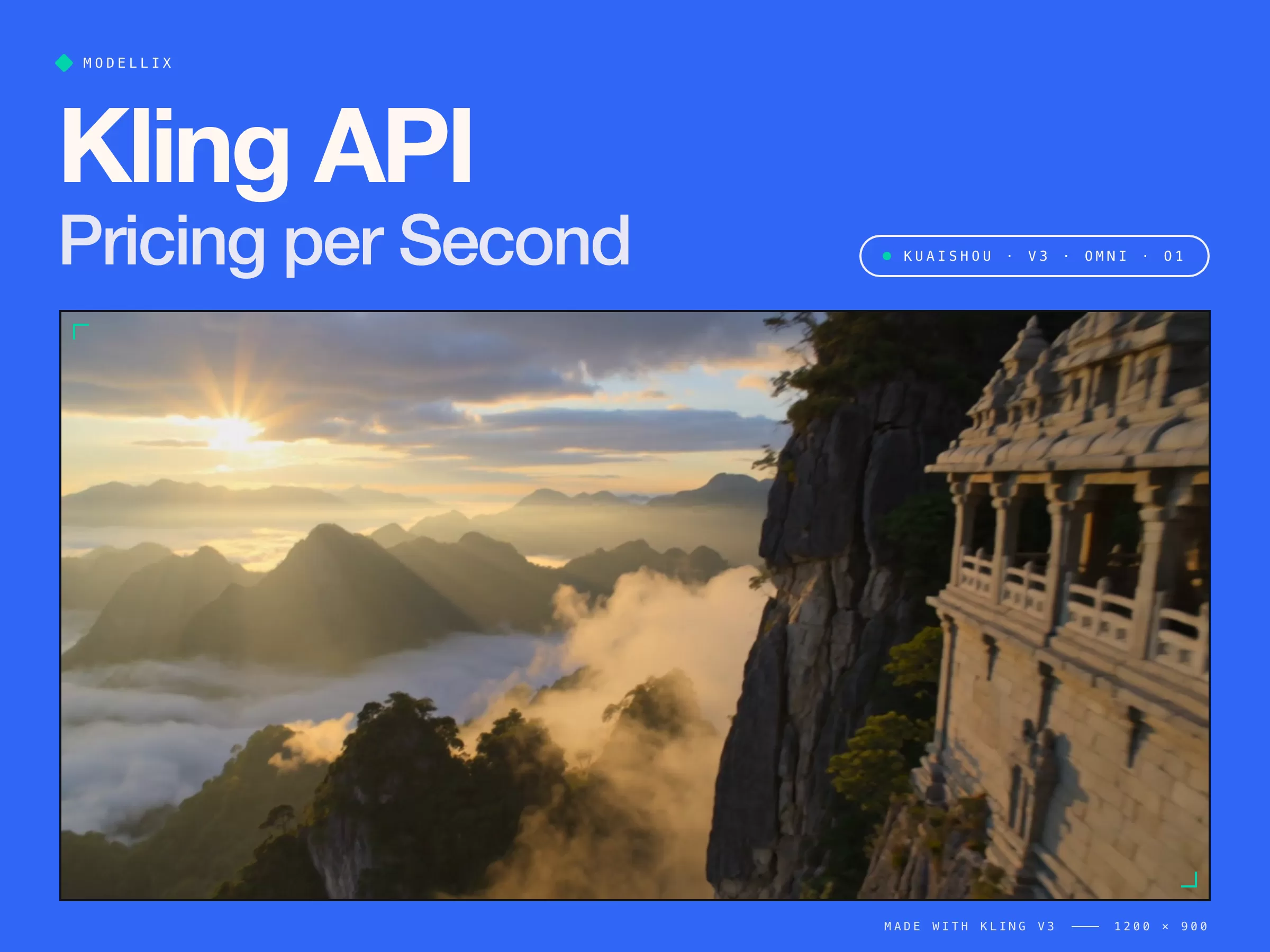
Kling API Pricing at a Glance
| Route (per second) | 720p | 1080p | 4K |
|---|---|---|---|
| V3 T2V / V3 I2V, audio off | $0.0672 | $0.0896 | $0.336 |
| V3 T2V / V3 I2V, native audio | $0.1008 | $0.1344 | $0.336 |
| V3 Turbo T2V (audio included) | $0.0896 | $0.112 | Not offered |
| V3 Omni T2V / Omni I2V, audio off | $0.0672 | $0.0896 | $0.336 |
| V3 Omni T2V / Omni I2V, native audio | $0.0896 | $0.112 | $0.336 |
| V3 Omni Video (edit source video) | $0.1008 | $0.1344 | $0.336 |
| Video O1 T2V (no audio) | $0.0672 | $0.0896 | Not offered |
| Kling Avatar | $0.0448 (std) | $0.0896 (pro) |
Prices from the Modellix model pages. One detail most price lists miss: at 1080p with audio, Omni costs $0.112 per second against $0.1344 on V3, the same as Turbo.
For Kling's own subscription plans and official API units, see our Kling 3.0 cost breakdown.
What a Kling Clip Costs
| Setting | 5 s | 10 s | 15 s |
|---|---|---|---|
| V3, 720p, audio off | $0.34 | $0.67 | $1.01 |
| V3 Turbo, 1080p | $0.56 | $1.12 | $1.68 |
| V3, 1080p, native audio | $0.67 | $1.34 | $2.02 |
| V3, 4K | $1.68 | $3.36 | $5.04 |
| O1, 1080p (max 10 s) | $0.45 | $0.90 | Not offered |
Our calculations from the per-second rates above. Budget for retries too: count usable clips, not attempts, since five tries at the same setting cost five times as much. Run one prompt through two candidate routes and compare yield before you pick by list price.
Choose a Live Kling Route by Job
| Job | Route | Why choose it |
|---|---|---|
| General text-to-video, up to 15 seconds with optional native audio and 4K | kling/kling-v3-t2v |
Default when you start with a prompt and need the widest V3 output range. |
| Fast text-to-video iteration | kling/kling-v3-turbo-t2v |
Prioritizes turnaround; its public schema supports 720p and 1080p but has no audio field. |
| Narrative text-to-video with consistency control | kling/kling-v3-omni-t2v |
Supports V3 multi-shot planning and native audio. |
| Physics-heavy text-to-video | kling/kling-video-o1-t2v |
Reasoning-focused route, limited to 10 seconds and no native audio. |
| Animate one still image | kling/kling-v3-i2v |
Single-image path with an optional ending frame. |
| Animate several visual references | kling/kling-v3-omni-i2v |
Accepts an images array for reference-led motion. |
| Edit source video | kling/kling-v3-omni-video |
Accepts source videos and optional image references. |
Do not reuse one payload across these paths. For example, V3 T2V has audio and multi_shot, Turbo T2V has neither in its public schema, and O1 T2V accepts audio: "off" only. Read the route's Schema when you switch models.
Old V1 and V2 routes such as kling-v2.5-turbo-t2v are no longer in the Modellix catalog, so do not copy a V2 request path from an archived guide.
See What Kling V3 Can Create
Copy any prompt below and try it yourself in the Kling V3 T2V playground. Generated on Modellix: 5 seconds, 720p.
Cinematic camera & expression shift
“Slow dolly-in on a woman sitting alone at a dim jazz bar counter, warm tungsten light. As a spotlight sweeps across her face, her expression shifts from calm to quiet surprise. Shallow depth of field, 35mm film look.”
Natural dialogue & native audio
“Two friends share noodles at a rainy night street-food stall. The man laughs and says, "You still owe me dinner." Steam rises, neon reflects on the wet pavement, handheld camera, natural ambient sound.”
Fluid action & body physics
“A parkour runner sprints across a sunlit rooftop, vaults a railing and lands in a roll, jacket and dust reacting realistically. Tracking shot at shoulder height.”
Epic scale & camera movement
“Aerial drone shot rising over misty mountain ridges at sunrise, slowly revealing an ancient cliffside temple, golden light breaking through the clouds, sweeping cinematic reveal.”
Submit a Kling V3 Text-to-Video Job
The POST URL is https://api.modellix.ai/api/v1/kling/kling-v3-t2v. It requires prompt; the other settings below are valid schema values. Keep the API key server-side.
curl --request POST \
  --url https://api.modellix.ai/api/v1/kling/kling-v3-t2v \
  --header "Authorization: Bearer $MODELLIX_API_KEY" \
  --header "Content-Type: application/json" \
  --data '{
    "prompt": "A red panda walks through a bamboo forest at dawn, slow tracking shot",
    "duration": 5,
    "resolution": "720p",
    "aspect_ratio": "16:9",
    "audio": "off",
    "multi_shot": false
  }'
The response returns a task_id and a get_result.url. Poll that URL until the task finishes, then download the video. The API guide covers authentication, task retrieval, and errors, and each model's Schema tab lists its fields.
Which Kling Route Should You Try First?
Start with V3 T2V for a prompt-only clip or V3 I2V if you have a first frame. Use Omni when references or scene continuity drive the result, and O1 when the motion or physical sequence is the hard part.
Turbo is useful for fast iteration, but compare the price badge for your exact settings before assuming it costs less. For portrait speech, kling/kling-avatar is a separate audio-driven route.
Run one job in the Playground first, then use an API key once the prompt and settings are worth repeating.
Try Kling on Modellix
Create a key, run your prompt on Kling V3, Turbo, or Omni, and pay only for the seconds you generate.
Get API KeyRelated articles
Kling Motion Control API: Integration Guide, Pricing & Code
How to call the Kling motion control API: version support (2.6 vs 3.0), the real per-second pricing on August 20 2026, and working curl and Python code.
Flux Kontext API: Integration Guide, Pricing & Code
Flux Kontext API pricing and code: official BFL rates at $0.04/image, fal.ai and Replicate routes, async polling, multiref editing, and the FLUX.2 question.
Seedance Pro API: ByteDance Video Integration Guide
How to call ByteDance's Seedance Pro API: official BytePlus ModelArk endpoint vs aggregators, request shape, async polling, and token vs per-second pricing.
Qwen Image API: Integration Guide, Pricing & Code
Qwen image API pricing, lineup, and code: compare official Model Studio rates with Modellix, run a Qwen-Image 3.0 call, and dodge the common pitfalls.