关于 GPT Image 模型
The GPT-Image series by OpenAI consists of advanced multimodal models, such as GPT-Image-1 and GPT-Image-2, designed for generating and editing photorealistic images from text and image inputs.
全部 GPT Image 模型
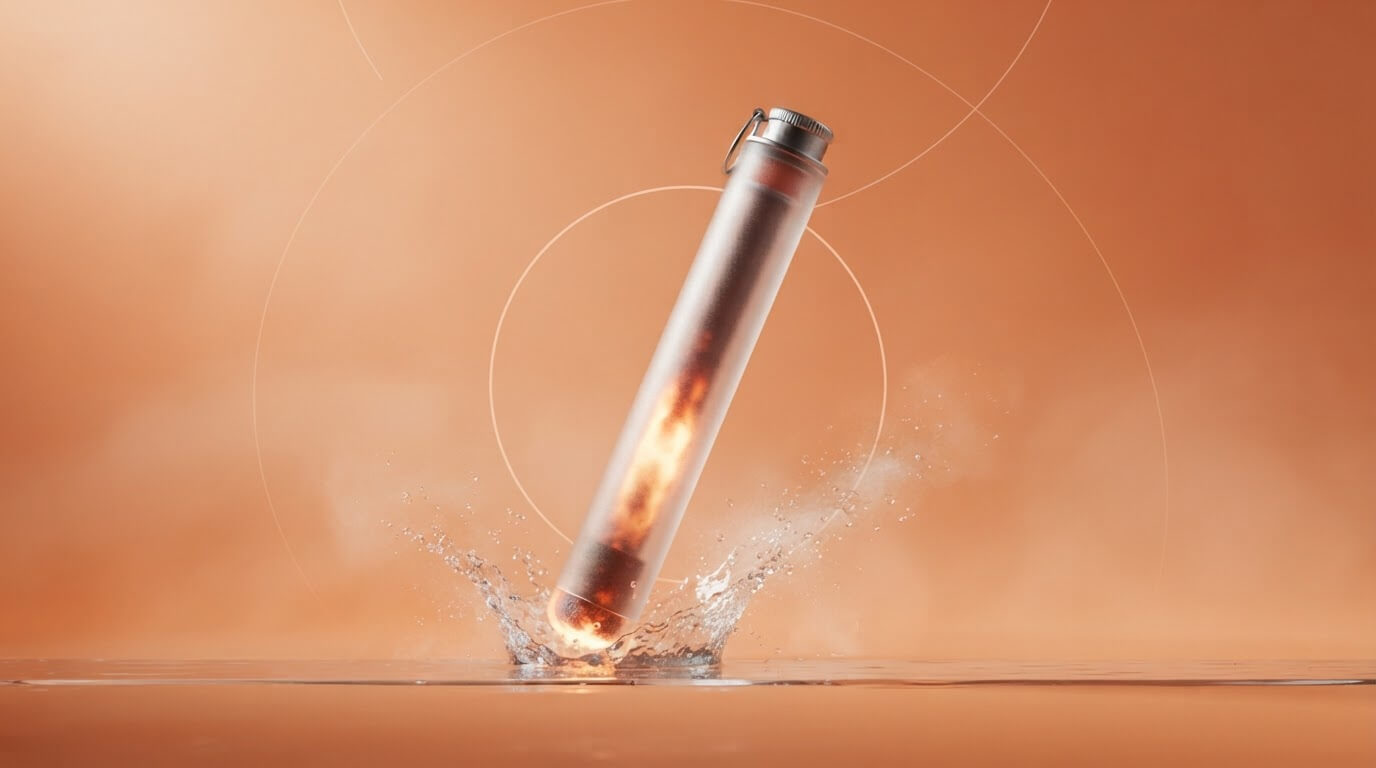
openai/gpt-image-2.5-flare-edit
[Core Function] GPT Image 2.5 Flare Edit is a speed-oriented image editing model. [Strengths] Supports up to 16 input images, optional mask-based local edits, resolution tiers up to 4K, and transparent backgrounds. [Best For] Product image changes, masked object replacements, and edits guided by multiple reference images. [Limitations] Do NOT use this for editing more than 16 input images or selecting arbitrary pixel dimensions. Exact input fidelity control is not exposed. [Routing] Choose this variant when speed is the priority; use GPT Image 2.5 Sunburst Edit when image quality is the priority.

openai/gpt-image-2.5-flare
[Core Function] GPT Image 2.5 Flare is a speed-oriented text-to-image generation model. [Strengths] Supports ten aspect ratios, resolution tiers up to 4K, and transparent backgrounds. [Best For] Landscape illustrations, product posters, and transparent icons. [Limitations] Do NOT use this for editing an existing image or selecting arbitrary pixel dimensions. [Routing] Choose this variant when speed is the priority; use GPT Image 2.5 Sunburst when image quality is the priority. Use GPT Image 2.5 Flare Edit when input images are required.

openai/gpt-image-2.5-sunburst-edit
[Core Function] GPT Image 2.5 Sunburst Edit is a quality-oriented image editing model. [Strengths] Supports up to 16 input images, optional mask-based local edits, resolution tiers up to 4K, and transparent backgrounds. [Best For] Product image changes, masked object replacements, and edits guided by multiple reference images. [Limitations] Do NOT use this for editing more than 16 input images or selecting arbitrary pixel dimensions. Exact input fidelity control is not exposed. [Routing] Choose this variant when image quality is the priority; use GPT Image 2.5 Flare Edit when speed is the priority.

openai/gpt-image-2.5-sunburst
[Core Function] GPT Image 2.5 Sunburst is a quality-oriented text-to-image generation model. [Strengths] Supports ten aspect ratios, resolution tiers up to 4K, and transparent backgrounds. [Best For] Landscape illustrations, product posters, and transparent icons. [Limitations] Do NOT use this for editing an existing image or selecting arbitrary pixel dimensions. [Routing] Choose this variant when image quality is the priority; use GPT Image 2.5 Flare when speed is the priority. Use GPT Image 2.5 Sunburst Edit when input images are required.

openai/gpt-image-2-edit
[Core Function] GPT Image 2 Edit is a high-resolution image-to-image editing model. [Strengths] It excels at making high-fidelity edits and style transformations to a single source image based on a text prompt, preserving details at up to 4K resolutions. [Best For] Highly recommended for: professional photo retouching, upscaling style transfers, and modifying high-resolution concept art. [Limitations] Do NOT use this model for multi-image merging (it only accepts one input image). Do NOT use if you need precise input fidelity control or transparent backgrounds. [Routing] Use this model by default when the user wants to edit a single image and prioritize output resolution/quality. If they need to merge multiple images or control the strictness of the edit (fidelity), use GPT Image 1.5 Edit.
openai/gpt-image-2
[Core Function] GPT Image 2 is a state-of-the-art text-to-image generation model. [Strengths] It excels at generating highly detailed, photorealistic images from text descriptions, with native support for ultra-high resolutions including 2K and 4K (up to 3840x2160). [Best For] Highly recommended for: cinematic landscapes, detailed character portraits, high-end commercial concept art, and any scenario requiring maximum resolution and visual fidelity. [Limitations] Do NOT use this model if you need a transparent background (e.g., for icons or UI assets), as it does not support the `background: transparent` parameter. [Routing] Use this model by default for all high-quality image generation requests. If the user explicitly asks for an image with a transparent background, route to GPT Image 1.5 instead.