As of June 25, 2026, teams looking for Together AI alternatives usually fall into one of two camps. Some want another open-source LLM inference platform with serverless and dedicated options. Others started with Together AI but now need a more media-first API for image, video, audio, or multi-provider routing.
Ahrefs data pulled for this article shows a narrow but high-intent opportunity: together ai alternatives has 50 monthly searches in the US, 100 globally, and KD 1, while together ai competitors has 100 US searches. The SERP already contains an AI Overview, so the page needs concise answer blocks, comparison tables, dated sourcing, and clear switching recommendations rather than a loose listicle.
Together AI Alternatives Compared: The Short Answer
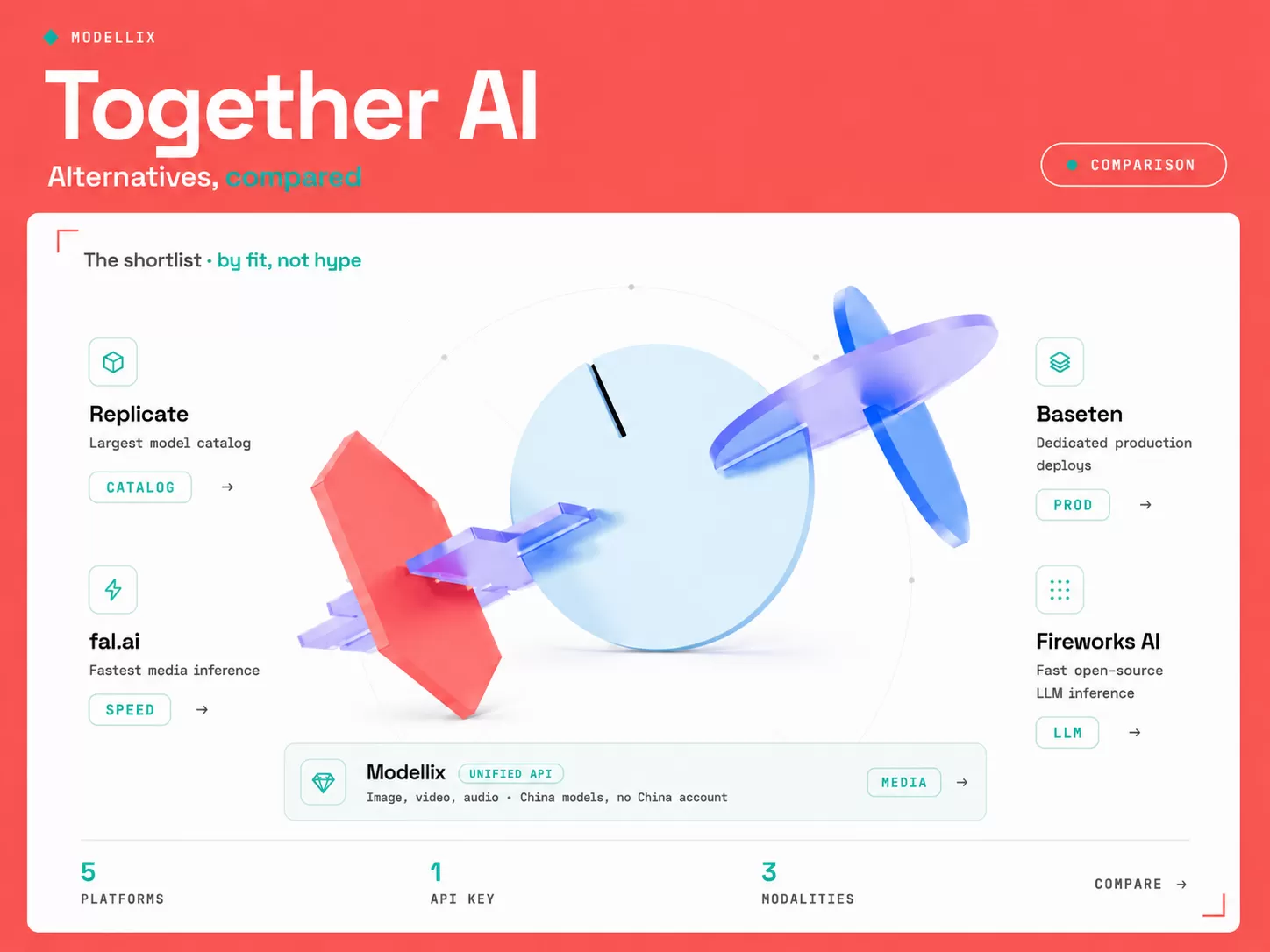
Together AI is a strong platform when your core need is open-source model inference, fine-tuning, batch jobs, dedicated endpoints, or GPU clusters. The right alternative depends on what you are replacing: token inference, model deployment, serverless GPU infrastructure, or creative media generation.
| Alternative | Best for | Pricing shape | Watch out for |
|---|---|---|---|
| Modellix | Unified image, video, and audio generation across providers, one API key | Transparent public per-model media pricing | Built for media, not LLM fine-tuning |
| Fireworks AI | Fast open-model inference and fine-tuning | Per-token, batch discount, dedicated options | Less media-first than creative API platforms |
| Replicate | Large community model catalog | Mostly time-based public model billing | Cost varies by hardware and runtime |
| Baseten | Managed production model deployment | Compute while deploying, scaling, or predicting | You own more deployment decisions |
| RunPod | Serverless GPU and pods | GPU time across pods, serverless, clusters | More infrastructure work than model APIs |
| Modal | Custom serverless GPU workloads | Usage-based compute plus plan | Better for code execution than instant model catalog |
| fal.ai | Fast generative media endpoints | Model-specific media pricing | Catalog is curated, not deployment infrastructure |
The quick recommendation: put Modellix first when your product needs image, video, or audio generation through one workflow and one API key. Do not burn a sprint comparing GPU infrastructure if the real job is shipping accepted media assets. For LLM inference specifically, Fireworks AI is the closest swap; for media generation, start a free Modellix run, inspect the output and logs, then decide if any other provider still needs evaluation.
3 Switching Reasons Verified from Search Intent
The search intent is not just “what is cheaper than Together AI.” Ahrefs and the live SERP point to three real switching reasons.
Infrastructure fit. Together AI officially positions serverless inference, dedicated endpoints, GPU clusters, batch inference, and fine-tuning as core products. That is ideal for AI infrastructure teams, but too broad if your product only needs a media generation endpoint.
Pricing clarity by workload. Together AI’s own docs separate serverless usage billing from dedicated endpoint billing. Buyers comparing alternatives need to know whether they are paying by token, by minute, by GPU, by output second, or by generated media request.
AI Overview citation pressure. The together ai alternatives SERP already shows AI Overview coverage. Pages that win citation space tend to define the category, compare options in a table, and answer competitor questions directly.
7 Alternatives Compared by Workload
1. Modellix
Start here if your Together AI workload is media. Modellix should be first on the shortlist when the output is an accepted image, video, or audio asset rather than an LLM token response. It gives teams image, video, and audio generation across providers with one API key, transparent model pricing, full call logs, and an async submit, poll, retrieve lifecycle. For LLM inference and fine-tuning specifically, Fireworks AI below is the closer swap; for creative media, Modellix is the fastest path from comparison article to a real output.
Official URL: modellix.ai
Related Modellix reads: Text to Video API guide, Best AI Video Generation APIs
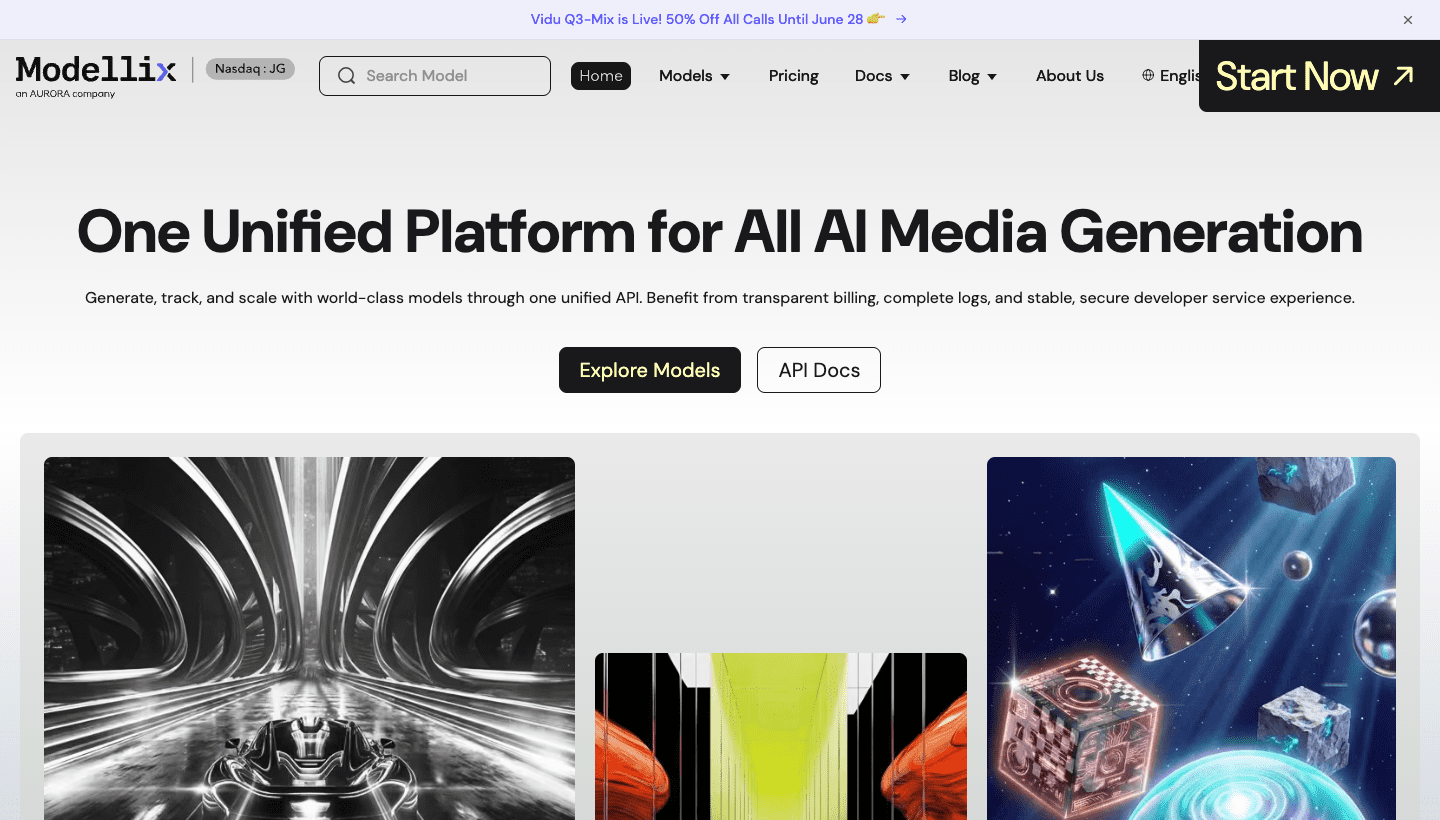
Service targets: teams that need Veo, Kling, Wan, Seedance, Hailuo, Vidu, HappyHorse, image models, and audio models under one billing and task result workflow. If this is your use case, create the free account now and use the included $1 credit before you read the rest of the list.
Pros
- One API key, one billing dashboard, and one async result lifecycle.
- Routes across image, video, and audio models from multiple providers.
- Strong fit when the product needs fallback models and job-level traceability.
Cons
- Not a direct replacement for LLM fine-tuning or GPU clusters.
- Curated media catalog, not a generic model-hosting marketplace.
- Best when the workload is media generation, not custom infrastructure.
Pricing: public per-model media pricing with job logs. Start free with the included $1 credit and run a real media job before you commit engineering time.
2. Fireworks AI
Fireworks AI is the closest Together AI alternative when the work is still open-model inference, fine-tuning, batch jobs, and high-throughput text or vision-language workloads. It offers serverless inference, dedicated deployment options, fine-tuning, batch pricing, and OpenAI-compatible APIs.
Official URL: fireworks.ai
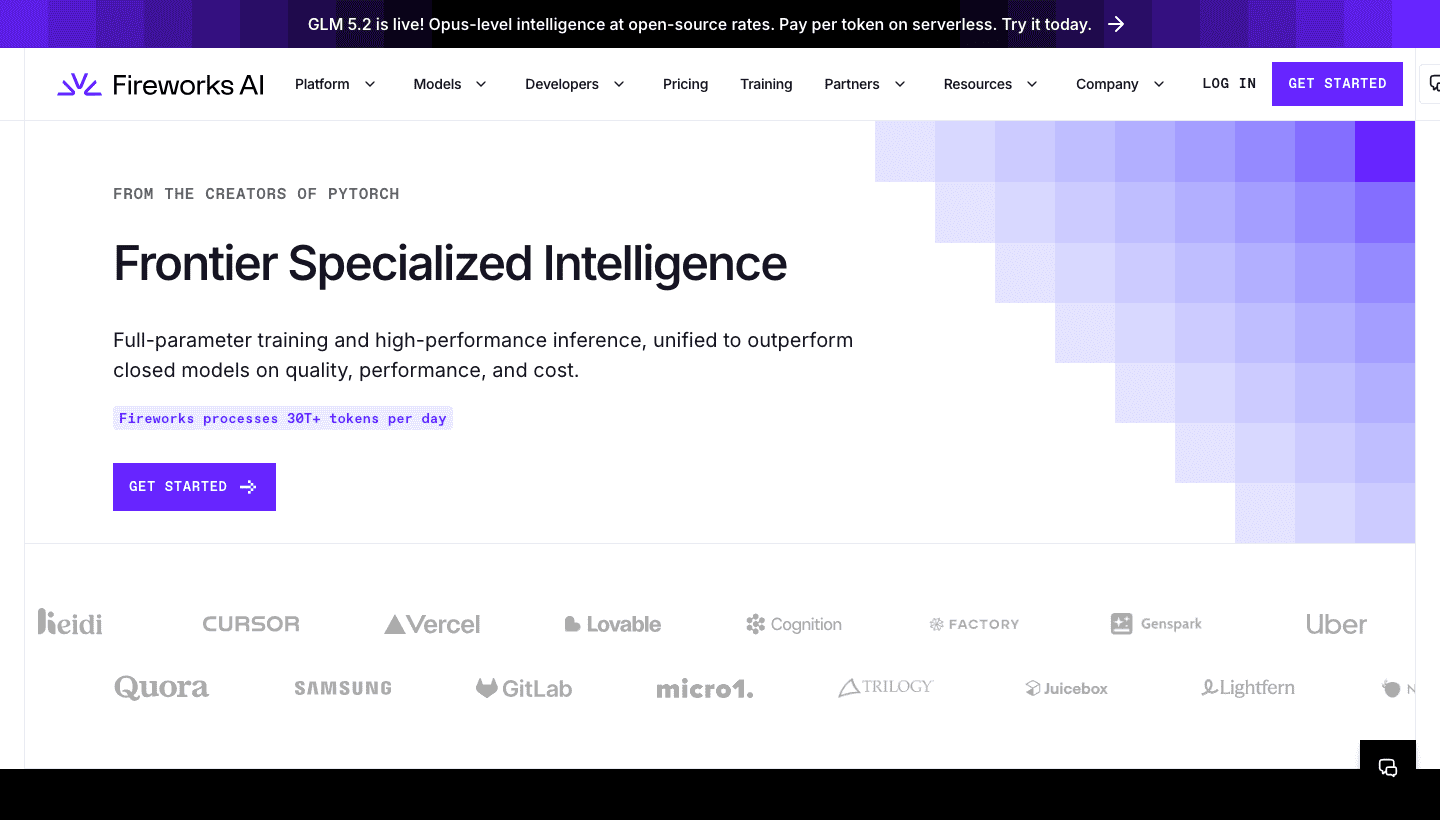
Service targets: AI infrastructure teams that want a Together-like inference platform with serverless APIs, dedicated deployments, fine-tuning, and batch discounts.
Pros
- Very close to Together AI's serverless and dedicated inference category.
- Good fit for LLMs, VLMs, embeddings, rerank, and agentic text workloads.
- Batch pricing and dedicated options help teams plan production capacity.
Cons
- Still feels like an inference platform first, not a creative media API.
- Video, image, and audio workflows may need extra routing decisions.
- Dedicated capacity still requires traffic and cost planning.
Pricing: token-based serverless rates, batch discounts, and dedicated deployment options. Use it when the unit you sell is tokens, answers, or model calls.
3. Replicate
Replicate is the catalog alternative. It is useful when your team wants fast access to a very large set of community and proprietary models without deploying each model from scratch. Replicate’s pricing page says most public models are billed by the time they take to run, with price per second varying by hardware.
Official URL: replicate.com
Related Modellix read: Replicate alternatives
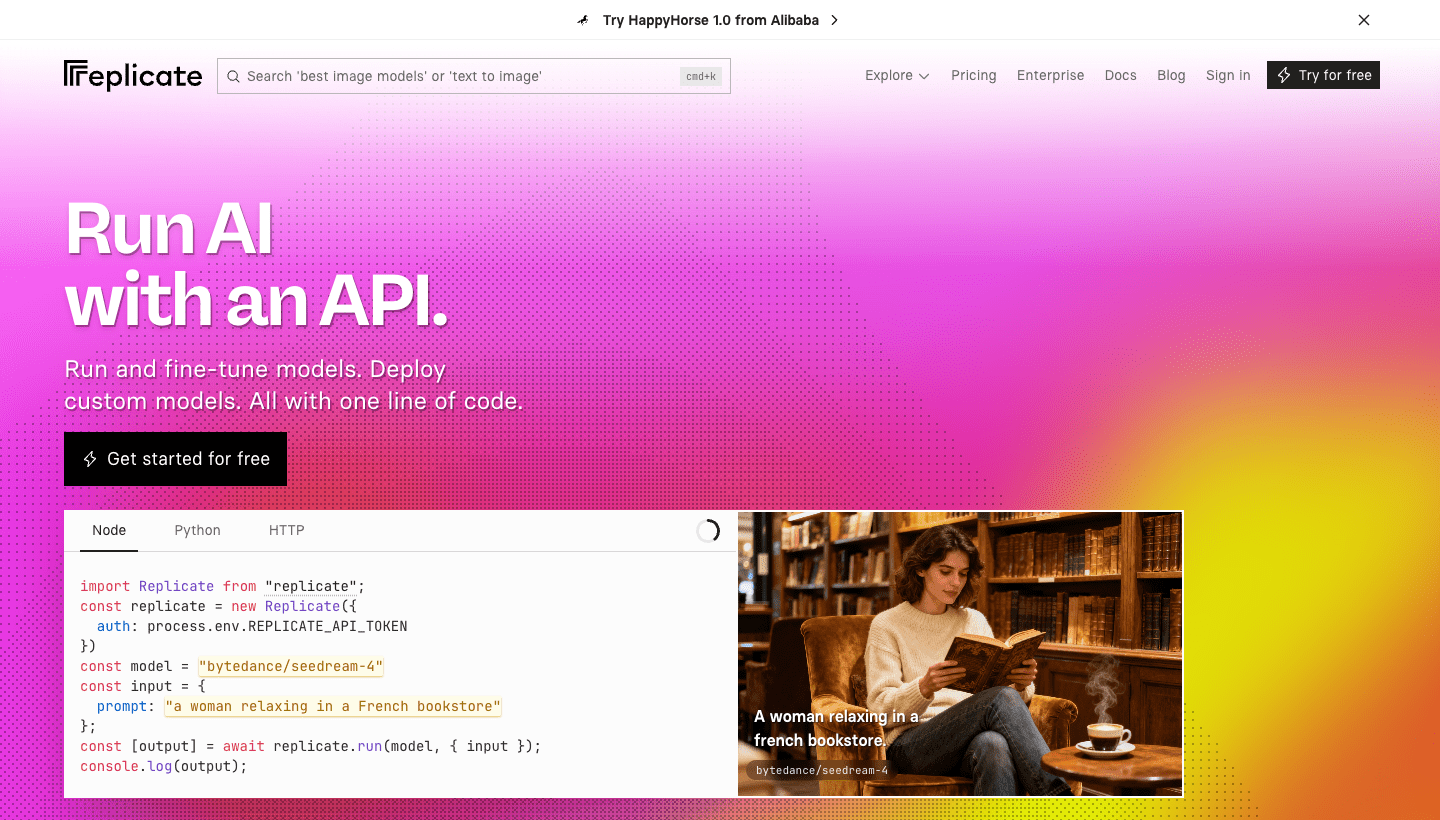
Service targets: builders who prioritize model discovery, prototype speed, and broad community model access over a narrow production serving stack.
Pros
- Huge catalog for quick testing across open-source and proprietary models.
- Strong developer familiarity and useful public model pages.
- Good place to validate niche model ideas before committing engineering time.
Cons
- Time-based billing makes final cost depend on runtime and hardware.
- Cold starts and long-running jobs can change user-facing latency.
- Not always the cleanest route for predictable media production at scale.
Pricing: mostly time-based public model runs. Always compare cost per accepted output, not only cost per run.
4. Baseten
Baseten is a production deployment alternative. It is built for teams that know which model they want and need managed infrastructure, autoscaling, observability, and deployment control.
Official URL: baseten.co
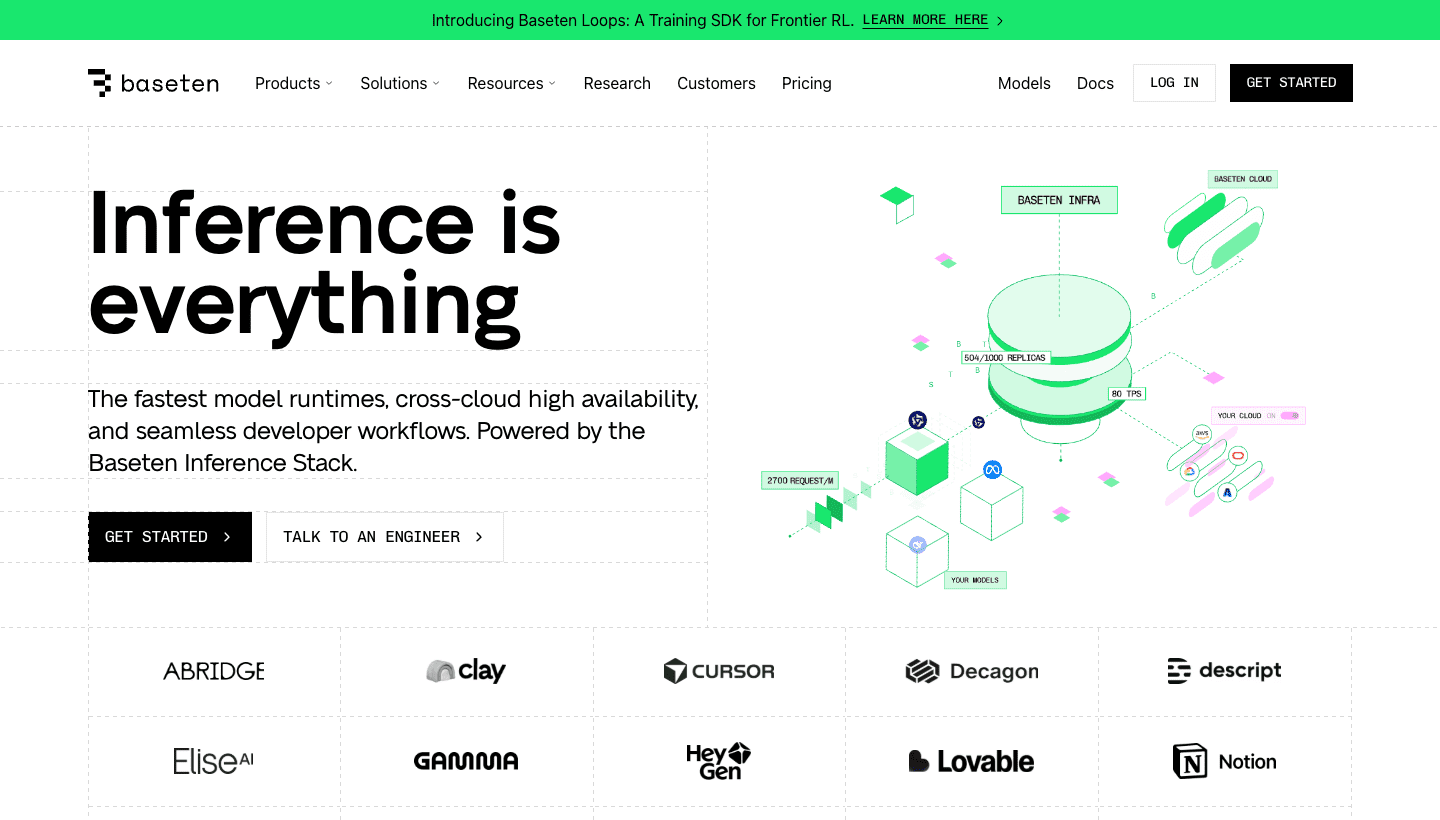
Service targets: engineering teams deploying a known model or fine-tuned model into production with control over scaling, runtime, and observability.
Pros
- Strong managed deployment story for known production models.
- Autoscaling, scale-to-zero, and runtime controls are core strengths.
- Better fit than a catalog API when you own the model package.
Cons
- Not a drop-in media model marketplace.
- Your team still chooses the deployment shape and model package.
- Cost depends on infrastructure settings, not only model choice.
Pricing: infrastructure-oriented pricing tied to deployment, scaling, and prediction time. Best when production control matters more than instant catalog breadth.
5. RunPod
RunPod is the GPU infrastructure alternative. It offers pods for dedicated GPU instances, serverless for API inference, and clusters for larger jobs. It is useful when your team wants direct compute control rather than a predefined model API.
Official URL: runpod.io
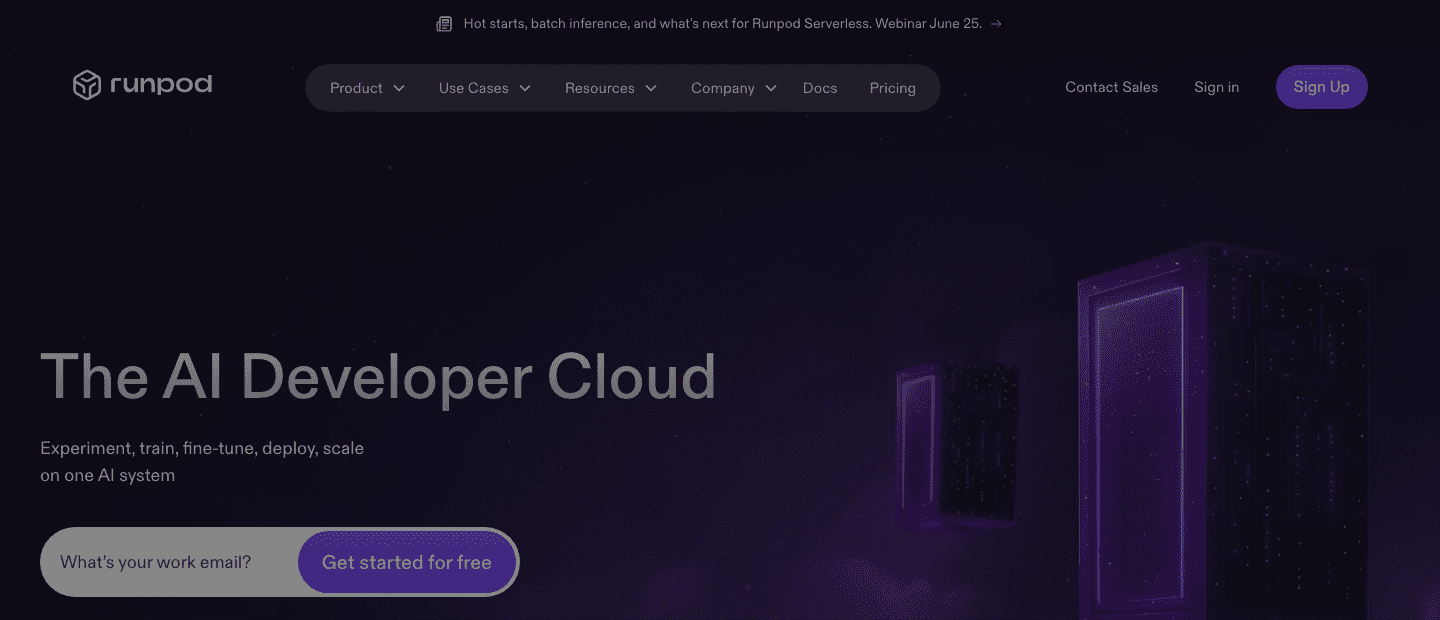
Service targets: teams comfortable with containers, custom inference, training jobs, serverless GPU endpoints, and direct GPU capacity planning.
Pros
- Direct access to serverless GPU endpoints and on-demand pods.
- Good for custom training, batch inference, and self-managed serving.
- Useful when your team wants to tune infrastructure cost directly.
Cons
- Solves compute, not the whole product workflow.
- You still package models, manage request logic, and own orchestration.
- More infrastructure work than a ready-made media API.
Pricing: GPU-time and infrastructure pricing across pods, serverless, and clusters. Use it when control is worth the operational overhead.
6. Modal
Modal is a serverless cloud for running Python, GPU workloads, batch jobs, sandboxes, and model serving. It fits teams that want to run custom code near GPUs rather than call a predefined model catalog.
Official URL: modal.com
Service targets: teams building custom Python services, batch jobs, model serving endpoints, and GPU workflows where code orchestration matters as much as model access.
Pros
- Flexible serverless GPU runtime for Python-heavy teams.
- Good fit for batch jobs, sandboxes, model serving, and custom workflows.
- Useful when your product needs code execution, not just model invocation.
Cons
- More flexible infrastructure than ready-made model catalog.
- Requires your team to own more of the application code path.
- May be more power than a simple image or video API buyer needs.
Pricing: usage-based compute with plan details. Best when your workload is custom execution rather than direct model shopping.
7. fal.ai
fal.ai is the media-speed alternative. Its public positioning is generative image, video, 3D, and audio models for developers, plus serverless GPUs and on-demand clusters. It is a stronger fit than Together AI when the core job is creative media generation rather than LLM infrastructure.
Official URL: fal.ai
Related Modellix read: fal.ai alternatives
Service targets: product and growth teams that care about fast image, video, audio, or 3D generation with model-specific endpoints and predictable media testing.
Pros
- Strong fit for image, video, audio, and 3D media generation.
- Fast media inference is the main buyer story.
- Curated model platform is easier than raw GPU infrastructure for many teams.
Cons
- Not the closest fit for open-source LLM fine-tuning.
- Catalog is curated rather than infrastructure-neutral.
- Custom enterprise inference may fit better on Baseten, RunPod, or Modal.
Pricing: model-specific media pricing. Compare accepted-output cost, latency, and retry rate before switching a production workload.
Pricing Models Explained: Tokens, GPUs, and Media Jobs
Pricing is the fastest way to tell which alternative matches your workload.
| Pricing model | Common providers | Best for | Main risk |
|---|---|---|---|
| Per-token inference | Together AI, Fireworks AI | Chat, agents, embeddings, rerank, code | Context length and output tokens can grow fast |
| Dedicated endpoint time | Together AI, Fireworks AI, Baseten | Steady traffic and predictable latency | Idle or warm capacity planning |
| GPU pods or serverless GPU | RunPod, Modal | Custom inference, training, batch compute | You own more deployment and scaling logic |
| Time-based public model runs | Replicate | Model exploration and prototypes | Runtime variance changes cost |
| Per-media request or second | fal.ai, media-router APIs | Image, video, audio generation products | Quality review and discard rate drive real cost |
For a buyer comparing Together AI alternatives, the question is not “which platform is cheapest.” The useful question is “which platform prices the unit my product actually sells.” LLM apps sell tokens or answers. Media apps sell accepted assets. GPU apps sell compute control.
Which Alternative Fits Your Stack?
| If your team needs | Choose first | Why |
|---|---|---|
| Unified media model routing | Modellix | One workflow for image, video, and audio models, plus free credit for a real test |
| Fast creative media APIs | fal.ai | Image, video, audio, and 3D focus |
| Closest open-model inference alternative | Fireworks AI | Similar serverless and dedicated inference category |
| Largest quick-test model catalog | Replicate | Broad community model access |
| Managed deployment for a known model | Baseten | Production serving and autoscaling controls |
| Direct GPU capacity | RunPod | Pods, serverless, and clusters |
| Custom serverless GPU code | Modal | Flexible Python and workload orchestration |
Stop comparing media APIs in theory. Run Modellix now.
If your Together AI problem is media generation, Modellix is the conversion path: one account, included $1 credit, one model run, visible output, and request logs. Start free, generate a real asset, then decide whether your team still needs another provider.
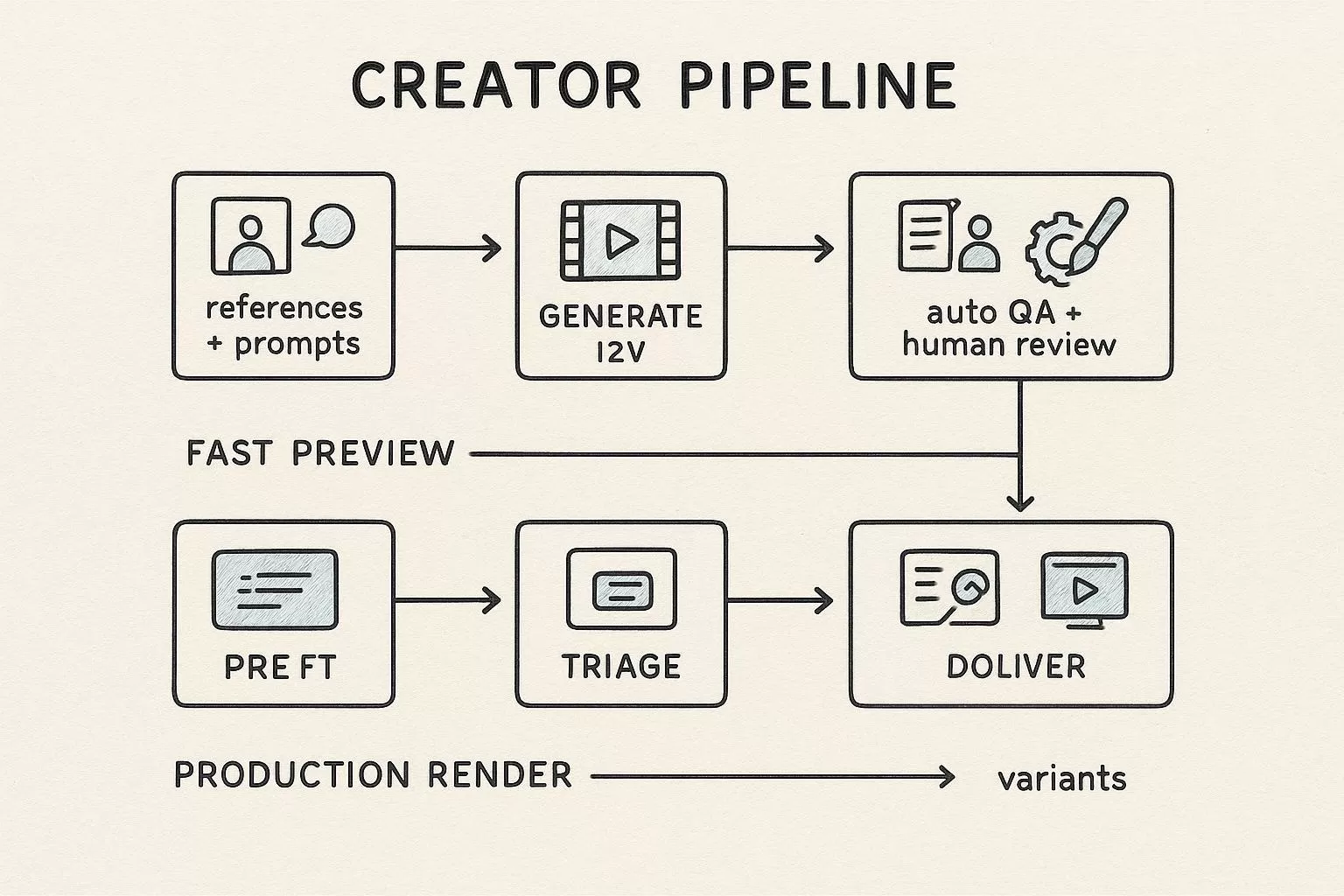
Modellix collection
Shortlist AI Video Models for Production
Compare text, image, and reference-led video workflows across multiple models from one production surface.
Good first tests: Seedance 2.0Wan 2.7HappyHorse 1.1
Explore the collectionHow to Test Media Routes After Together AI
Most readers should not start with code. Use the Modellix Playground to run one real media generation job first, then move to API, Skill, or CLI only after the prompt, settings, cost, and output format are worth repeating. This keeps the guide useful for creators, product teams, and technical buyers, while developers still get a clean implementation path.
Quick start guide
Choose the right entry point for Together AI alternatives
Playground: Best for most readers and first-time tests. Choose one image or video model from the catalog and run the workload Together AI does not cover for you: https://www.modellix.ai/models.
API docs: Use this when a developer is ready to turn the validated prompt into a backend, batch, or product workflow. Start with the unified media API path you can add beside Together AI workloads: https://docs.modellix.ai/ways-to-use/api.
Skill: Use the Modellix Skill when an AI agent should create media from your workspace without hand-writing every request: https://docs.modellix.ai/ways-to-use/skill.
CLI: Use the CLI for repeatable terminal commands, local scripts, or scheduled generation jobs: https://docs.modellix.ai/ways-to-use/cli.
The links above are the routing layer. The walkthrough below is the practical path for the main audience: create an account, use the included credit, run one Playground job, and only then decide whether an API key is necessary.
Step 1: Create or Sign In and Use the Included $1 Credit
Create or sign in to a Modellix account before you test media routes after Together AI. New users can use the included $1 credit to validate model behavior, prompt quality, output download, and request logging without committing to a full integration.

Step 2: Open the Model Page and Run One Prompt
After login, use the dashboard shortcuts or open the Modellix model catalog. For mixed media comparisons, pick one image or video workload that reflects your real use case, then compare output quality, cost, and request behavior. This step is the fastest way to learn whether the model fits before you read more code.
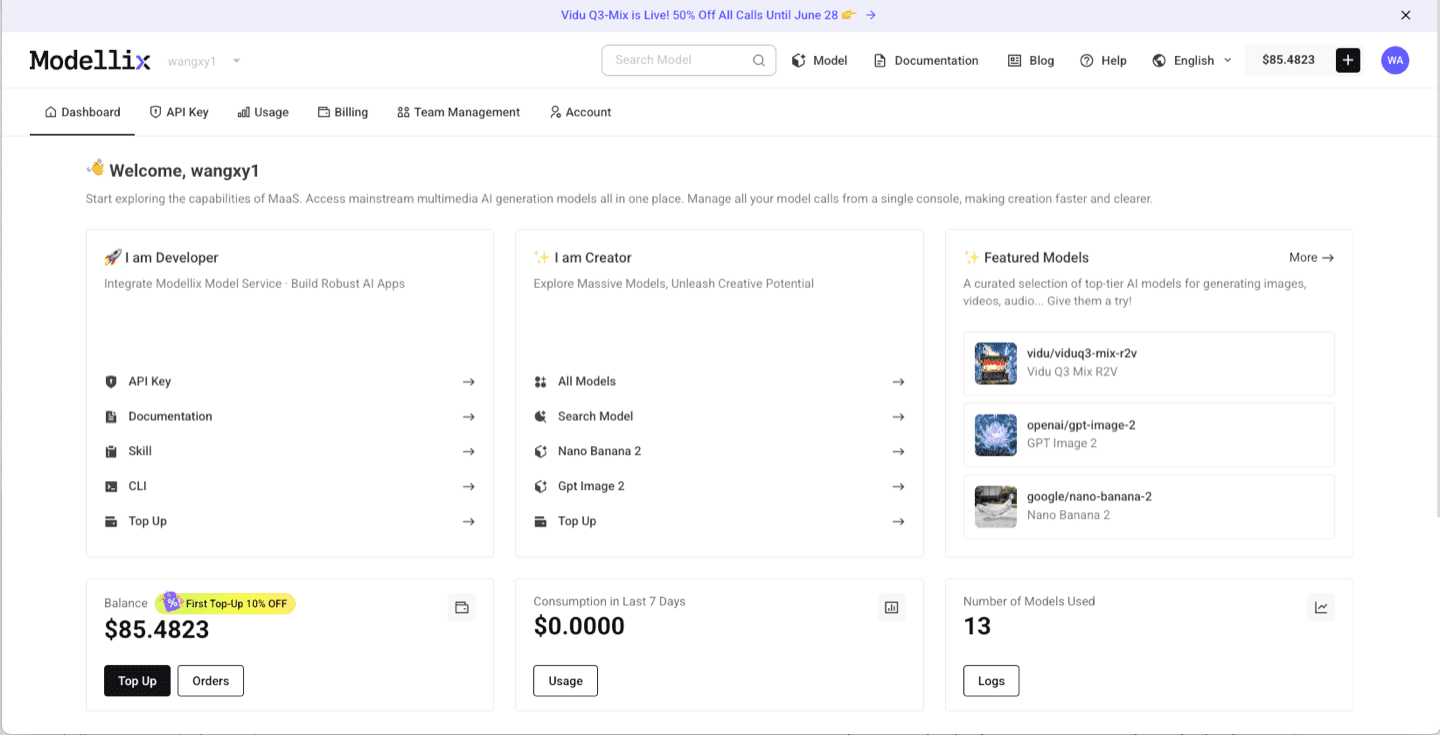
Step 3: Optimize the Prompt and Review the Output
Before you automate anything, improve the prompt and inspect one real output. The example below uses Vidu Q3 Mix R2V, but the same Playground pattern applies across Modellix model pages: write the prompt, use prompt enhancement when the brief is too thin, run the job, and review the generated media before creating an API workflow.

After the run finishes, check whether the result matches the prompt, motion, framing, and output format you need. A real preview is the conversion point: if the result works, move to API key, Skill, or CLI; if it does not, iterate in Playground before spending engineering time.

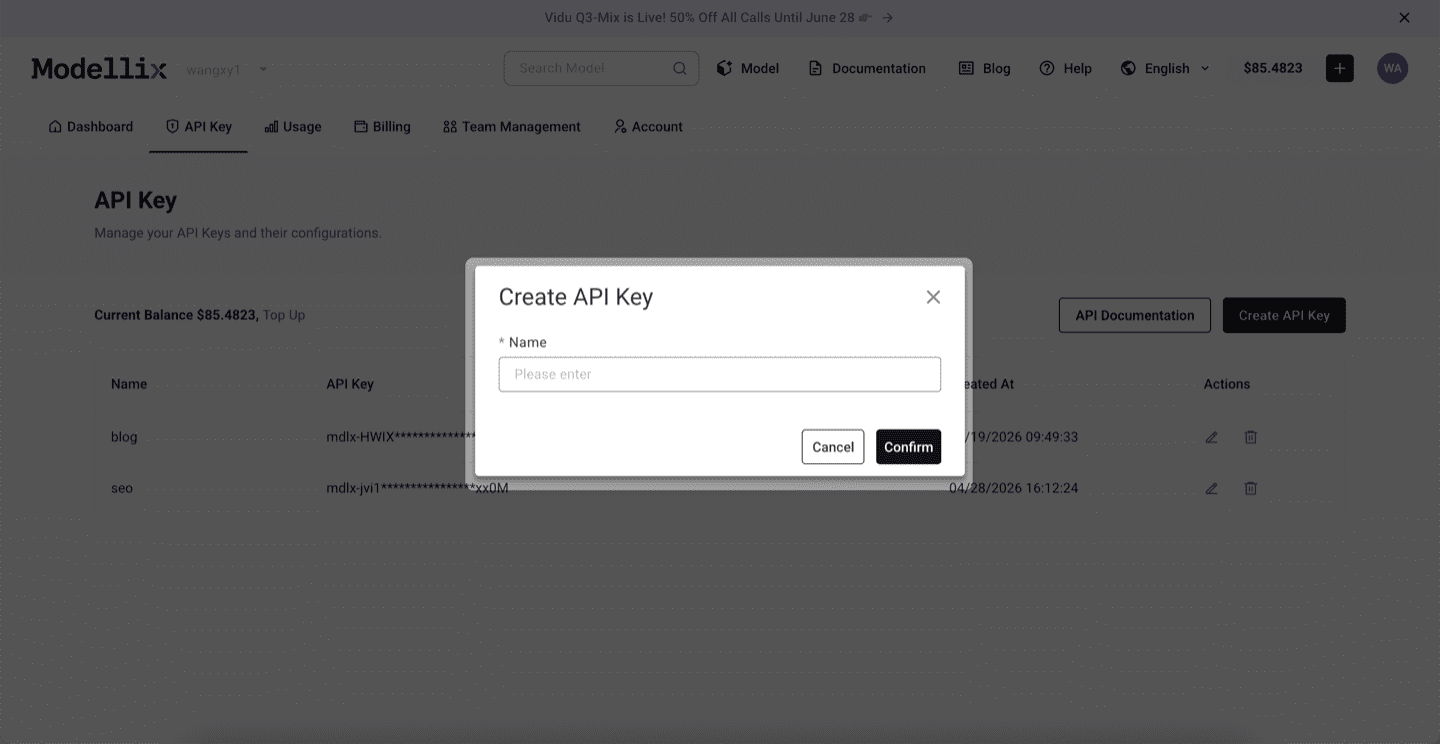
Step 4: Create an API Key Only When the Test Needs to Repeat
Stay in Playground for one-off exploration. Create an API key when a backend service, agent, batch script, or CLI workflow needs to repeat the same prompt pattern. This keeps the mainstream testing flow simple while giving developers a clean handoff point.
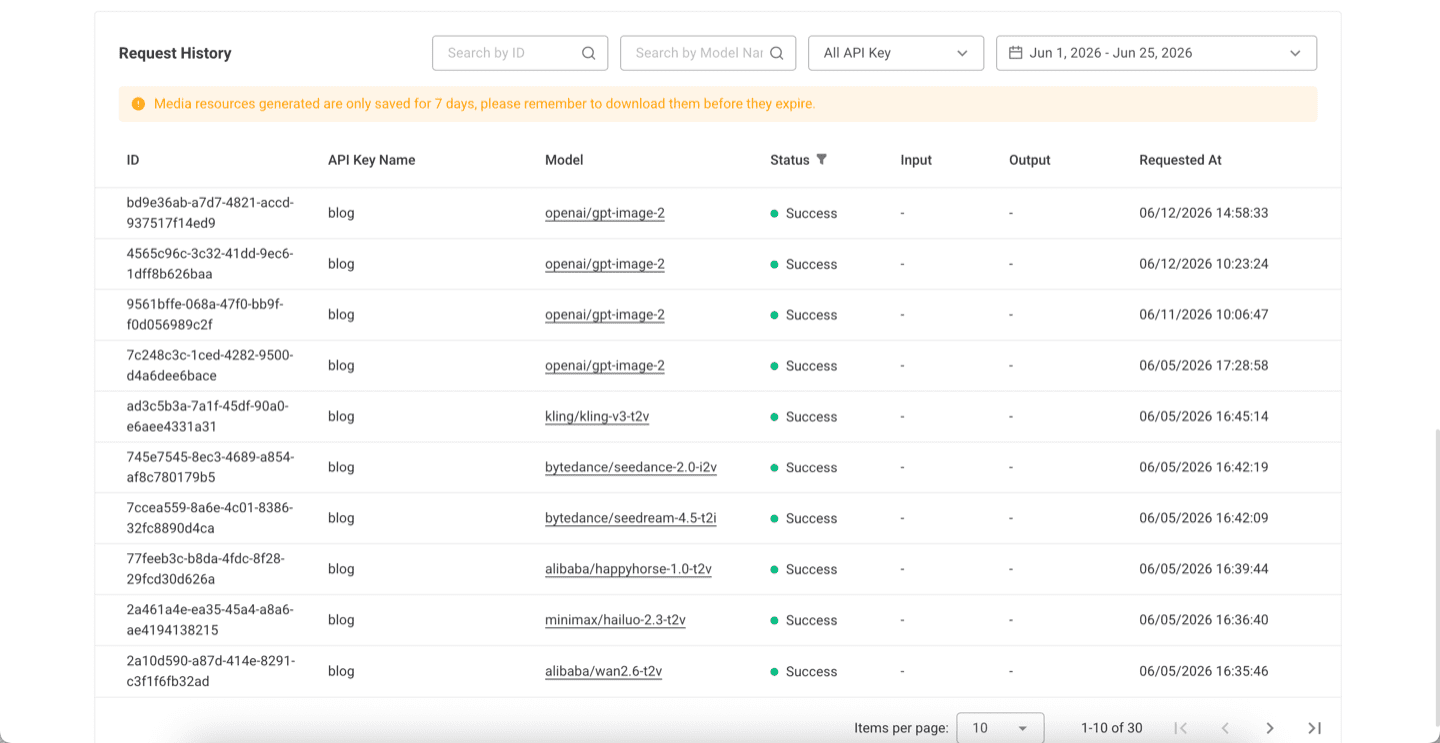
Step 5: Check Logs and Save the Result Before Scaling
Before scaling from one manual run to repeated API, Skill, or CLI usage, review request history. Logs confirm the model slug, API key name, task status, request time, and result retention window, which makes the workflow easier to debug after it leaves Playground.
Try a Media Model Next
The practical next step is to run one real job from the official site, not to copy a complex code sample too early. Start from the Modellix console, open the Modellix model catalog, and move to API, Skill, or CLI only after the output is good enough to repeat.
Test media generation before adding another provider
Open the official model catalog, run one image or video job with the included $1 credit, and confirm whether media generation should sit beside your existing LLM or GPU stack.
Together AI Alternatives FAQ
Who are Together AI’s competitors?
Together AI’s closest competitors depend on workload. Fireworks AI is close for open-model inference. Baseten, RunPod, and Modal compete on deployment or GPU infrastructure. Replicate competes on model catalog access. fal.ai and media-router APIs compete when the workload is media generation rather than LLM inference.
What is the best Together AI alternative?
For image, video, and audio generation, Modellix is the best first test because it gives one API key, model routing, logs, and a free-credit Playground path. Fireworks AI is often the closest alternative for serverless and dedicated LLM inference. RunPod or Modal fit custom GPU workloads, Baseten fits managed deployment, and Replicate fits broad model exploration.
Is Together AI good for video generation?
Together AI lists image, video, code, and voice across its broader model ecosystem, but its strongest public positioning is open-source inference, fine-tuning, batch, dedicated endpoints, and GPU clusters. If video generation is the core product, compare it with media-first platforms before committing.
What should I compare before switching from Together AI?
Compare model coverage, pricing unit, latency target, dedicated capacity needs, batch support, fine-tuning support, media model coverage, result schema, logs, and migration effort. A small prototype with real prompts and real concurrency is more useful than a feature checklist.
Is a media-router API a direct Together AI replacement?
No. A media-router API is not a direct replacement for open-source LLM fine-tuning or GPU cluster workflows. It is a better replacement or supplement when the work is AI media generation: text-to-video, image-to-video, image generation, audio generation, and model routing across providers.
Sources Checked for This Comparison
- Together AI pricing, serverless docs, inference pricing docs, batch docs, and dedicated endpoint docs.
- Replicate pricing and Replicate billing docs.
- Fireworks AI pricing and serverless pricing docs.
- RunPod pricing and serverless GPU page.
- Baseten pricing and autoscaling docs.
- Modal pricing and Modal inference docs.
- fal.ai pricing and fal.ai serverless GPU docs.
- Official media API references: REST API docs, pricing docs, and models page.
- Ahrefs US keyword and SERP data for
together ai alternativesandtogether ai competitors, pulled June 25, 2026.