
The direct route to a Skywork video API is the official SkyReels developer platform. SkyReels V4 supports text, image, video, and audio inputs for video generation and editing. Modellix no longer offers Skywork routes. Its former Skywork provider page redirects to the model catalog, and the old skywork/skyreels-t2v schema returns 404. An existing Modellix request to that route needs a different provider, not a new Modellix model ID.

Use the official SkyReels API for SkyReels V4
The SkyReels API platform lists V4 text-to-video, image-to-video, Omni reference video, extension, restyling, and talking-avatar workflows. For a new integration:
- Sign in to SkyReels and create a secret key under Account → API Keys. Keep the key on your server.
- Choose the workflow and read its current request fields in the official API documentation. The documented base host is
https://api-gateway.skyreels.ai/. - Check the developer pricing page for the selected model, mode, resolution, and input type before estimating cost. The API uses credits, so a credit-per-second figure is not a dollar rate until you apply your purchased credit-pack price.
- Submit a small job and inspect the returned task and output using the official documentation. The former Modellix payload and polling URL are not a drop-in contract for SkyReels.
The SkyReels creative studio and the developer API have different billing surfaces. A studio subscription does not establish the cost of an API job. If you are comparing SkyReels V4 with another provider, price the same clip duration, resolution, audio setting, and input type on both.
What can replace a Skywork route on Modellix?
If the requirement is SkyReels itself, use SkyReels' official API. If the requirement is the workflow and you want to keep a Modellix integration, these model routes had live schema pages on September 24, 2026:
| Previous job | Live Modellix route to evaluate | Key difference |
|---|---|---|
| Text-to-video generation | kling/kling-v3-t2v |
Kling's prompt, audio, duration, and resolution fields follow its own schema. |
| Image-to-video generation | kling/kling-v3-i2v |
Requires an image input; check first and last frame support in the schema. |
| Lip-sync on existing footage | pixverse/lipsync |
Starts with a video and a voice source; it does not create a scene from a still. |
| Talking avatar from a portrait | kling/kling-avatar |
Uses a portrait and audio, with different duration and media limits. |
These are functional alternatives, not SkyReels versions. Open each model's Schema before migrating a request, then test output quality and cost with your own inputs. The Kling API guide covers the current V3 and O1 routes in more detail.
Build with the latest AI models
Explore image, video and audio models through one API.
Start buildingRelated articles
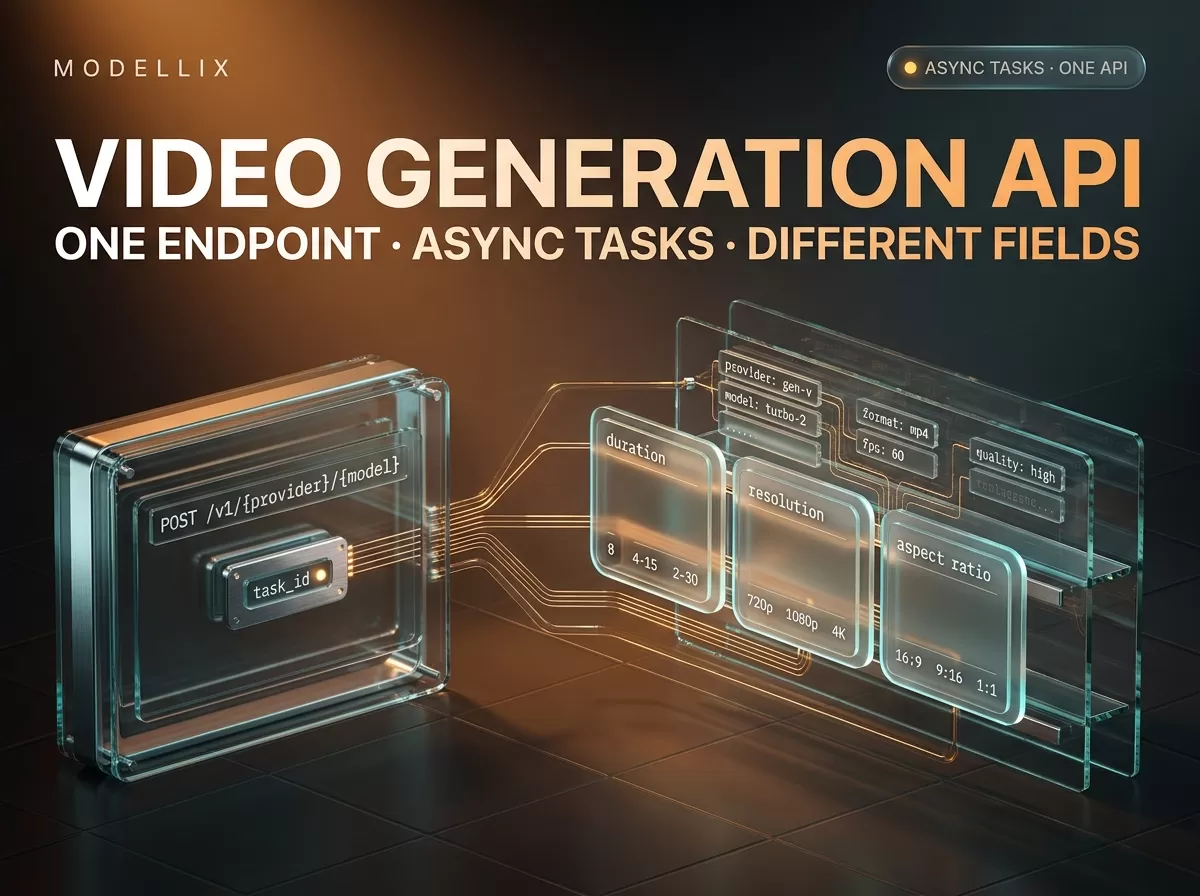
Video Generation API: One Endpoint, Async Tasks, Fields
How a video generation API works — the submit, poll and retrieve lifecycle — plus a September 16, 2026 schema audit of where model request fields differ.

AI UGC Video Generator: Build It on an API, Not a Seat
An AI UGC video generator is four model calls, not one product. What a 30-second UGC ad costs per component, and where a per-seat tool still wins today.
Kling O1 API: Integration Guide, Pricing & Code
Kling O1 API guide: the four O1 model IDs, per-second and per-image prices read September 10, 2026, working curl and Python, and the O1 parameter traps.

HappyHorse 1.0 API: Integration Guide, Pricing & Code
HappyHorse 1.0 is GA on Alibaba Cloud Model Studio and API aggregators today. Working model IDs, request schema, Python and curl samples, and same-day pricing.