The short answer: one API key can reach multiple AI video models
Yes — one API for multiple AI video models is real, and it is not a gimmick. Aggregator APIs such as Modellix route requests for Kling, Veo, Wan, Seedance, Hailuo, and a hundred other models through a single key, one billing account, and one integration pattern. The question that decides whether the approach is right for you is not “does it work” — it is whether the platform behind the tagline earns your trust. Three conditions separate a usable unified video API from a marketing page: parameter-level pricing you can verify, a code path you can run, and an honest account of the trade-offs. This guide walks through all three, with real endpoints, real prices, and real failure cases.
A unified video API is a single REST endpoint and API key through which an application calls AI video generation models from multiple providers, with one billing account, one usage log, and one integration pattern instead of per-provider keys and SDKs.
Modellix is the worked example throughout because it publishes the three things above on its public site. That also means a disclosure up front: Modellix is an aggregator and has a commercial interest in this comparison. The guide is written so the code and numbers are checkable against the linked sources either way.
What “one API for multiple AI video models” means under the hood
An aggregator is a distribution layer, not a model maker. It holds the model providers’ APIs behind its own surface: your application talks to one host, sends one API key, and receives a response shaped the same way for every model. Underneath, the platform forwards the job to the right provider, tracks the task, and returns the result through the same channel.
Three pieces make that possible, and they are worth knowing because they are what you are actually evaluating:
- One auth surface. One API key authenticates requests to every model on the platform. You create it once in the console; there is no per-provider onboarding.
- Model routing by identifier. The model you want is a string in the request path —
kling/kling-v3-t2v,bytedance/seedance-2.5-t2v,alibaba/wan2.7-t2v. Switching models means changing that string, not wiring up a new SDK. - A shared async pattern. Media generation takes seconds to minutes, so most platforms use asynchronous tasks: submit a job, poll a task endpoint (or receive a webhook), then fetch the output. Once you implement that pattern once, every model uses it.
This is where the “one API for all AI” marketing gets fuzzy. Some platforms mean LLMs, some mean media models, some mean both. Modellix is media-only — image, video, and audio generation — which matters if your product needs video specifically and you do not want a chat-completions surface bolted on. The practical definition of a unified video API is narrow: many video models, one key, one bill, one async contract.

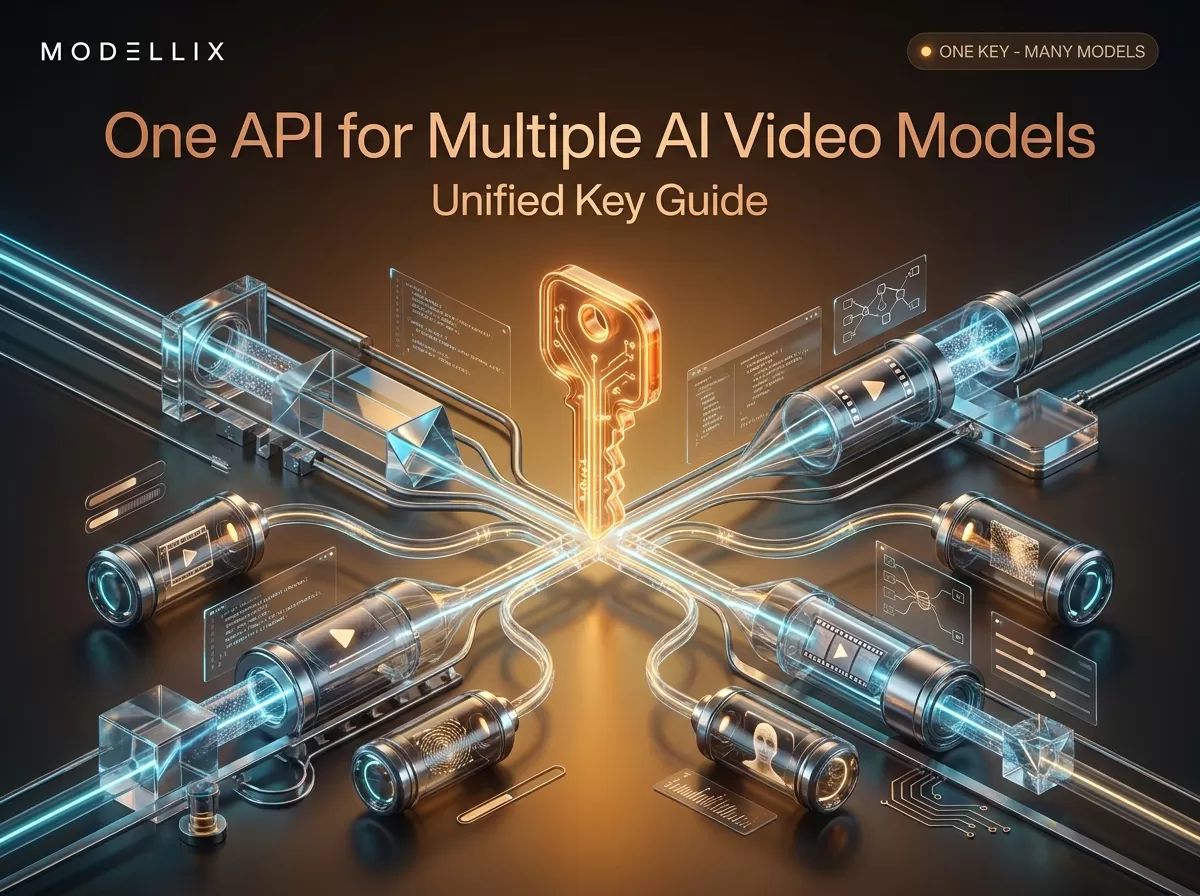
One request, one key, many video models: the routing layer is what you are really evaluating when you compare unified video APIs.
Counting the cost of key sprawl
The reason developers search for “one api multiple ai video models” in the first place is usually not curiosity — it is the accumulated weight of managing several provider accounts at once. The math is simple: a product that wants Kling for cinematic clips, Veo for high-fidelity scenes, Wan for open-source flexibility, and Seedance for longer output needs four provider accounts, four API keys, four dashboards, four invoices, and four SDKs — plus whatever internal tooling you build to keep them straight.

Left: the multi-provider reality — every model adds a key, a dashboard, and an invoice. Right: one key, one surface, one bill.
The less visible costs are the ones that hurt later:
- Billing reconciliation. Four invoices in four formats, often in different currencies, each with different billing units (per second, per credit, per point). Attributing spend to features or customers becomes a spreadsheet project.
- Contract differences. Rate limits, queue behavior, retention of uploaded media, and terms vary per provider. Your code has to handle each one’s quirks.
- Access risk. A key rotation, a billing hiccup, or a provider deprecating an API version hits one part of your pipeline while the rest keeps running — and you may not notice until a model silently stops working.
None of this is fatal. Startups and small teams run multi-provider setups with four keys every day. But the cost is real, and it is mostly maintenance tax that grows with every model you add. A single key collapses the first-order pain (one credential, one dashboard, one invoice) and moves the remaining risk to one place: the aggregator’s reliability and pricing honesty. That is exactly why the verification section comes next.
What to verify before you trust a unified video API
Because most pages ranking for this topic are platform homepages selling “one API for everything,” the useful skill is reading past the tagline. Run every candidate through these checks:
1. Is pricing published per model, at parameter level? A homepage that says “up to 10x lower cost” without a price list is not comparable. What you want is a published per-model rate — per second for video, per image, with the resolution and duration terms — so you can cost a representative task before you integrate. Modellix publishes per-model pricing on its models page; some platforms only reveal prices after signup, which should count against them.
2. Does the catalog include the models you actually need, and are they current? Video generation moves monthly. Check for the current generation: Kling V3, Veo 3.1, Seedance 2.5, Wan 2.7 — not just last year’s versions. Also check the input modes you care about: text-to-video, image-to-video, first/last-frame, reference-to-video, video extension.
3. How does key management actually work? Can you create and rotate keys yourself? Is there a validation endpoint? Can you scope keys by team or project, where the platform supports it? A “unified key” that cannot be revoked cleanly is a liability, not a feature.
4. Is the async contract documented with real endpoints? You will spend most of your integration time on task submission and polling. The documentation should show the exact request shape, the task result endpoint, and error behavior. If the docs are a slide deck, treat that as a red flag.
5. Can you see per-request cost and usage? A unified key concentrates spend in one account, which only helps if you can see where it goes. Look for call logs that capture inputs, outputs, and cost per request, not just an aggregate invoice.
6. What is the escalation path? For production video pipelines, queue times and provider failures are inevitable. You want documented support, a status channel, and honest statements about what happens when a provider degrades.
The good news: these checks are fast. All of them are answerable from a platform’s public docs and models page in an afternoon.
How a unified key works end to end
Here is the pattern that a “one api key multiple models” setup actually follows, using real Modellix endpoints read from its public documentation. One video generation API key covers every model on the platform — it is created at the Modellix console, and every request sends it as a Bearer token.
Step 1 — submit a text-to-video task on Kling V3:
1 | curl --request POST \ |
The response returns a task_id. Video generation is asynchronous, so you poll the task result endpoint instead of waiting on the response body:
1 | curl --request GET \ |
Step 2 — switch to another video model by changing one string. This is the whole point of a multi model video api. The same request, the same key, the same task-polling code — only the model identifier changes:
1 | import requests |
One caution: the exact response field names and status strings can differ between platforms — treat the snippet as the pattern, and check the target platform’s task-result reference (Modellix documents its own get-task-result endpoint) before shipping. The structural point holds everywhere: submit once, poll once, switch models by identifier.
If you want the full inventory of request modes per category, the text-to-video API guide walks through text-only generation, and the image-to-video route follows the same pattern with an image input instead of a prompt.
To run this pattern yourself, create a free key in the Modellix console, paste it into the snippet above, and watch one task go from submit to result — the whole flow takes minutes, and it is the fastest way to see whether a unified key fits your pipeline.
Pricing reality: per-model transparency beats a marketing headline
An aggregator’s pricing is only useful if it is per-model and parameter-level — when you compare an AI video generation API, that is the first thing to check — because the range across video models is enormous. The following rows were read from Modellix’s public models page on August 12, 2026 — the same place you would check them today:
| Model | Provider | Listed price (per second) | Notes |
|---|---|---|---|
kling/kling-v3-t2v |
Kling | $0.0580 – $0.2898 | Up to 15 s, 4K, native audio |
alibaba/wan2.7-t2v |
Alibaba | $0.0621 – $0.0920 | High-fidelity, custom aspect ratio |
kling/kling-v3-turbo-t2v |
Kling | $0.0773 – $0.0966 | Speed/cost-optimized, 720p/1080p |
bytedance/seedance-2.5-t2v |
ByteDance | $0.1184 – $0.2656 | Up to 30 s, 480p/720p, native audio |
xai/grok-imagine-video |
xAI | $0.0575 – $0.0805 | Short clips, 480p/720p, ≤15 s |
Prices are per second of generated video and vary with resolution and duration settings. Modellix also lists entry-level flash routes below one cent per second — a full-catalog measurement in July 2026 found its lowest video route at $0.0008/sec.
Two honest caveats. First, a per-second rate is not a task price: total cost depends on clip length, resolution, and whether the model charges differently per mode. Second, “transparent pricing” and “cheapest” are different claims — compare a matched model, resolution, and duration, and do not generalize from one row. What transparency buys you is the ability to make that comparison at all, before you commit an integration.
A unified key also concentrates cost accounting in one place. The Modellix docs describe complete call logs — every request capturing inputs, outputs, and costs — which turns “how much did video cost this month?” into one API call instead of four invoice PDFs. That is a workflow benefit, not a price claim.
Direct providers vs an aggregator: when the trade-off flips
The honest framing for anyone evaluating an AI API aggregator in the video space is that a unified video API wins for some products and loses for others. The decision does not have a universal answer, but it has a stable set of criteria.
Go direct to providers when:
- You integrate deeply with one vendor — one model family, custom SLAs, enterprise terms with that specific provider.
- Compliance requires a direct commercial relationship with the model provider (data handling, procurement, audit).
- You need a just-released model on day one, before aggregators add it.
- You already hold large commitments or credits with a cloud provider that offers the model.
Use an aggregator when:
- Your product exposes multiple models to users (“choose your video model”) and you cannot maintain N integrations.
- You want to compare models on real output before committing — one key makes switching a configuration change.
- You need one invoice, one usage log, and per-request cost attribution across many models.
- Your roadmap expects model churn: the models that win next quarter may not be the ones winning this quarter.
Modellix is an aggregator, so this section is where the commercial interest is most direct — read it accordingly. Our comparison of Modellix vs WaveSpeed and the 2026 roundup of AI video generation APIs show how two aggregators differ in catalog depth and pricing philosophy, so you can see the category variance before picking one.
One boundary worth stating plainly: an aggregator’s workflow value (one key, one bill, one log) is not the same as a price guarantee. When you compare, compare matched routes; when you decide, decide on the operational difference.
Handling failure: fallback across video models with one key
The practical advantage of a multi model video api shows up in production, when things go wrong. Provider outages, rate limits, queue backlogs, and model-specific failures are normal events in video generation pipelines — the question is what your code does about them. With one key and one request contract, fallback is a small function:
1 | FALLBACK_CHAIN = [ |
Design notes from running this pattern in practice:
- Fallback changes output characteristics, not just latency. The models in the chain above differ in max duration, resolution, and native-audio support. If your product promises 4K output, falling back to a 720p model silently breaks that promise — pick fallback chains per output contract, or surface the actual model to the caller.
- Watch queue time, not just HTTP errors. A task can be accepted and then sit in a provider queue for minutes. Treat “task still pending after N minutes” as a failure state for the purposes of fallback.
- Budget-aware fallback. If a cheaper model is down and your fallback is 3x the price, decide explicitly whether availability beats cost for that request.
- Rate limits are per-provider. One key does not unify the underlying rate limits — the aggregator’s key protects you from per-account limits, but provider capacity still varies by hour.
A practical checklist before you integrate
- Name the models and modes you need. Text-to-video, image-to-video, first/last-frame, extension — and which current generation (Kling V3, Veo 3.1, Seedance 2.5, Wan 2.7) matters to your product.
- Cost a representative task, not a rate. Pick a typical clip length and resolution, apply the per-second rate, and compare that number — not the headline.
- Test the async contract first. Submit one task against the platform’s docs before writing your real integration; verify the polling endpoint and error shape.
- Check key management. Create, rotate, and (ideally) scope keys without support tickets.
- Confirm per-request logs exist. You need cost attribution per call for your own billing and debugging.
- Design fallback by output contract. A 720p fallback for a 4K promise is a bug, not resilience.
- Read the failure policy. What happens when a provider degrades — transparent status, queue caps, or silence?
- Recheck prices quarterly. Video model pricing moves; treat every price list as a snapshot with a date.
FAQ
Can one API key call multiple AI video models?
Yes. Aggregator platforms issue a single key that authenticates requests to every model in their catalog; you select the model with an identifier in the request path, and billing and usage logs are unified under that one key.
Is there an app or API that offers all AI models in one?
There are platforms that aggregate models across modalities — image, video, audio, and (on some platforms) LLMs — behind one API. They differ in catalog depth, media-only vs LLM coverage, pricing transparency, and async contracts, so “one API for all AI” claims should be verified against the checks in this guide.
What are the best AI video models right now?
As of mid-2026, the frequently cited leaders are Kling V3 (cinematic, native audio), Google Veo 3.1 (high fidelity), ByteDance Seedance 2.5 (longer clips, reference modes), and Alibaba Wan 2.7 (open-weight, flexible). Rankings change monthly — the Artificial Analysis text-to-video arena tracks leaderboard movement, and direct vendors publish their own current models: Google’s Veo documentation and OpenAI’s Sora video API guide are the canonical sources for those two.
Is an aggregator cheaper than calling providers directly?
Not automatically. Aggregators add a distribution layer, and their per-model rates can be higher or lower than a direct account depending on the model, resolution, and negotiated terms. The reliable win is operational: one key, one invoice, one usage log, and instant model switching. Compare matched routes for price, and count the workflow savings separately.