What PixVerse Text-to-Video Does
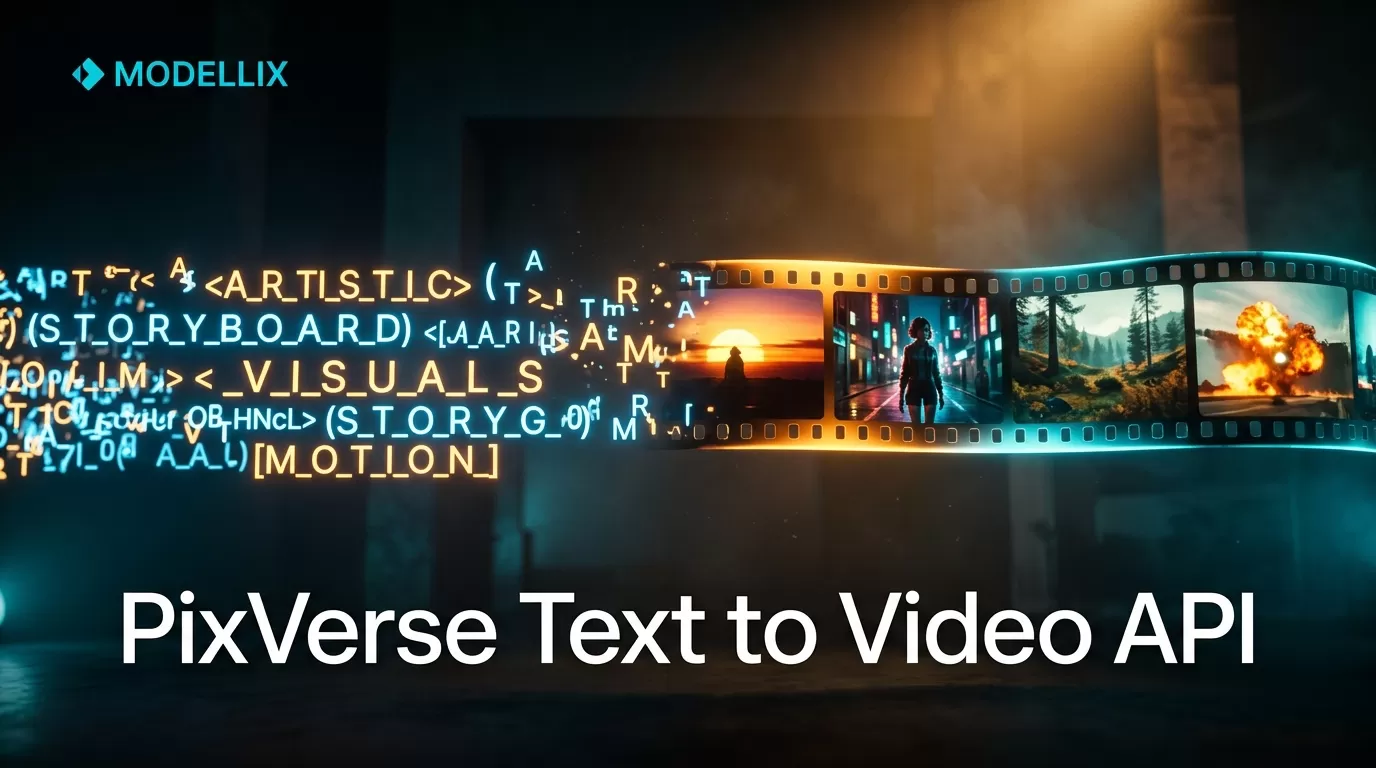
PixVerse converts text prompts into short AI-generated videos. You describe a scene — “a drone sweeping over a misty mountain lake at sunrise” — and PixVerse renders it as video, typically 5 to 10 seconds long. The current generation, PixVerse V6, handles complex motion, camera angles, and cinematic lighting better than earlier models, outputting at up to 1080p resolution.
If you are already familiar with the PixVerse AI platform, you know the web app works well for one-off creations. The question is what happens when you need to generate a hundred videos, or embed this capability into your own product.
Why Call the API Instead of Using the Web App
The PixVerse web app at app.pixverse.ai is built for creators clicking through a UI. That works until you face any of these:
- Scale. Generating 50 videos manually through a browser takes hours. An API call takes seconds and runs unattended.
- Integration. If your product lets users type a prompt and get a video back, you cannot ask them to open a separate browser tab.
- Automation. Scheduled generation, A/B prompt testing, batch rendering — none of this is practical through a UI.
- Unified billing. When you need multiple AI models — not just PixVerse but also Kling, Runway, or Minimax — managing separate accounts and API keys for each provider becomes a full-time job.
The general PixVerse API integration guide covers the big picture. This article focuses specifically on text-to-video: which models to pick, what each call looks like in code, and what it costs.
PixVerse Text-to-Video Models You Can Access
PixVerse offers two generations of text-to-video models. Both are available through the API.
| Model | Max Duration | Resolution | Best For |
|---|---|---|---|
| PixVerse V5 | 8 seconds | 1080p | Fast iteration, prompt testing, drafts |
| PixVerse V6 | 10 seconds | 1080p | Production quality, complex motion, cinematic output |
V6 adds better temporal consistency — fewer flickering frames and smoother camera transitions between scenes. If you are building a consumer-facing feature where output quality directly affects user retention, V6 is worth the higher per-second cost. If you are prototyping or generating internal assets, V5 is faster and cheaper.
For a broader look at PixVerse’s full model lineup, including image-to-video and other modalities, see the PixVerse video generator overview.
Generate a Video from Text: Full API Walkthrough
You submit a text prompt, pick a model, and the API returns a video. Here is the minimal working call.
Step 1: Submit the generation request.
1 | curl -X POST https://api.modellix.ai/v1/video/generate \ |
The response contains a job ID. Video generation is asynchronous — it takes 30 to 90 seconds depending on model and prompt complexity.
1 | { |
Step 2: Poll for completion.
1 | curl -X GET https://api.modellix.ai/v1/video/status/job_8f3a2c1d \ |
Once status changes to "completed", the response includes a temporary video URL:
1 | { |
The same flow in Python:
1 | import requests |

The model ID pixverse/pixverse-v6 is the key parameter. Swap it to pixverse/pixverse-v5 to use the earlier generation, or pixverse/pixverse-v5-turbo for a faster, lower-cost variant. All available model IDs are listed in the Modellix model catalog.
What the prompt parameter accepts: PixVerse models respond to natural-language scene descriptions. Include shot type (“drone shot,” “close-up,” “tracking shot”), lighting cues, motion direction, and desired duration. Avoid abstract or purely conceptual prompts — PixVerse performs best with concrete visual descriptions that imply motion.
Getting Your Video: Polling, Webhooks, and Downloads
The API is asynchronous by design — video generation takes time, and you should not hold an HTTP connection open waiting for it. Three patterns cover every workflow:
Polling (shown above) is the simplest. Query the status endpoint every 5 seconds until status is "completed" or "failed". Suitable for scripts, CLI tools, and simple backend integrations.
Webhooks are the scalable choice. Pass a webhook_url in the initial request and Modellix POSTs the result to your endpoint when generation finishes. No polling loop, no wasted requests. Your webhook handler receives the same JSON body the status endpoint would return.
Download persistence. The video_url in the response is a temporary CDN link. Download the file to your own storage within 24 hours — the URL expires after that. For production integrations, pipe the response directly to your object storage:
1 | curl -s "$VIDEO_URL" | aws s3 cp - s3://your-bucket/videos/job_8f3a2c1d.mp4 |
What PixVerse Text-to-Video Actually Costs
PixVerse models on Modellix are priced per second of generated video. You pay for what you render — no monthly fee, no minimum commitment.
| Model | Cost per Second | 5-Second Clip | 10-Second Clip |
|---|---|---|---|
| PixVerse V5 | ~$0.0030 | ~$0.015 | ~$0.030 |
| PixVerse V6 | ~$0.0063 | ~$0.032 | ~$0.063 |
Prices are approximate — the Modellix pricing page shows live per-model rates. Modellix is an API aggregator (disclosure: this is our blog), so the pricing you see includes the underlying model cost plus a transparent margin. You are not paying a hidden markup — every API response includes the exact cost of that specific call in the cost field.
For a deeper dive into how PixVerse pricing compares across providers and what the per-second numbers actually mean, read the PixVerse pricing breakdown.
Common Errors and How to Debug Them
Production integrations hit edge cases. Here are the ones you will encounter and how to handle them.
Invalid prompt (HTTP 400). PixVerse rejects prompts that are too short, purely abstract, or violate content policy. The error response includes a detail field explaining the rejection. Minimum prompt length is roughly 10 words — anything shorter rarely produces usable output.
Rate limiting (HTTP 429). The API enforces per-minute rate limits. The response includes a Retry-After header with the number of seconds to wait. Implement exponential backoff in your client — retry at 1s, 2s, 4s, then fail gracefully after three attempts.
Generation timeout. If a job stays in "processing" state for more than 5 minutes, it has likely stalled. Cancel it by sending a DELETE to the status endpoint and resubmit with a simpler prompt or shorter duration.
Model unavailable. Occasionally a specific model variant is under maintenance. The API returns HTTP 503 with a retry_after timestamp. Fall back to an alternative model — pixverse/pixverse-v5 is always available as a backup for V6.
When PixVerse T2V Is (and Isn’t) the Right Choice
PixVerse text-to-video excels at cinematic, realistic footage from text prompts. Use it when your users expect natural-looking output — landscape flyovers, product showcases, atmospheric B-roll.
It is not the right tool for every job. For abstract or highly stylized animation, other models may produce better results. For real-time or interactive video generation, latency is too high. And if your users need audio-synchronized speech (talking-head videos with lip sync), you will need a different model entirely — PixVerse generates silent video output.
For a comparison of PixVerse against alternatives and when to pick something else, see the PixVerse alternatives guide.
Start Building: Your First API Call in 5 Minutes
You do not need to set up multiple provider accounts or negotiate enterprise contracts. Modellix gives you a single API key that works across PixVerse and 210+ other image and video models. New accounts get free credits — enough to generate several videos and confirm the integration works before you pay anything.
Copy the Python example above, replace the API key, and you will have a working PixVerse text-to-video pipeline in under five minutes. No UI. No per-provider integration. Just HTTP requests and video files.