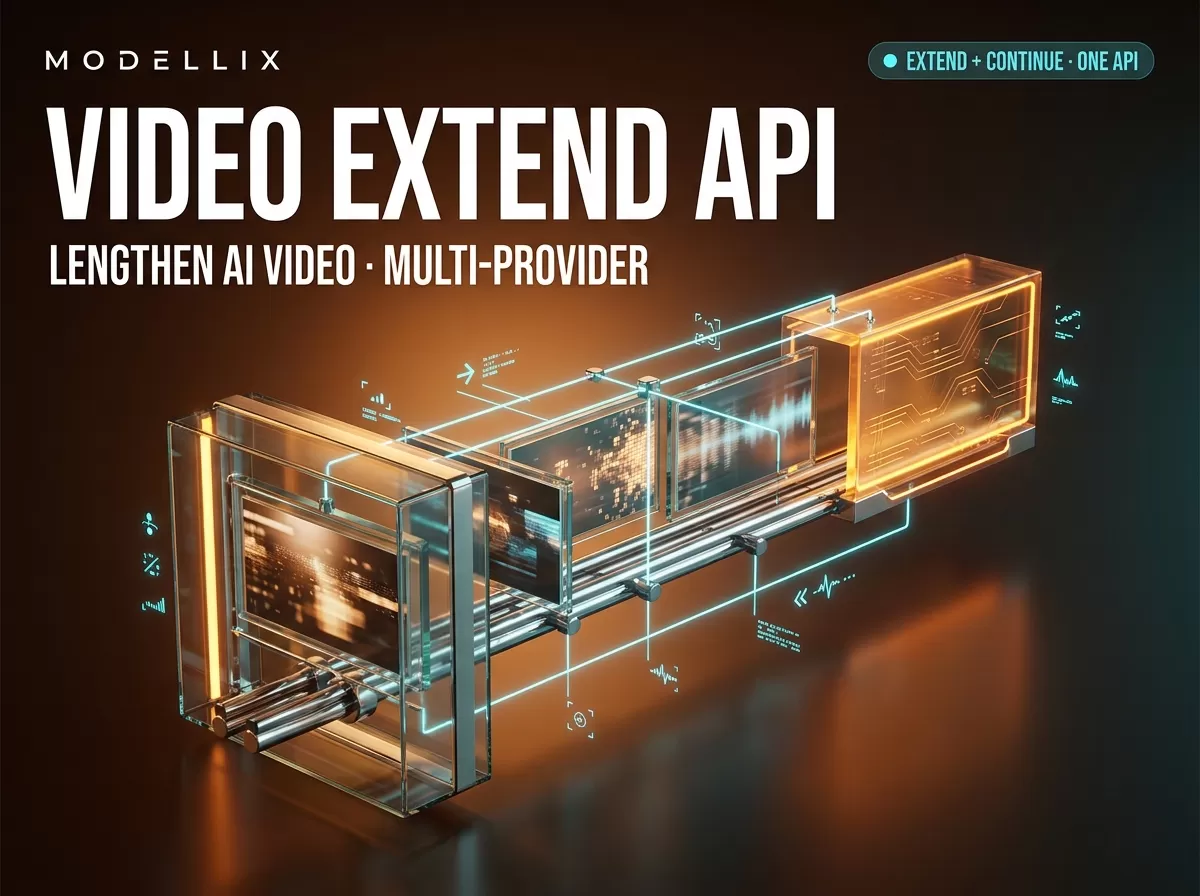
The short answer: a video extend API appends footage to the end of a clip
A video extend API takes a source video and a continuation prompt, then generates additional footage that continues from the last frame. The output is a longer video, not a new one: the scene, subject, and motion pick up where the input ended. OpenAI, Google, xAI, and PixVerse all ship extension as a distinct API operation from text-to-video or image-to-video generation, and aggregators resell those routes behind a single key.
As of August 6, 2026, Modellix carries two extend-capable models: pixverse/v6-video-extend and xai/grok-imagine-video-extend. Both work through the same asynchronous submit–poll–retrieve contract, which is the pattern this guide walks through end to end. Modellix is an AI model API aggregator and has a commercial interest in this comparison — the prices below are unit rates read from live model pages today, not a claim that an aggregator route is always the cheapest.
What video extension is — and what it is not
The operation is narrower than most “make my video longer” queries imply. Extension is video-to-video continuation: an existing clip goes in, the model generates the next segment, and the two are joined. The term shows up as “video extend”, “video extension”, and “video continuation” across vendors — same operation, different labels.
Four adjacent operations are regularly confused with it:
- Regeneration from text — a text-to-video call has no source video and cannot preserve the subject or scene of an existing clip. If your text-to-video API returns a different 8-second clip every call, extending is the way to keep one consistent video growing. See our text-to-video API guide for how that generation path differs.
- Upscaling — increases resolution; the content and length stay the same.
- Restyling — changes the appearance of the existing footage (style transfer, replacement of the subject).
- Outpainting — expands the frame outward beyond the edges, filling new spatial context. Outpainting extends the canvas; video extension extends the timeline.
That last distinction is the one search engines blur most: an “extend video” query surfaces outpainting tools, which answer a different question. A video extend API answers “what happens next?”, not “what is outside the frame?”.
Which providers offer video extend APIs
The vendor landscape is young but concrete. The following operations were verified against official documentation on August 6, 2026:
| Provider | Extend operation | Added duration per call | Input | Source |
|---|---|---|---|---|
| OpenAI (Sora) | POST /videos/extensions |
4–20 seconds in 4s steps | video.id of a completed video |
API reference |
| xAI (Grok Imagine) | POST /v1/videos/extensions |
duration = appended segment only |
public video URL, base64, or Files API file_id |
Video Extension docs |
| Google (Veo 3.1) | Video extension documented in the Gemini API | per-model, per the Veo 3.1 capability set | video input via the Gemini API | Gemini video docs |
| PixVerse (V6 / V4.5 family) | POST /openapi/v2/video/extend/generate |
5 or 8s on the older family; 1–15s on V6 | source_video_id or uploaded media |
PixVerse Extend guide |
| Runway | Extend endpoint exposed by aggregators | per-route | video reference | Kie AI Runway extend docs |
Kling also documents a video-extension API on its developer portal, and its docs rank in the SERP for this query; it is left out of the table only because we could not verify a stable documentation URL on the day of writing.
On Modellix specifically, the extend routes live today are the PixVerse V6 extend model and the Grok Imagine Video Extend model — the same two providers’ capabilities behind one API key. The catalog changes as vendors ship new versions, so treat the two-route snapshot as current only as of the date above and check the model list before you commit.
The extend API pattern: one video in, longer video out
Every extend API on the list above follows the same lifecycle: submit the job with the source video reference and a continuation prompt, poll a task identifier until it reaches a terminal state, then download the result. Video jobs take longer than image calls, so none of them are synchronous — if the submit–poll loop is new to you, our PixVerse API guide walks through it end to end.

Figure 1: What a video extend API call does. The input clip is preserved; the model generates the appended segment. The duration parameter controls the size of that segment, not the total length of the output.
That last sentence is the most common integration error. xAI’s documentation is explicit: if your input video is 10 seconds and you set duration to 5, the returned video is 15 seconds — the parameter controls the extended portion only. OpenAI’s reference page takes the same shape with fixed increments (4, 8, 12, 16, or 20 seconds). PixVerse documents per-call chunks (5 or 8 seconds on the older model family, 1–15 seconds on V6) and describes chaining calls to keep a story going. If you design your pipeline around “duration = total output length”, every job comes back shorter than expected.
The input contract matters just as much as the duration semantics:
- Public URL — the simplest path; the API fetches the clip itself. Both Modellix extend routes take a publicly accessible video URL.
- Uploaded media — PixVerse’s extend endpoint accepts a
video_media_idfrom its upload API, which adds a storage step to your pipeline. - Previously generated video ID — PixVerse accepts a
source_video_idfrom an earlier generation call (zero-upload if the clip came from the same account); OpenAI takes thevideo.idof a completed video.
Whatever the input form, the value proposition is the same: continuity. The model preserves the subject, scene, and motion of the input, so the extended clip does not look like a cut to a different video. A shared caveat is storage: extended results are held temporarily — Modellix keeps generated results for 7 days, Kie AI’s Runway extend route documents 14-day retention, and OpenAI exposes an expires_at on the video object — so download promptly.
Video extend API pricing compared
Pricing for extension is quoted per unit of output, but the units are not the same across vendors. PixVerse direct billing is in credits per clip on the older model family (the official pricing page breaks out per-clip credit rows by model, quality, and duration) and per-second credits on V6; xAI and the aggregator routes bill USD per second. A credit price and a dollar price are not comparable until you convert through the credit package you actually buy.
The Modellix extend routes, read from the live model pages on August 6, 2026:
| Route | Quality | Price (USD) | Per-call duration |
|---|---|---|---|
pixverse/v6-video-extend |
360p | $0.0575 / second | 1–15 seconds |
pixverse/v6-video-extend |
540p | $0.0805 / second | 1–15 seconds |
pixverse/v6-video-extend |
720p | $0.1035 / second | 1–15 seconds |
pixverse/v6-video-extend |
1080p | $0.2070 / second | 1–15 seconds |
xai/grok-imagine-video-extend |
single tier | $0.1725 / second | 2–10 seconds appended |
Worked arithmetic, with the assumptions stated: one minute of 720p extension through the PixVerse route is $0.1035 × 60 ≈ $6.21; the same minute through the Grok Imagine route is $0.1725 × 60 ≈ $10.35; a single 15-second 1080p PixVerse call is ≈ $3.11. These are unit-rate calculations for budget sizing, not quotes — the actual cost of a task depends on the duration you request, the quality tier, and any per-call rules the provider applies.
Two facts keep this table honest. First, a per-second rate is not a per-task rate: a 5-second extend and a 15-second extend differ threefold on the same route. Second, “cheapest” depends on the billing unit you would have used anyway — a PixVerse credit package bought for other workloads can make the per-clip route cheaper for short clips than a per-second route, and the reverse is true for long ones. Price a representative task in one unit before comparing.
Extend a video through one API: working code
The Modellix unified API wraps both extend routes in the same asynchronous contract: POST https://api.modellix.ai/api/v1/<provider>/<model>/async returns a task_id, and GET https://api.modellix.ai/api/v1/tasks/{task_id} retrieves the result. The request body is the model’s parameter set — for pixverse/v6-video-extend that is video (a public URL), prompt, duration, and quality. The API documentation is the canonical contract; the example below follows it.
1 | export MODELLIX_API_KEY="your_api_key" |
The same flow in Python, with polling and error handling:
1 | import os |

Figure 2: The submit–poll–retrieve lifecycle behind one key. The same loop reaches both extend models and the rest of the Modellix catalog.
Three details will save you debugging time. Errors are retryable or not, and the distinction is documented: HTTP 400/401/402/404 mean fix the request, while 429, 500, and 503 are safe to retry with exponential backoff (1s → 2s → 4s); on 429, the X-RateLimit-Reset header tells you when to retry. Results expire: generated assets are kept for 7 days, so download them into your own storage. Webhooks exist: pass an X-Webhook-URL header and the API POSTs the task result (including the billed amount per task) instead of making you poll.
Direct provider API or an aggregator route?
The direct APIs are the reference implementation, and for a single-model workload they can be the lower-cost path: you pay the provider’s own rate, use its native SDK, and skip an intermediary. The trade-off is that you now maintain a separate integration per provider — distinct auth, distinct parameter names, distinct polling semantics, distinct billing units (PixVerse credits vs xAI per-second USD).
An aggregator route trades that unit price for integration surface. Behind one key and one billing relationship, Modellix exposes both extend models through the same submit–poll contract, logs each task with its cost, and lets you switch models without rewriting the loop. To be clear about the trade-off: this is not a claim that routing through an aggregator is cheaper — it is a claim about consolidation. If extending video is one of several generation tasks your product does, one integration and one bill can be worth more than the per-second delta.
For a PixVerse-specific walkthrough — the extend endpoint, parameter table, credit pricing, and error codes for source_video_id vs upload workflows — see our PixVerse video extend API guide, which documents that provider in depth.
Choosing a video extend API: what to check
Before you pick a route, run this checklist against the model card and the docs:
- What does
durationcontrol? If it sizes the appended segment rather than the total, your length math changes. - How much can you add per call? Per-call caps range from 2–10 seconds (the Modellix Grok route) to 4–20 seconds (OpenAI) to 1–15 seconds (PixVerse V6). Chaining calls is documented on some providers and bills per call.
- What input does it accept? Public URL is zero-setup; upload and generated-ID inputs add storage steps to your pipeline.
- How long are results retained? 7 days on Modellix, 14 days on Kie AI’s Runway route,
expires_aton OpenAI — schedule downloads accordingly. - What are the error semantics? Retryable vs non-retryable statuses, rate-limit headers, and concurrency caps determine whether your batch loop survives production.
- Is audio handled? Some providers generate or preserve audio (Veo 3.1 documents native audio); others are video-only. Check the model card for the exact route.
- What is the billing unit? Per-second USD, per-clip credits, and package rates are not interchangeable; compute a representative per-minute cost in the unit you will actually be billed in.
Frequently Asked Questions
What is a video extend API?
A video extend API takes a source video and a text prompt, then generates additional footage that continues from the last frame of the input. The output is the original clip plus an appended segment, preserving subject, scene, and motion instead of generating a fresh video.
How do I extend an AI video via API?
Submit the source video reference and a continuation prompt to the provider’s extend endpoint, poll the returned task ID until it reaches a terminal state, then download the result. The working Python example in this guide follows that flow against the Modellix unified API.
Does the duration parameter set the total video length?
No. On every extend API surveyed, duration controls the length of the appended segment. xAI’s documentation gives the example directly: a 10-second input with duration set to 5 returns a 15-second video. Build your length math on “input + extension”, not on the parameter value alone.
Which AI video APIs support extending video?
OpenAI (Sora) exposes POST /videos/extensions; xAI (Grok Imagine) exposes POST /v1/videos/extensions; PixVerse exposes POST /openapi/v2/video/extend/generate; Google documents video extension as a Veo 3.1 capability in the Gemini API; Runway’s extend is resold by aggregators. On Modellix, the extend routes are pixverse/v6-video-extend and xai/grok-imagine-video-extend (as of August 6, 2026).
How much does a video extend API cost?
It depends on the billing unit: PixVerse direct billing uses credits per clip (or per second on V6), while xAI and aggregator routes bill USD per second. As of August 6, 2026, the Modellix PixVerse V6 route ranges $0.0575–$0.2070 per second by quality, and the Grok Imagine route is $0.1725 per second — roughly $6.21 per minute of 720p extension on the PixVerse route and $10.35 per minute on the Grok route. Recheck the live model page before budgeting.
How long can an extended video get?
Per-call, providers cap the added segment: 2–10 seconds on the Modellix Grok route, 1–15 seconds on PixVerse V6, 4–20 seconds in fixed steps on OpenAI. Chaining extend calls is documented by some providers, but each call re-enters the queue and bills separately — there is no single universal maximum, so size your pipeline from the route’s per-call cap.
Is there a free video extend API?
Not among the API routes surveyed: extend endpoints bill against an account balance or credit package in every case we verified. Platforms sometimes offer trial credits on signup — check the current terms — but there is no free tier on the extend endpoints themselves.
What is the difference between video extension and outpainting?
Extension continues the timeline: new footage is appended after the last frame. Outpainting expands the frame outward, filling new spatial context beyond the visible edges. One answers “what happens next”, the other “what is outside the frame”.
Provider details, endpoint shapes, and pricing reflect public information as of August 6, 2026, and change frequently. Validate against each provider’s live docs and model pages before committing. Access image and video models, including the leading Chinese models, through a single API key at modellix.ai.
Cover image: illustrative Modellix artwork; it is not a product screenshot or source evidence.