What PixVerse’s video generator actually does
PixVerse is an AI video generator that turns text prompts and still images into short, cinematic video clips — with a fully documented developer API that costs about $0.09 per second at 720p.
It’s built by Aishi (爱诗科技), a Beijing-based AI company, and it’s not one model — it’s a family of three. V6 is the flagship text-and-image-to-video model with multi-shot sequencing, 20-plus camera motion presets, and native audio generation in a single pass. C1 is the animation and reference model, built for style transfer, motion imitation, and lipsync. R1 is a research-grade real-time world generation model that isn’t yet available as a production API endpoint. All three are accessible through PixVerse’s own Platform API, and two — V6 and C1 — are also available through API aggregation layers.
The video generator supports resolutions from 360p through 1080p, aspect ratios including 16:9, 9:16, 1:1, 4:3, 3:4, and 21:9, and clip durations up to 15 seconds. It handles text-to-video, image-to-video, and — uniquely at this price point — video reference input, where you feed it an existing clip and it generates new footage that matches the motion, composition, and style.
The consumer mobile app has 50 million-plus downloads and a 4.5-star rating on Google Play, but the developer API is what sets PixVerse apart from the consumer-only AI video tools that fill its SERP. Every other result for “pixverse video generator” right now is either PixVerse’s own marketing page or a third-party aggregator wrapper — none of them explain how to actually build with it. This article does.

The models: what V6, C1, and R1 each do (and don’t do)
PixVerse’s naming convention is straightforward — V6, C1, and R1 are three different tools for three different jobs, not a numbered upgrade path. Here’s what separates them.
V6 is the one you’ll reach for by default. It handles text-to-video and image-to-video, outputs up to 1080p at up to 15 seconds, and supports every aspect ratio PixVerse offers. Its headline features make it competitive with models that cost more: multi-shot sequences that compose several scenes in a single generation call, 20-plus camera motion presets (dolly, crane, pan, orbit, and tracking shots with finer-grained control than prompt-based camera description), and native audio — one generation call produces a clip with sound, eliminating the separate audio pass that most video models force you to handle separately.
The camera control set is genuinely broader than Kling’s or Runway’s at this tier. If your video is driven by camera movement — a tracking shot through a product, a slow pan across a landscape — PixVerse V6 gives you presets rather than making you describe camera motion in a text prompt and hoping the model interprets it correctly.
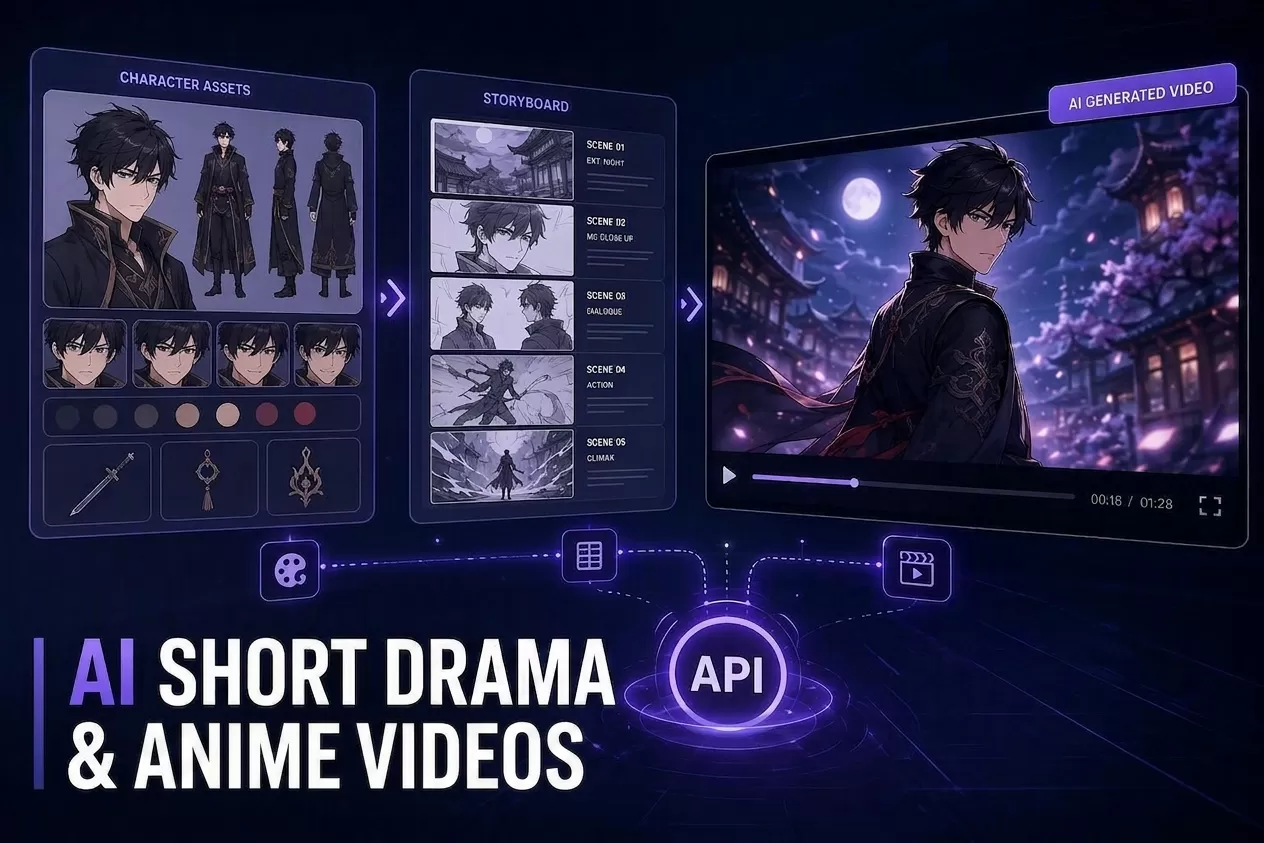
C1 is PixVerse’s reference-and-animation model. If V6 generates from imagination, C1 conditions on what you give it — a reference image, a video clip, a motion source, a style target. It’s the pick when you need consistent characters across multiple shots or when you’re animating an existing image rather than generating from scratch. C1 is also where PixVerse’s lipsync, depth-map workflow, and motion-control features live. In practice, most developers use V6 for net-new generation and C1 for controlled output — animation, style transfer, motion imitation.
R1 is the newest and least documented. PixVerse describes it as “real-time interactive world generation” — closer to a research demo than a production API endpoint. It’s exciting as a signal of where PixVerse is heading, but if you’re building something today, V6 and C1 are the production models. R1 isn’t available through the Platform API and isn’t carried by any aggregation layer.
| V6 | C1 | R1 | |
|---|---|---|---|
| Best at | Text/image-to-video, multi-shot, camera control, native audio | Animation, style transfer, motion imitation, lipsync | Real-time world generation |
| API access | Yes (Platform API) | Yes (Platform API) | Research preview only |
| Max resolution | 1080p | 1080p | Unpublished |
| Native audio | Yes | No (separate lip-sync workflow) | N/A |
| Camera controls | 20+ presets | Limited | N/A |
| Multi-shot | Yes, in one call | No | N/A |

For a broader primer on the PixVerse ecosystem — the company behind it, the consumer app, and where it sits in the AI video landscape — see our what-is-PixVerse guide.
What you can actually generate — resolution, duration, and formats
The PixVerse video generator’s output specs are straightforward, and they’re fully documented in the Platform API docs.
Resolution runs from 360p through 1080p. There’s a 4K upscale feature, but it’s post-processing — the model itself caps at 1080p. If native 4K output is a hard requirement, Kling V3 is the alternative (see our Kling comparison for details). For most web and social video use cases — YouTube, TikTok, Instagram Reels, embedded product demos — 1080p at 15 seconds is more than sufficient.
Aspect ratios cover the full social media spread: 16:9 (standard widescreen), 9:16 (vertical/TikTok), 1:1 (square/Instagram), 4:3, 3:4, and 21:9 (cinematic ultra-wide). You set the aspect ratio as a parameter in your generation request — the model handles the framing.
Clips max out at 15 seconds. That’s standard for this generation of AI video models — Kling V3 also caps at 15 seconds, Veo 3.1 at 8 seconds, Runway Gen-4 at 10 seconds. Fifteen seconds is enough for a product highlight, a social clip, or a single scene in a longer edit. If you need longer output, you chain multiple generations together rather than expecting one call to produce a minute of video.
The credit system that governs all of this is explained in our PixVerse pricing guide. The short version: credits cost $0.01 each at standard top-up, and V6 at 720p burns 9 credits per second. A 5-second clip at 720p with audio costs 60 credits — $0.60. Budget accordingly.
Developer access — the PixVerse API workflow
This section has no equivalent anywhere on the SERP. Every existing “pixverse video generator” result is a consumer-facing page. Here’s how you actually call PixVerse programmatically, from the PixVerse Platform API docs.
The API follows a standard async media-generation pattern:
- Upload your source media to PixVerse’s servers. This can be a reference image for image-to-video, a video clip for reference-to-video, or audio for lipsync. You get back a
media_id. - Submit a generation request. Pick your model (
v6orc1), pass your text prompt andmedia_id, set resolution (360pthrough1080p), duration, aspect ratio, and optional parameters likevideo_referencesfor C1’s reference-to-video mode or camera motion presets for V6. - Poll the status endpoint until the generation completes. Status
1means success,5means still in progress. Failed generations return7(review failure) or8(generation failure). - Download the output URL. The API returns a direct download link when the generation finishes.
That’s the pattern, and it’s consistent across text-to-video, image-to-video, lipsync, and motion control — the model and parameters change, but the upload→submit→poll→download loop is identical.
The credit math is simple once you know it. One credit costs $0.01 at standard top-up (1,000 credits = $10), with volume discounts on membership tiers. Each generation burns credits per second based on model, resolution, and whether audio is on. For V6 at 720p without audio: 9 credits per second. With audio: 12 credits per second. At 1080p: 18 credits per second without audio, 23 with. At standard top-up rates, that’s roughly $0.09 per second for 720p and $0.18 per second for 1080p.
If you want to try PixVerse against Kling, Seedance, Hailuo, or Veo — without creating accounts and reconciling bills across five platforms — an API aggregator gives you one key that calls all of them. Modellix carries PixVerse V6, C1, and lipsync models alongside 11 other video providers, billed per second with per-call cost logging. Two honest disclosures. First, an aggregator won’t be the cheapest source for any single model — buying PixVerse credits directly through the Platform API can undercut it if PixVerse is the only model you use. The single key buys comparison and one bill, not a floor price. Second, Modellix doesn’t carry Growth Studio or Image Avatar — those are PixVerse-first-party products. It distributes the core video generation models; PixVerse builds them.

Consumer app vs. developer API — they’re different products
The PixVerse mobile and web apps have a free tier with daily credits, watermarked output, and access to trending effects and templates. The API has no free tier, no watermarks, no templates, and no daily limits — it’s a paid, programmatic-only service.
If you just want to try PixVerse to see the output quality, download the free app, burn the daily credits, and judge the results. If you’re building a product or a content pipeline, the API is the only path. The consumer app generates watermarked output on the free tier, and you can’t automate it.
One thing the consumer app has that the API doesn’t: the Canvas mode for in-browser video editing, and the trending effects library (AI Kiss, Hug, and similar viral templates). Those are consumer-grade features — useful for social content, not for programmatic video generation.
How PixVerse compares to the rest of the video AI field
For a developer choosing a video model, three questions matter: can I call it programmatically, what does it cost, and what’s it best at?
| PixVerse V6 | Kling V3 | Runway Gen-4 | Veo 3.1 | |
|---|---|---|---|---|
| API access | Yes | Yes | Credit/subscription | Yes |
| ~Cost/sec (720p) | $0.09 | $0.058 (aggregator) | $12/mo+ (credits) | $0.05 (Lite) |
| Max resolution | 1080p | 4K native | 1080p | 1080p |
| Max length | 15 sec | 15 sec | 10 sec | 8 sec |
| Native audio | Yes | Yes (V3+) | No | Yes |
| Camera controls | 20+ manual | AI Director | Limited | Prompt-based |
| Multi-shot in one call | Yes | Yes (V3+) | No | No |
PixVerse’s position is clear: it’s the best camera-control option in its price range, tied with Kling for multi-shot capability, and one of only three models with native audio. Its weakness is resolution — Kling does native 4K, and everyone else either matches 1080p or exceeds it. If your output needs to be 4K without an upscale step, PixVerse isn’t the right tool. For everything else, it’s competitive — and at $0.09 per second, it’s hard to beat on cost among the models that do multi-shot with manual camera control.
For the full alternatives landscape — what to pick instead of PixVerse and why, with real sourced pricing for each — see our PixVerse alternatives comparison.
Getting started — three paths
Which path you take depends on what you’re building.
1. PixVerse Platform API directly. Create an account at pixverse.ai, navigate to the developer section, generate an API key, and follow the OpenAPI docs. Top up $10 in credits and you can start generating immediately. The API docs are complete for V6 and C1 — they cover upload, generation, status polling, and the full parameter reference. This path gives you the lowest per-credit cost (especially with membership tiers) and direct access to PixVerse’s full model surface.
2. Through an aggregation layer. If you want to compare PixVerse against Kling, Seedance, Hailuo, or Veo without signing up for each one and reconciling separate bills, an API aggregator gives you one key that calls all of them. Modellix’s video collection carries PixVerse V6 and C1 billed per second with per-call cost logging and a no-card credit to start.
3. The consumer app. Download the PixVerse mobile or web app, use the free daily credits to test V6 and C1 output quality, and try the trending effects and templates. The app generates watermarked output on the free tier, and you can’t automate it — but it’s the right starting point if you’re evaluating PixVerse before committing to API usage.
A single prompt through V6 will tell you more about whether PixVerse fits your use case than any article can. For the full credit table with every resolution and audio combination, see our PixVerse pricing guide. If you’re evaluating multiple models for a project, the alternatives comparison covers what to pick if PixVerse isn’t the right fit for your specific need.