Somewhere in your agent’s configuration there is a string that decides how every model request is spoken. In a DeepSeek Harness custom provider, it is the api field:
1 | # $DSH_HOME/settings.yaml — llm-pi-ai custom provider |
That api: openai-completions line is not a vendor name and not a model name. It tells the harness which wire protocol to speak: the OpenAI Chat Completions protocol, at a base URL your provider publishes. The same pattern shows up everywhere OpenAI compatibility appears—as an api value in DeepSeek Harness, as a base_url in an OpenAI SDK client, as an “OpenAI-compatible endpoint” checkbox in a local server. This article explains what that compatibility actually covers, where it stops, and why on a gateway that exposes several protocols, changing only the URL is not enough. If your goal is narrower—how to fill these fields into a harness—the DeepSeek Harness custom model guide walks through the form and the YAML side by side. The Anthropic side of the same gateway (which drops the /v1 prefix) is covered in Anthropic Base URL, and choosing between gateway products rather than protocols is the subject of OpenRouter alternatives.
Modellix operates the LLM gateway used as the worked example here, so we have a commercial interest in this working for you—the protocol facts below come from the Modellix LLM API guide, OpenAI’s and Anthropic’s official references, and third-party documentation, all checked on September 2, 2026.
What “OpenAI-compatible” actually promises
An OpenAI-compatible API is an API that replicates OpenAI’s interface conventions: the same REST paths (/v1/chat/completions and friends), the same JSON request and response shapes, and the same authentication pattern (an API key, usually as a Bearer token). The Modular handbook puts it cleanly: any API that replicates the common OpenAI interface, request/response schema, and authentication conventions. OpenAI never formally standardized this; its API simply became the de facto interface for LLMs, because an entire ecosystem—SDKs, agent frameworks, IDE clients, local inference servers—was built around that schema.
Read the promise carefully, because it is narrower than it sounds:
- It promises that code written against OpenAI’s SDK pattern can be pointed elsewhere. You keep
from openai import OpenAI, changebase_urlandapi_key, and your chat calls reach a different backend. - It promises a shared vocabulary for the core chat exchange: a
modelname, amessagesarray of roles and content, a text completion back, often streamed as server-sent events. - It does not promise OpenAI’s models, OpenAI’s field catalog, or OpenAI’s infrastructure. Google’s Gemini compatibility page, for example, lets you reach Gemini models through the OpenAI SDK by changing three lines—the key, the base URL, and the model name. The interface is shared; everything behind it is the provider’s own.
That is why “drop-in replacement” is accurate about your code and silent about your runtime: two OpenAI-compatible endpoints can both accept the same client and behave differently in fields, limits, and pricing.
Why changing only the URL is not enough
Here is where the “just change the URL” advice breaks. It assumes the URL is the only thing that identifies a protocol. On a host that exposes multiple protocols, the URL and the request body are bound together—each path expects its own body shape, and the fields do not translate.
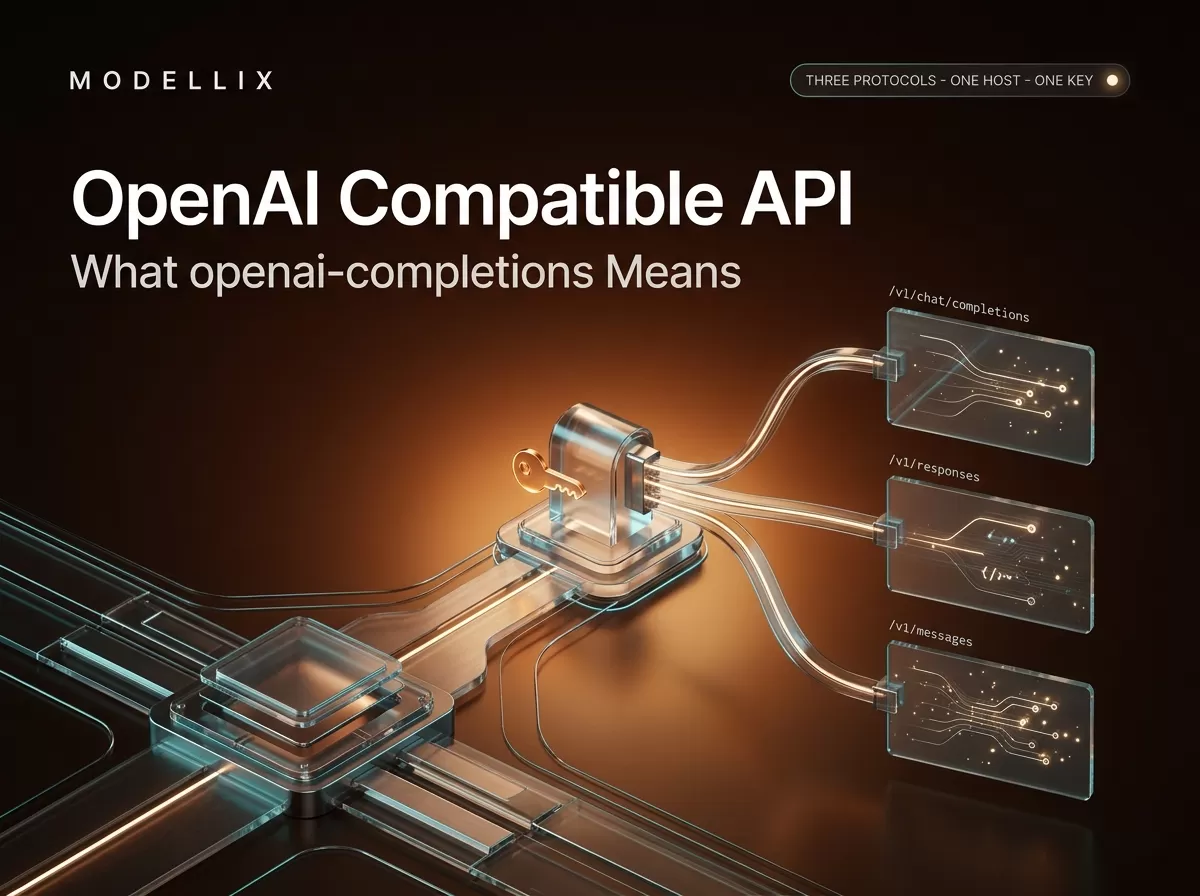
A gateway that is OpenAI-compatible and Anthropic-compatible at the same time is the clearest place to see this. The Modellix LLM host (llm.modellix.ai) documents exactly three protocol surfaces, and its docs are explicit that the endpoints use different URLs and body shapes and that you must not mix fields across protocols. The official field catalog for each is separate, and the same conceptual setting lives under different field names:
| Protocol | Path | Key body field | Output length field | Base URL (on this host) |
|---|---|---|---|---|
| Chat Completions | POST /v1/chat/completions |
messages (array of {role, content}) |
max_tokens / max_completion_tokens |
https://llm.modellix.ai/v1 |
| Responses | POST /v1/responses |
input (a string or content array—not Chat Completions messages) |
max_output_tokens |
https://llm.modellix.ai/v1 |
| Anthropic Messages | POST /v1/messages |
messages (Anthropic roles) plus optional system |
max_tokens (required) |
https://llm.modellix.ai (no /v1) |
Two details in that table cause most integration bugs:
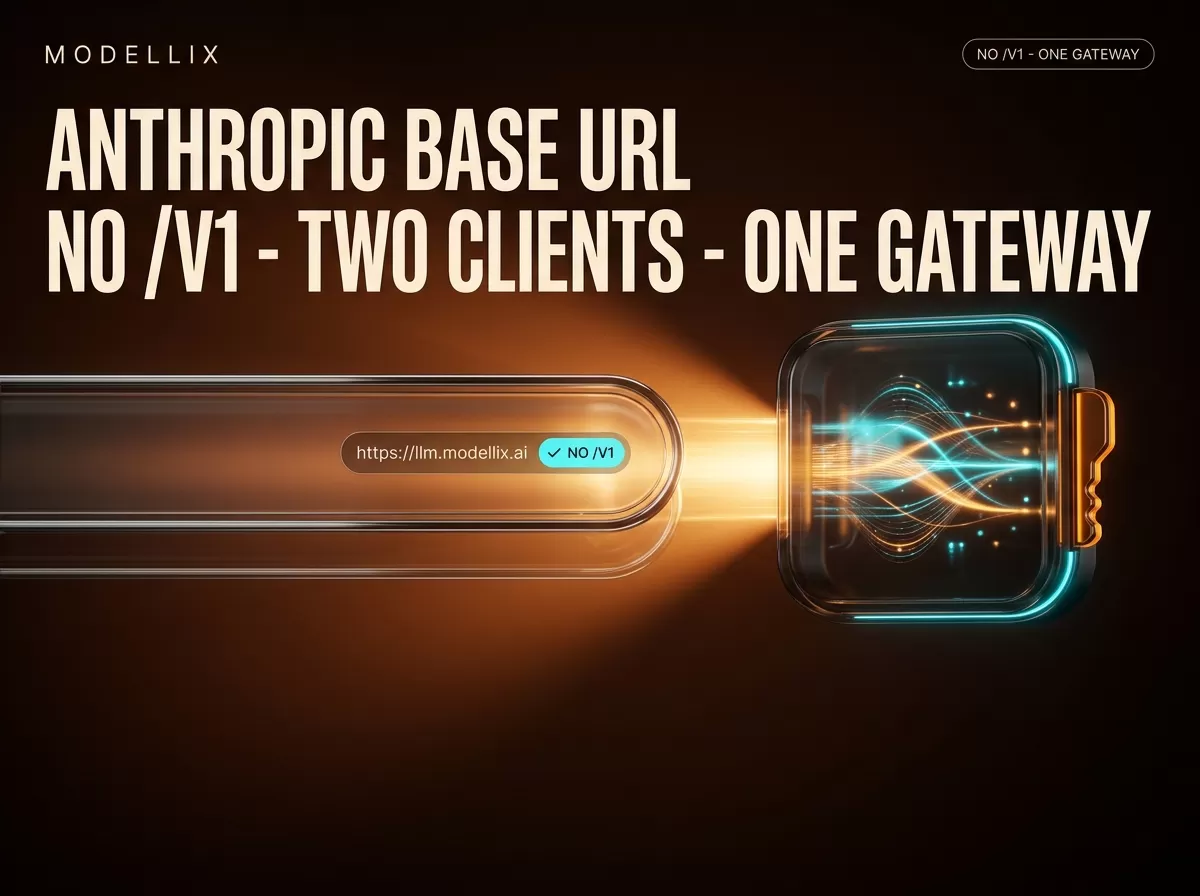
The /v1 prefix is protocol-relative, not decorative. OpenAI-compatible clients expect a base URL that ends in /v1—the SDK appends /chat/completions to it. Anthropic-compatible clients do the opposite: they append /v1/messages themselves, so their base URL is the host without /v1. Paste the wrong shape into ANTHROPIC_BASE_URL or into an OpenAI client’s base_url and every request lands on a path that does not exist.
The body fields do not carry across. Chat Completions takes messages; Responses takes input; Anthropic Messages takes its own messages plus a separate system. Output caps are max_tokens/max_completion_tokens on one protocol, max_output_tokens on another, and a required max_tokens on the third. Send a Chat Completions body to /v1/responses and the request is invalid on arrival—the gateway does not translate your payload. The API guide for the gateway used in this article says it outright:
“The three endpoints use different URLs and body shapes. Do not mix fields across protocols.” — and, in its differences table: “Different bodies—changing only the URL is not enough.” (Modellix LLM API guide, checked September 2, 2026)
So the correct mental model is: a base URL selects a protocol, and a protocol defines its own body. If you are pointing a tool at an OpenAI-compatible endpoint, keep everything OpenAI-shaped. If you switch a client to an Anthropic-shaped endpoint, expect to reshape the request, not just re-point the URL.

One host, three protocol surfaces: each path carries its own request body, so re-pointing a client without reshaping the payload fails.
Where “openai-completions” comes from
The harness string from the opening example is an adapter selector: api: openai-completions tells the DeepSeek Harness llm-pi-ai adapter to speak OpenAI Chat Completions to the configured base URL. DeepSeek Harness’s official custom provider guide defines the same mechanism generically; the Modellix documentation for that page fills in real values: provider ID modellix, api: openai-completions, baseURL: https://llm.modellix.ai/v1, and a models list whose id values are sent on the wire exactly as written.
Why “completions” and not “responses”? Because Chat Completions is the endpoint the ecosystem standardized on first. It is the most widely implemented OpenAI-compatible surface: Poe’s API documents both Chat Completions and Responses but calls Chat Completions “simpler and widely compatible,” and the Modular handbook notes that most compatible servers target Chat Completions because existing SDKs and frameworks support it broadly. OpenAI now recommends its newer Responses API for new applications hosted on OpenAI, but third-party compatibility coverage for Responses varies by provider and framework—so most gateways and tools lead with Chat Completions, and openai-completions is the value their configs expose.
Two companion behaviors travel with an OpenAI-compatible setup:
- Model discovery via
GET /v1/models. An OpenAI-compatible host usually lets you list available model IDs at/v1/modelson the same base URL. That is what a harness’s “fetch available models” button calls. It returns IDs in the form themodelfield expects (on gateways, oftenprovider/name, such asopenai/gpt-5.6-sol). Note that model discovery is a read API: on hosts that separate it, listing models consumes a query budget, not inference quota. - One key, several protocols. Because the key and the host are shared, the same credential can drive Chat Completions, Responses, and Anthropic Messages clients. That is the point of a gateway: your API key from the Modellix console works in an OpenAI SDK pointed at
/v1and in Claude Code pointed at the host without/v1.
How far OpenAI compatibility goes
Compatibility is negotiated per field, not granted per endpoint. A provider can accept your OpenAI-shaped request and still differ from OpenAI on which documented fields do anything, which optional parameters exist, and how limits behave. The practical rule: check the provider’s field table, not its “OpenAI-compatible” badge.
The honest boundary shows up fastest on the fields developers ask about second—the extension layer that many agent workloads build on. These are heavily used in agent work, but they are an extension layer, not part of the core chat exchange, and OpenAI-compatible providers implement them unevenly or not at all. The Modellix LLM API guide is a clean example: its field tables document the core exchange (model, messages/input, stream, temperature, the output-cap family) and leave everything beyond those entries unlisted in either direction—so treat anything outside the documented core as unknown there until you verify it against a working call or the provider’s answer, and verify before you rely on it anywhere. “It speaks Chat Completions” is a statement about the core exchange, not about the optional parameters that different providers handle differently.
The same discipline applies to caching. A provider’s price table may list cached-read and cached-write rates (Modellix’s does), but a rate column is not a usage contract: if the docs do not explain how caching is triggered, what its TTL is, or whether a minimum prompt size applies, then you cannot rely on cache hits or optimize for them—you can only observe them in your usage response.
None of this is an argument that Modellix is the most complete OpenAI-compatible gateway available—only that its documentation is a good specimen of the difference between “compatible” and “documented.” Compatibility is a floor you can stand on, not a wall you can lean on: SDK and auth patterns transfer, field-level guarantees do not.
Chat Completions or Responses: pick by protocol, not by hype
If you are starting fresh on OpenAI’s own platform, the direction is unambiguous: OpenAI maintains a migration guide and recommends the Responses API for new applications, and its Responses reference is the catalog to read. Responses consolidates input, tool use, and state handling in ways Chat Completions grew into awkwardly.
If you are pointing at a third-party OpenAI-compatible endpoint, the decision inverts:
- Check what the provider documents. If its field tables only cover Chat Completions, the Responses path may be an alias, partial, or absent. On Modellix, both are documented endpoints, and both share the
/v1base URL—but the bodies are different, per the table above. - Check what your tool expects. A harness configured with
api: openai-completionsis a Chat Completions client; a Responses client calls/v1/responses. Match the client to the provider’s documented surface rather than to the newest protocol name. - When in doubt, Chat Completions is the compatibility default. It is the most implemented endpoint across SDKs, frameworks, local servers, and gateways—the reason the config string in your harness is
openai-completionsin the first place.
For reference on the OpenAI side of this choice, the Chat Completions API reference and the Anthropic Messages reference are the official field catalogs; the Modellix LLM API guide cited above documents all three protocols on one host.
The OpenAI-compatible ecosystem in practice
In 2026, an “OpenAI-compatible” label appears on four kinds of things, and it helps to know which kind you are touching:
- Official platforms (OpenAI, Google Gemini via its compatibility layer) that publish their own clients and docs.
- Model gateways and aggregators that expose many models behind one key and one or more protocols—the category this article’s host belongs to. Picking between gateway products is a separate decision from picking a protocol; the OpenRouter-alternatives comparison linked in the introduction covers that choice.
- Inference servers and frameworks (LM Studio, vLLM and its peers, and similar local/self-hosted servers) that expose models you run yourself as
/v1/chat/completionsendpoints, often with a local-only key or none at all. - Clients and harnesses that consume compatible endpoints: OpenAI SDKs, LangChain, Vercel AI SDK, agent frameworks, IDE tools, and agent harnesses from Codex and Cursor to Cline and DeepSeek Harness.
The minimal integration is the same against all four. Point the OpenAI SDK at the provider’s base URL with your key, and call it like any OpenAI client:

The SDK config surface: a base URL, a key, and a model ID are the whole “compatibility” contract your client sees.
1 | from openai import OpenAI |
Two habits keep integrations honest: verify fields against the provider’s docs (the core exchange transfers; extensions do not), and match the base URL shape to the client’s protocol (/v1 for OpenAI-shaped clients, no /v1 for Anthropic-shaped ones). For a full map of which client type uses which base URL and protocol, the Modellix LLM overview table is a useful reference.
Try All Three Protocols on One Key
Create a Modellix API key and call Chat Completions, Responses, and Messages from the same console.
LoginFrequently Asked Questions
What does “openai-completions” mean in a config file?
It is an adapter selector: it tells the tool to speak OpenAI’s Chat Completions protocol (POST /v1/chat/completions) to the configured base URL. It is not a model name or a vendor label—the same config value appears in DeepSeek Harness custom providers and in many other tools that accept an “OpenAI-compatible” target.
Is an OpenAI-compatible API the same as OpenAI’s API?
No. It mirrors OpenAI’s interface conventions—paths, request/response shapes, authentication—so existing clients can be re-pointed at it. The models, field catalog, rate limits, and pricing behind that interface belong to the provider.
What base URL do I use for an OpenAI-compatible API?
The provider publishes it; for OpenAI-shaped protocols it normally ends in /v1 (for example https://llm.modellix.ai/v1). Anthropic-shaped endpoints use the host without /v1, because Anthropic clients append /v1/messages themselves. Copy the exact shape from the provider’s docs rather than guessing.
Is there a free OpenAI-compatible API?
Free mostly means local: LM Studio, llama.cpp, and similar servers expose models you run on your own hardware as OpenAI-compatible endpoints at no per-token cost. Hosted providers are pay-as-you-go, and free-trial policies change frequently—Modellix, for instance, does not hand out automatic registration credit and grants trial credit on request instead. Check the provider’s current policy.
Can I use the official OpenAI SDK with any compatible API?
Yes, for the core chat exchange: set base_url and api_key and the SDK’s chat calls reach the compatible endpoint. Beyond the core fields, what a given provider honors is per-provider—check its field table and verify against a working call before relying on anything outside the documented core.
When should I use the Responses API instead of Chat Completions?
On OpenAI’s own platform, OpenAI recommends Responses for new applications. Against a third-party compatible endpoint, first confirm the provider documents Responses at all, then match your client to the documented surface. If both are supported, Responses is worth adopting for new OpenAI-hosted code; Chat Completions remains the safest default for portability.
Is Anthropic’s Messages API OpenAI-compatible?
Not in the protocol sense. It is a separate family with its own path (/v1/messages), body shape, and base-URL convention—that is why the same gateway exposes it as a third protocol rather than as a variant of the OpenAI ones. The Anthropic-side configuration, including the no-/v1 base URL, is covered in the Anthropic Base URL guide linked in the introduction.
Protocol definitions, endpoint shapes, and provider policies change frequently; the details above reflect documentation and official pages as of September 2, 2026, so verify against each provider’s live docs before committing. Access image, video, and text-generation models through a single API key at modellix.ai.