The short answer: your Nano Banana Pro API key is free — the model is not
You can create a Nano Banana Pro API key free in Google AI Studio today, and the key itself will never cost you anything. What is not free is the Pro image model behind it — the tier Google positions for the most complex visual tasks, known for legible in-image text, brand-accurate layouts, and 4K output. Google’s pricing page lists gemini-3-pro-image (Nano Banana Pro) with no free tier, priced at $0.134 per 1K/2K image and $0.24 per 4K image on the official route as of August 16, 2026.
That split — free credential, paid model — is why this query produces such contradictory results. GitHub repos promise “100% free Nano Banana Pro API,” aggregators advertise free trial credits, Google’s own docs say the model has no free tier. All three statements can be true at once, because “free” applies to different layers: the key, the first test, or the model itself.
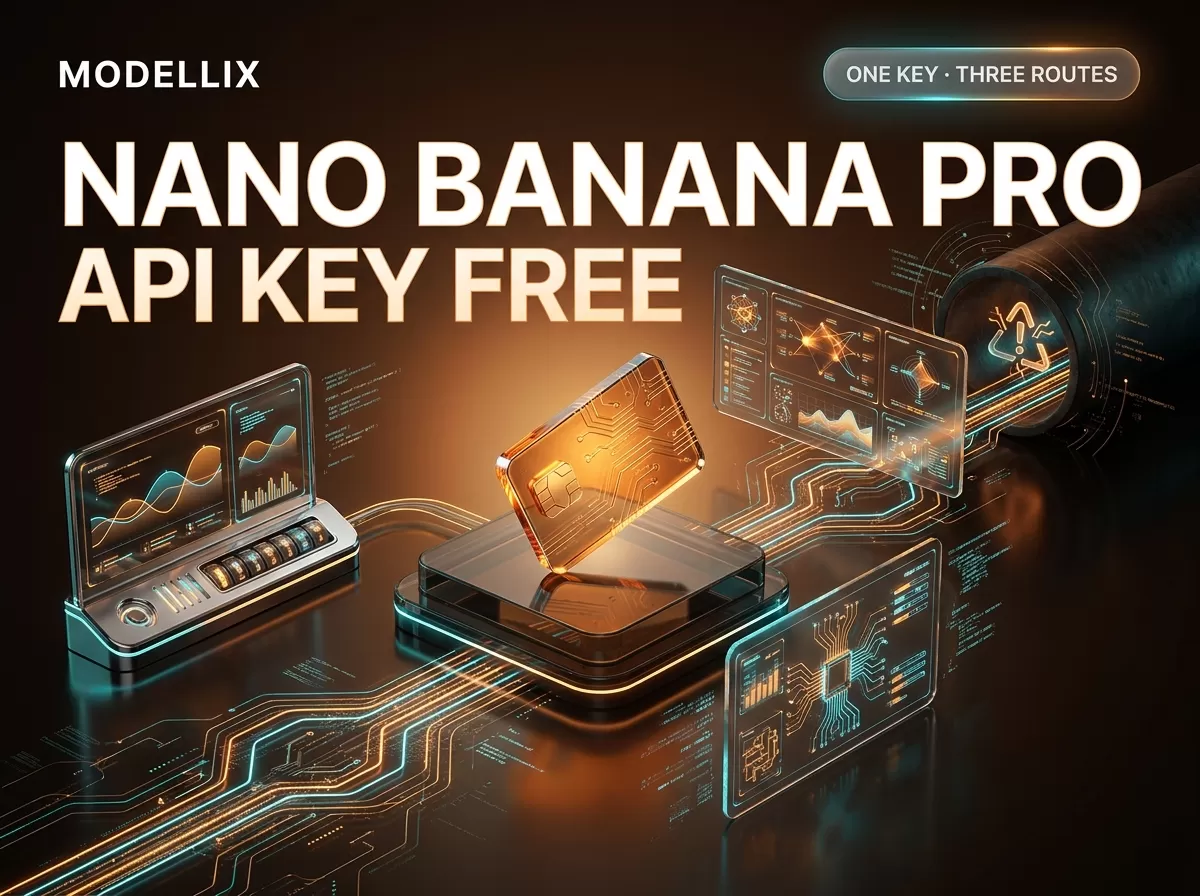
In practice you have three routes to Nano Banana Pro, and they differ in billing unit, free allowance, and who owns the contract:
| Route | Credential | Billing | Free allowance | Best when |
|---|---|---|---|---|
| Official Google API | Gemini API key (free in AI Studio) | Per token (~$0.134/1K image) | None for Pro image; paid tier starts at a $10 prepay | You want Google’s own contract and don’t mind token math |
| Unified API (aggregator) | One API key (free signup) | Per image ($0.1265/1K–2K) | $10–30 free credit, no card | You want predictable per-image cost and one key for many models |
| “Free” wrappers / GitHub repos | Varies; often none | Hidden — relay or ad-supported | “Unlimited free” claims | Only if you accept an unofficial contract (see the risks below) |
This guide walks each route with current prices and code you can copy, then gives you a decision table and the exact cost of a free test. All numbers were read from the providers’ own pages on August 16, 2026 — model IDs, free tiers, and billing rules change, so treat this as a dated snapshot and re-check the linked pages before you build.
What “free” actually means for Nano Banana Pro right now
The confusion is structural: Google separates the credential layer from the model entitlement layer, and most tutorials flatten them into one answer.
The key is free. Google’s API key documentation routes new users to Google AI Studio, where accepting the terms creates a default Google Cloud project and an API key automatically. No payment method is requested at that step. One nuance worth knowing: new keys created in AI Studio are now authorization (auth) keys by default, and Google says the Gemini API will reject requests from unrestricted standard keys starting September 2026 — so migrate any older standard keys before then if you have them.
The Pro image model is not free. The official pricing page marks both input and output for Gemini 3 Pro Image as Free Tier: Not available. The free tier that new accounts start on only covers certain models — and Pro image is not one of them. This is the single fact most “free Nano Banana Pro” tutorials get wrong, because they either predate the current billing rules or they describe a different model (Nano Banana 2, gemini-3.1-flash-image, does have a free tier; Nano Banana Pro does not).
Billing lives above the key. Every Gemini API key is associated with a Google Cloud project, and tiers, rate limits, and billing caps are determined at the billing-account level. Creating a second key does not create a second budget — it creates a second credential for the same billing object. If a key exists but Pro calls fail with a billing error, the fix is usually at the project or billing-account layer, not the key.
The 2026 billing changes that broke older tutorials. Google’s billing FAQ now describes a tier system: Free (active project), Tier 1 (link a billing account, $250 cap), Tier 2 (paid $100 + 3 days, $2,000 cap), Tier 3 (paid $1,000 + 30 days, $20,000–$100,000+ cap). Upgrading from Free means linking a billing account and prepaying a minimum of $10. New users default to the Prepay plan, unused credits expire after 12 months, and when the prepay balance hits $0, all API keys on that billing account stop working at the same time. Older articles that promise “$300 welcome credits” for new Gemini API onboarding are describing a program that no longer applies to new accounts.
Route 1 — Google’s official API: free key, token billing
This is the route the word “official” refers to. You authenticate with a Gemini API key, call the model gemini-3-pro-image through the Interactions API, and control size and aspect ratio with a response_format block.
Step 1 — Create the key. Go to Google AI Studio, accept the terms, and let it create your default project and key (or import an existing Google Cloud project). Copy the key once — it is stored as a secret from then on. New keys are auth keys bound to a service account; keep them server-side.
Step 2 — Call the model. The official image-generation docs use the generateContent endpoint with a response_format requesting an image:
1 | from google import genai |
Step 3 — Understand the billing unit. Google bills image output per token: Pro image output is $120 per 1M tokens, and a 1K/2K image consumes 1,120 tokens ($0.134), while a 4K image consumes 2,000 tokens ($0.24). Input images add about $0.0011 each. Batch/Flex mode roughly halves the output price to ~$0.067 (1K/2K) and $0.12 (4K). None of this appears on the free tier — you must link a billing account and prepay at least $10 before the first Pro image call succeeds.
Route 2 — A unified API: one key, per-image pricing, free credit to start
A unified API keeps the same model but changes the contract: you get one key for 210+ image and video models, billing is per image instead of per token, and the free allowance is a credit you can actually spend on Pro.
Modellix is one such aggregator, and we have a commercial interest in this comparison. It fronts the same Google model, so image quality is identical to Route 1 — the differences are billing unit, free credit, and workflow. The Modellix Nano Banana Pro model page currently displays $0.1265 per image (1K/2K) and $0.2093 (4K), with a $10–30 free credit on signup that needs no card.
The integration shape is a uniform asynchronous task, which every image and video model on the platform shares (the API docs describe the full contract):
1 | # 1) Submit the Nano Banana Pro task |
Because the model is just a string in the path, the identical loop runs Nano Banana 2, Veo, Kling, or any other model by swapping that one segment — that is the operational argument for the unified route, not a claim that it is cheaper. The full Nano Banana Pro integration guide covers the parameter table, webhook headers (X-Webhook-URL on submit, X-Modellix-Event / X-Modellix-Delivery-ID on delivery), 7-day result retention, and the 400/401/402/429/500 error semantics; the key lifecycle — creating, rotating, storing, and the 401/402 auth errors — is in the Nano Banana API key guide.

The three access routes from a single credential: Google’s official API, a unified API with per-image pricing, and third-party wrapper services. Generated for this guide on August 16, 2026.
| Question | Official Google API | Unified API |
|---|---|---|
| Billing unit | Tokens (~$0.134 per 1K image) | Per image ($0.1265 1K/2K, $0.2093 4K) |
| Free allowance for Pro | None — $10 prepay to unlock paid tier | $10–30 credit on signup, spendable on Pro |
| Key scope | One provider | One key across 210+ image/video models |
| Interface | Interactions API (sync-style generateContent) | Uniform submit-and-poll async task + webhooks |
| Price predictability | Depends on token counts per image | Fixed per image, known before you call |
The honest summary: the official standard rate and the unified per-image rate are close for 1K/2K, Google’s Batch tier is cheaper per image than either standard route, and neither is universally lowest. Pick the route by your billing preference and integration needs, not by a headline.
Route 3 — “Free” wrappers and GitHub repos: what the promise actually is
The SERP for this query is full of “free Nano Banana Pro API” claims — GitHub repositories, wrapper landing pages, and Reddit threads pointing at them. They are not all scams, but they are all different contracts, and none of them change the official answer. In practice they fall into four buckets:
- Wrappers around the official route — they hold their own Google keys and resell access. “Free” usually means a small trial or ad-supported tier, with your usage on someone else’s account.
- Relays with their own billing — the model is exposed through the wrapper’s credits or points. The per-image cost is often hidden until you read the fine print.
- Stale tutorials — older articles that repeat pre-March-2026 credit assumptions or reference
gemini-2.5-flashas “the” Nano Banana model. High-quality but outdated. - Pure marketing — a landing page whose only product is the promise. The giveaway is a missing model ID, missing pricing, or a “free unlimited” claim with no stated limit.
One legitimate model deserves a distinct mention: User-Pays platforms (e.g., Puter.js) let your app’s end users authenticate with their own accounts and cover their own AI costs, so you pay nothing. That is a real architecture, but it is not “free Nano Banana Pro” — it moves the bill to your users, and you depend on a third-party runtime.
A practical verification checklist before you trust any “free API” offer: does it name the exact model ID (gemini-3-pro-image)? Does it show a price per image or per token? Who owns the billing account your requests run on? What happens to your app when the free tier ends or the wrapper disappears? If the answer to any of these is unclear, the official route or a transparent aggregator is the safer default.
What a free test actually costs you
“Free” only gets you so far, so here is the arithmetic for the cheapest real test of Nano Banana Pro, using the numbers above.

Calculated from official and unified-API per-image rates as of August 16, 2026. Batch pricing uses Google’s published half-price Batch/Flex figures; unified-API figures use the displayed 1K/2K and 4K rates.
| Test budget | Official standard | Official Batch | Unified API |
|---|---|---|---|
| $10 prepay, 1K/2K images | ~74 images | ~149 images | ~79 images |
| $10 prepay, 4K images | ~41 images | ~83 images | ~47 images |
| Free credit ($10–30, no card) | Not available for Pro | Not available for Pro | ~79–237 images at 1K/2K |
The numbers are simple divisions of a balance by a per-image rate — not a promise about latency or rate limits. What they show: a real Pro test is affordable on every route, and the only route where you can test before adding a payment method is the unified-API credit path. Google’s rate-limit documentation also warns that public limits are not guaranteed for every account; check your live quota in AI Studio before planning throughput. For the full ladder of Pro sizes, the batch math, and why the widely copied “$0.15/$0.30” figures are wrong, see the dedicated Nano Banana Pro pricing breakdown.
Which route should you pick?
| Your main reason | Start with |
|---|---|
| You only need Google models and want the source of truth | Official API (Route 1) — accept token math and the $10 prepay |
| You want predictable per-image cost and a free test before paying | Unified API (Route 2) — spend the free credit on real Pro calls |
| You’re building a product that will switch between image/video models | Unified API (Route 2) — one integration, model as a path segment |
| Your users pay their own AI costs | User-Pays platform — but read it as a separate contract |
| You saw “100% free” in a GitHub repo | Do the verification checklist in Route 3 before wiring it in |
Whatever you pick, run the same prompt through the route you’re considering and compare the actual billed amount before committing — the per-image figures here are dated snapshots, and the decision that matters is the one on your own invoice.
FAQ
Can I get a Nano Banana Pro API key for free?
Yes. Google AI Studio creates a default project and API key automatically after you accept the terms, with no payment method required. New keys are authorization keys by default; standard keys will be rejected starting September 2026.
Can I use the Nano Banana Pro API for free?
Not the Pro image model itself. Google’s pricing page marks gemini-3-pro-image with Free Tier: Not available — the free tier covers certain other models (Nano Banana 2 has a free tier; Pro does not). Some aggregators offer a $10–30 free credit that you can spend on Pro, which is a free test rather than a free model.
Is there a way to get Nano Banana Pro for free?
No official free tier exists for the Pro image API as of August 16, 2026. “Free” offers you see are third-party contracts: trials, ad-supported wrappers, or User-Pays platforms where your users cover the cost. Evaluate those as separate products, not as evidence that the official model is free.
How do I use Nano Banana Pro free (or on a minimal budget)?
Create the key free in AI Studio, then pick a route with a low entry cost: a unified API’s free credit needs no card, or prepay $10 on the official route (about 74 images at 1K). The cheapest official per-image rate is Batch/Flex at ~$0.067 per 1K/2K image.
What is the difference between Nano Banana Pro and Nano Banana 2?
Pro (gemini-3-pro-image) is the high-fidelity tier — legible in-image text, brand-accurate layouts, 4K output — at $120/1M output tokens and no free tier. Nano Banana 2 (gemini-3.1-flash-image) is the speed-first generalist at $60/1M tokens with a free tier. The higher version number on Nano Banana 2 is a generation label, not a capability ranking.
Do I need a paid Google Cloud account to use the Nano Banana Pro API?
Not to create the key, but yes to generate Pro images on the official route: linking a billing account and prepaying at least $10 moves you off the free tier. The unified-API route lets you test with a free credit first, no card required.
Why does my key work but Pro calls fail?
The key authenticates the request, but entitlement lives at the project and billing-account layer. Check three things in order: the model’s free-tier status on the pricing page, your billing-account state (Prepay balance, plan assignment), and your live quota in AI Studio. Creating another key rarely fixes a billing-layer problem.
Provider details and pricing reflect public information as of August 16, 2026, and change frequently. Validate against each provider’s live pricing before committing. Access image and video models, including the leading Chinese models, through a single API key at modellix.ai.